01 / Challenge
Challenge
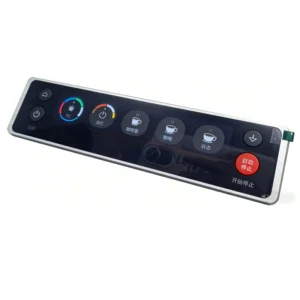
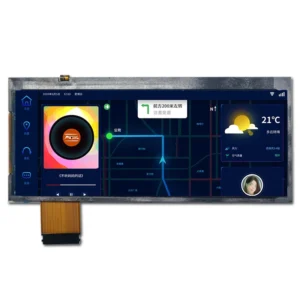
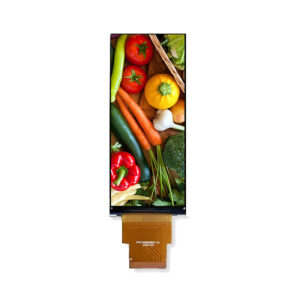
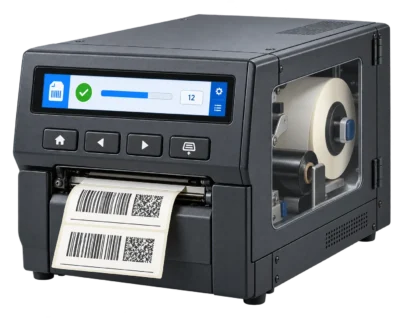
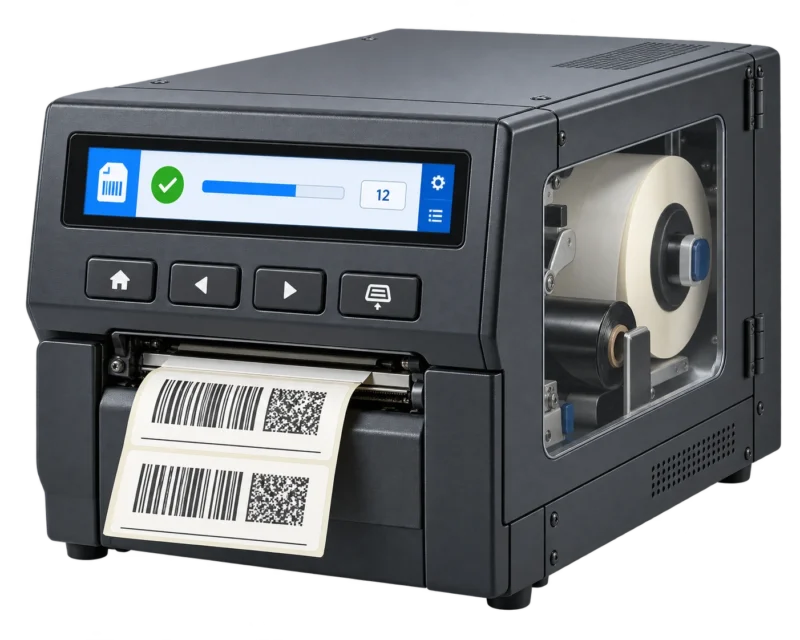
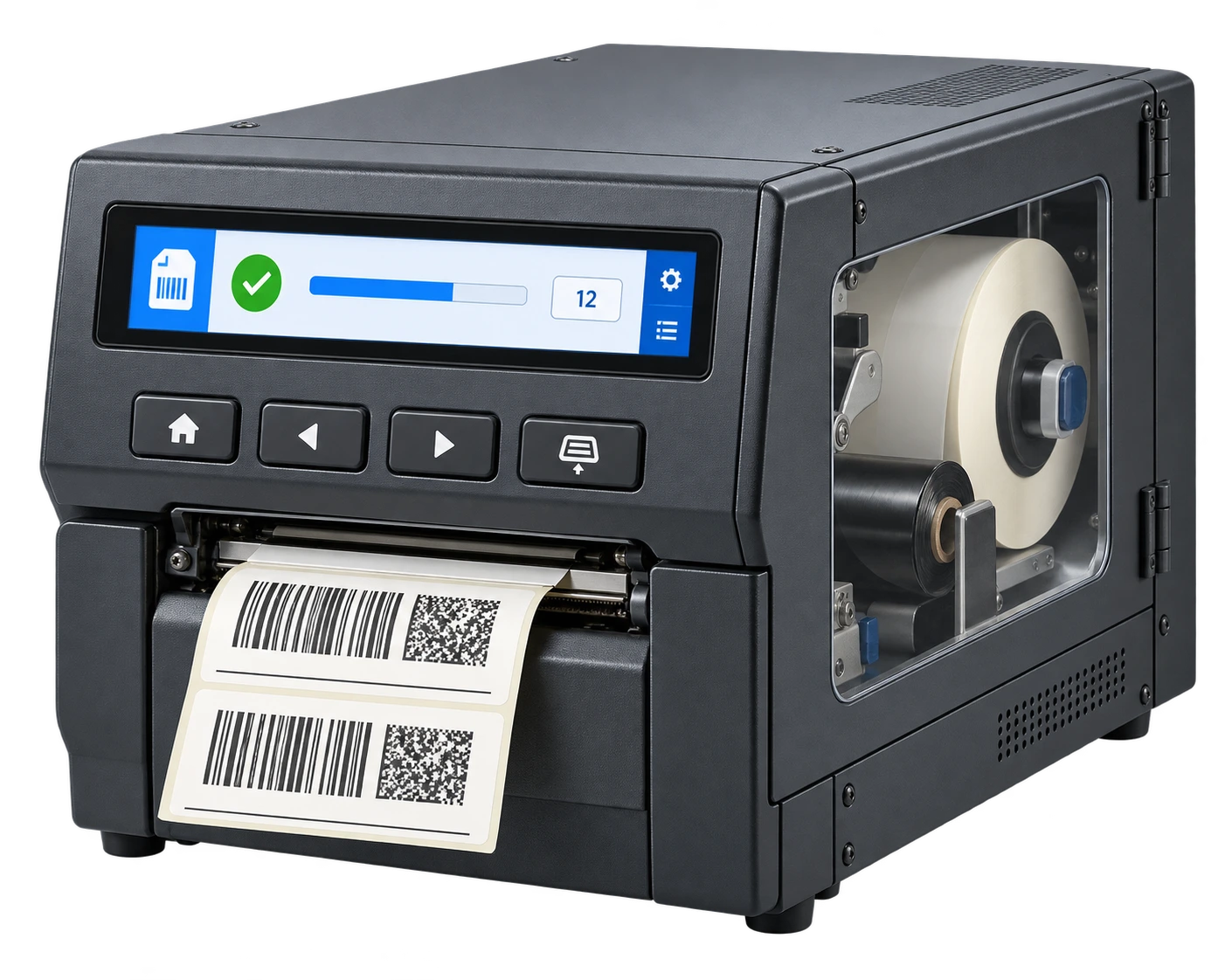
An industrial thermal transfer label printer needs to show the active print job, quantity progress and media status without occupying the space required for the label exit and service access. This application concept places an 8.88-inch bar display in the upper front fascia, with physical buttons below it. The target is a readable equipment status strip integrated into the printer body.
02 / Solution
Solution
Use the bar format for a horizontal information hierarchy
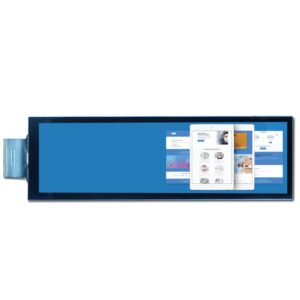
The ZC-088802-1001 has a native 480 × 1920 pixel format and a 54.72 × 218.88 mm active area. In the proposed horizontal mounting position, the host renders a 1920 × 480 user interface after coordinate rotation. The screen can then separate job identification, quantity progress and media alerts along its length. The printer controller supplies these values; the display module does not detect ribbon or label conditions itself.
Proposed UI Layout
| Screen zone | Printer information |
|---|---|
| Left | Current job identification |
| Center | Quantity progress and job state |
| Right | Media/ribbon alerts from printer controller |
| Physical buttons | Navigation and feed controls, equipment-side functions |
Defined optical inputs for a factory equipment interface
The optical table specifies 800:1 typical contrast, 640:1 minimum contrast and typical 80° viewing angles in each direction at CR ≥10. These are useful inputs for selecting text size, icon weight and the viewing position around the printer. The engineering drawing lists 1000 cd/m² typical luminance; final optical verification should use the agreed measurement conditions on the assembled display installation.
Match the display electronics and printer enclosure
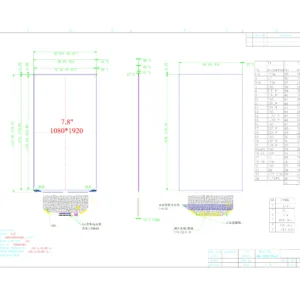
The module uses a MIPI interface with an OTA7290N display driver. The drawing shows four data lanes and a 36-pin connection. Its nominal outline is 68.50 × 230.50 × 5.08 mm, providing a defined basis for the front opening, mounting clearance and cable routing. The power design must account for the LCD logic and bias rails as well as the separate LED backlight drive. The specified operating and storage ranges are both −30°C to +80°C; the completed printer still requires its own thermal and electrical validation.
Technical Specifications
| Parameter | Specification |
|---|---|
| Model | ZC-088802-1001; Rev.A; 2026-05-16 |
| Größe | 8.88 inch |
| Native resolution | 480 × 1920 |
| Proposed UI orientation | 1920 × 480 after host rotation |
| Pixel count | 921,600; calculated |
| LCD active area | 54.72 × 218.88 mm |
| Module outline | 68.50 × 230.50 × 5.08 mm nominal |
| Schnittstelle | MIPI; four data lanes shown in drawing |
| Display driver | OTA7290N |
| Connection | 36-pin; drawing |
| Luminance | 1000 cd/m² typical; engineering drawing |
| Contrast | 800:1 typical; 640:1 minimum |
| Viewing angles | 80° U/D/L/R typical; CR ≥10 |
| Response time | 40 ms typical |
| NTSC ratio | 50% typical |
| VDD | 3.3 V typical; 2.7–3.6 V |
| Bias rails | AVDD 12 V; VGH 18 V; VGL −10 V; VCOM 4.88 V |
| LED drive | VF 21 V typical; IF 300 mA; separate LED drive |
| Operating & storage | −30°C to +80°C |
| Berühren Sie | Not defined in supplied specification |
Reliability Requirements
| Requirement | Condition |
|---|---|
| High-temperature operation & storage | 80°C; 120 h each |
| Low-temperature operation & storage | −30°C; 120 h each |
| Humidity | 40°C / 90%RH; 120 h |
| Thermal shock | −30°C →25°C →80°C; 0.5 h /5 min /0.5 h; 10 cycles |
| ESD | HBM ±8 kV (330 Ω /150 pF); MM ±200 V (200 pF /0 Ω) |
These are datasheet requirements, not completed project test records. The specified final inspection follows 24 hours at room temperature after testing.
03 / Result
Result
This configuration combines a long, narrow information layout with a specified MIPI display module for an industrial label printer. It gives the equipment team measurable inputs for fascia design, interface layout and controller integration. Prototype evaluation should confirm rotated image mapping, readability, power sequencing and the module temperature inside the printer. Displaysell supplies the display integration scope; the illustrated printer is an application concept.
Discuss Your Printer Display Requirements
Send your front-panel drawing, host interface, operating environment and desired information layout. Displaysell can review a bar-display configuration for your printer design.