




In lcd screen production, there’s a step that seems "torturous" but crucial—aging testing. It’s like putting the screen in a "pressure mask," using extreme conditions to speed up hidden problems, and finally adding a "reliability lock" to the product. Especially for scenarios like car displays or industrial use, where stability matters most, aging testing is an irreplaceable quality checkpoint.
What is an aging test?
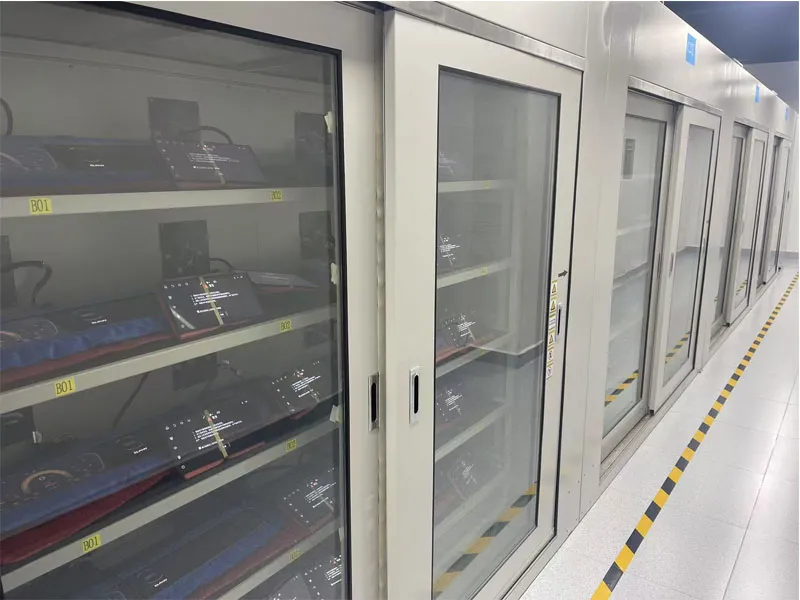
Put simply, an aging test simulates extreme environments a product might face over time—high/low temperatures, humidity changes, etc. It makes the screen "age faster" under controlled conditions to find hidden flaws. It’s not about "torturing" the screen on purpose; it’s a scientific way to compress time. For example, 72 hours of intense testing can mimic 1-3 years of real-world aging.
For LCD screens, the core of an aging test is this: use temperature cycles, constant high/low temperature exposure, or voltage fluctuations to bring out hidden issues. These could be LED bulb fading in the backlight, slow liquid crystal response, oxidized solder joints in the driver circuit, or loose cables. If these flaws go undetected before shipping, they might "suddenly break" when users are using the screen.
3 key roles of aging tests
1)Catch hidden flaws early Small defects in screen production—like weak solder joints or materials with poor heat resistance—are hard to spot in regular checks. But in extreme environments, they become more obvious. Aging tests act like a "magnifying glass," exposing these risks before shipping. This keeps users from dealing with headaches like "sudden black screens" or "unresponsive touch in cold weather."
2)Prove durability for tough scenarios Different uses demand different "toughness" from screens. Consumer phone screens just need to handle room temperatures, but car or industrial screens face -30℃ winters, 85℃ summer heat, or constant vibration. Aging tests verify if the screen can "handle" the environment, it’s meant for—making sure it works reliably wherever it’s used.
3)Set quality standards, boost batch stability Each batch of screens might vary slightly in quality due to small differences in materials or production. Standardized aging tests quickly tell if a batch meets standards. This avoids "one bad batch causing widespread problems" and protects the brand’s reputation.
Example: The 10.3-inch car screen’s "72-hour extreme challenge"
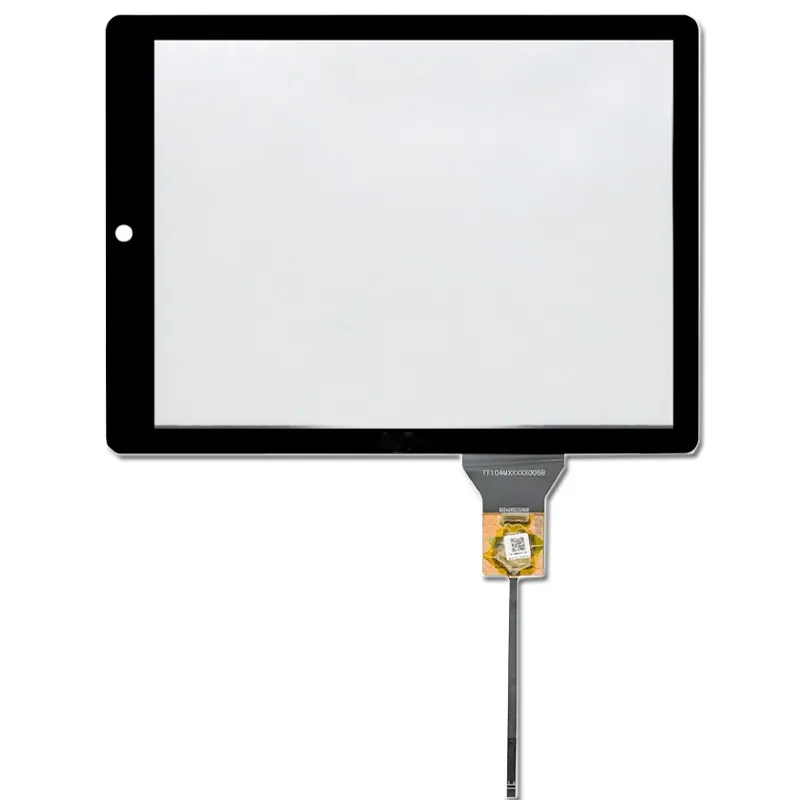
In car displays, reliability ties directly to driving safety. Imagine a navigation screen glitching mid-drive, or touch failing in cold weather—that’s dangerous. For the 10.3 inch car LCDs we customize for automakers, aging tests are the "final check" before shipping. Every batch of these screens (used in car dashboards) must pass the aging test first:
Test environment: Screens go into a high-low temperature chamber. Temperatures switch between -30℃ and 85℃, with humidity steady at 50%±5%.
Test duration: 72 hours of non-stop operation. The screen shows navigation, plays videos—mimicking frequent real-world use.
Key checks after aging testing:
① Display quality: Any ghosting, color shifts, or uneven backlighting? ② Circuit stability: Did temperature swings cause short circuits or black screens in the driver board? Only when all performance pass 100% do we label the batch "pass" and ship it to automakers.
Why be so strict? Car scenarios leave almost no room for error. A bad batch of screens could lead to recalling tens of thousands of cars—huge losses. For us, 72 hours of "tough testing" buys more peace of mind. Aging tests might not boost a screen’s resolution or brightness—those "obvious specs"—but they’re a litmus test for a product’s "hidden strength." Especially in long-life, high-risk fields like cars or industry, a strict aging test is the most honest promise to users.
LCD Aging Test Planning FAQs
What is the difference between a production burn-in and a reliability test for an LCD project?
Agree on the purpose before selecting the conditions. A production screen can expose early faults, while a reliability plan tests identified failure modes against the device's expected use. Document the sample size, stress conditions, duration and the decision each test supports.
Which readings should we record before and after an LCD aging test?
Use the same setup to record luminance, uniformity, current draw and image or touch behavior, as applicable. Include the test pattern, panel temperature and sample revision. Set the allowable changes before running the test and check whether any failures recover afterward.
Can a fixed number of hours in an aging test predict field life for my LCD?
Ask which failure mechanism the stress represents and how the conditions relate to your operating profile. Use a field-life estimate only when the model and evidence support it. Include representative duty cycles, brightness and internal temperature in the assessment.

