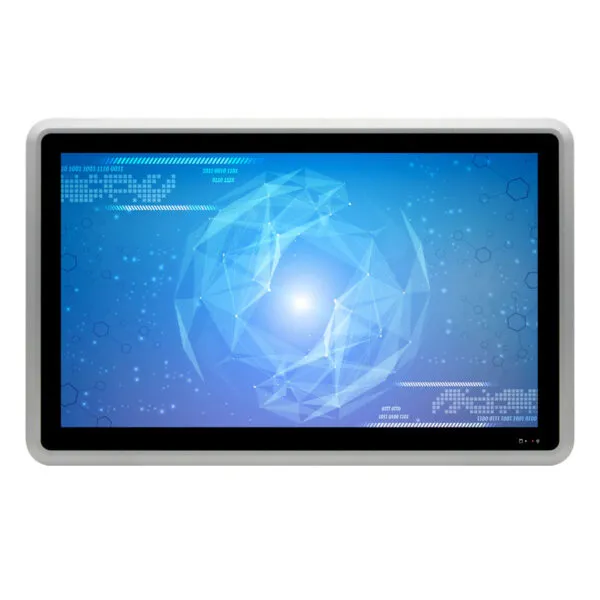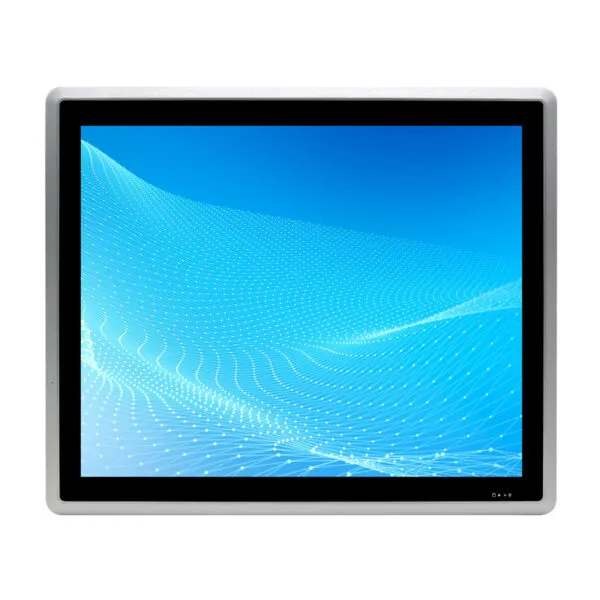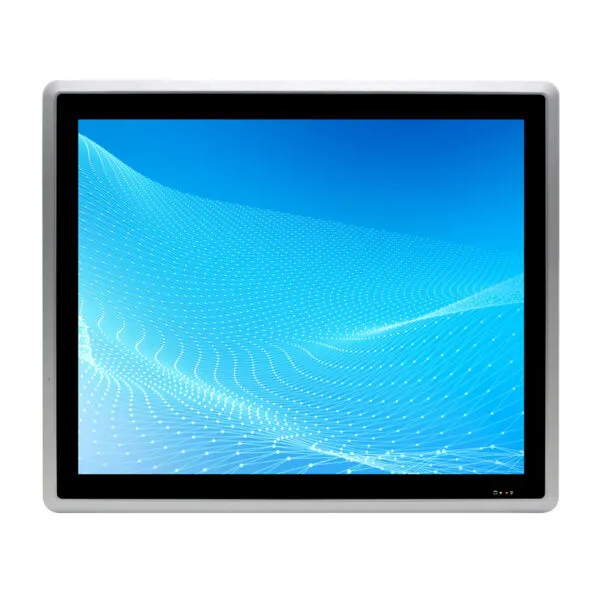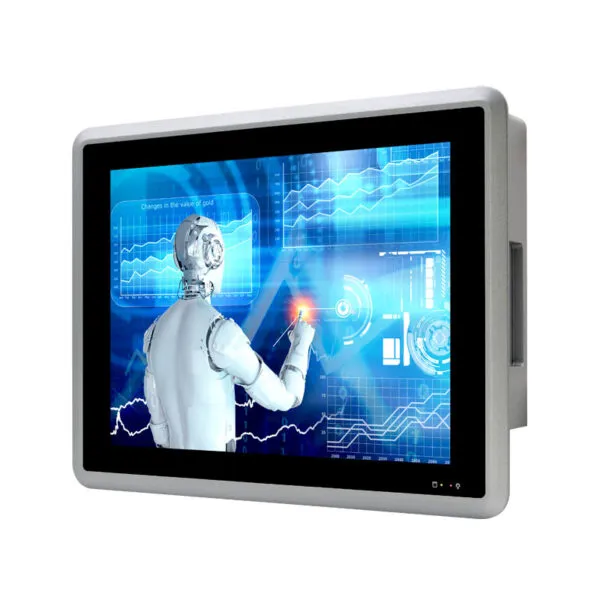
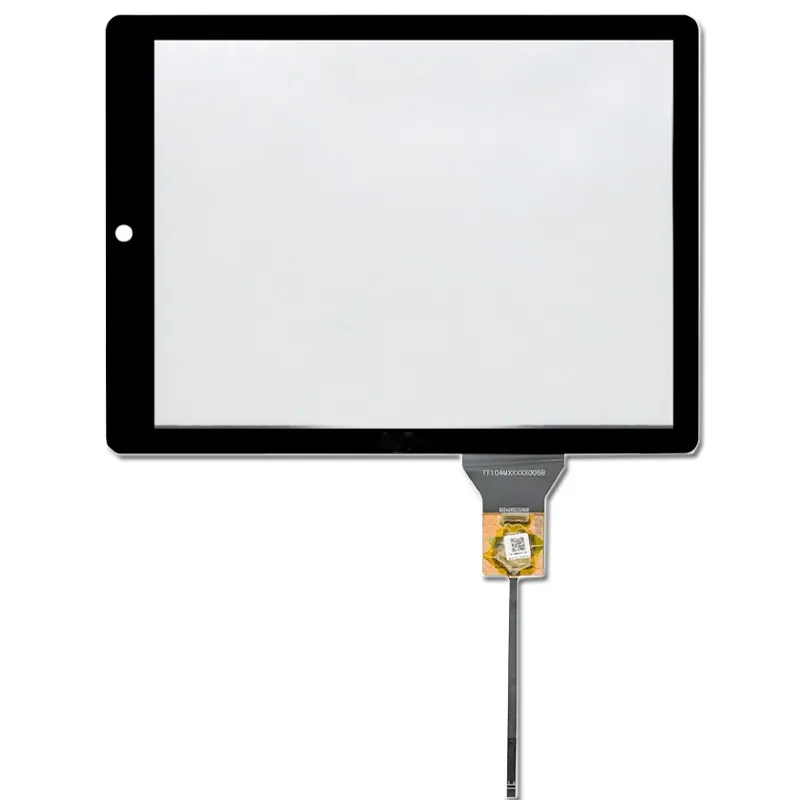

Machine industrielle ALL in One 12,1 pouces avec écran tactile capacitif

UGS : DS30029
Taille :

Résolution :

Interface :

, , , ,

Luminosité (cd/m²) :

500

UNITÉ CENTRALE

Intel® Celeron J6412/2.00GHz

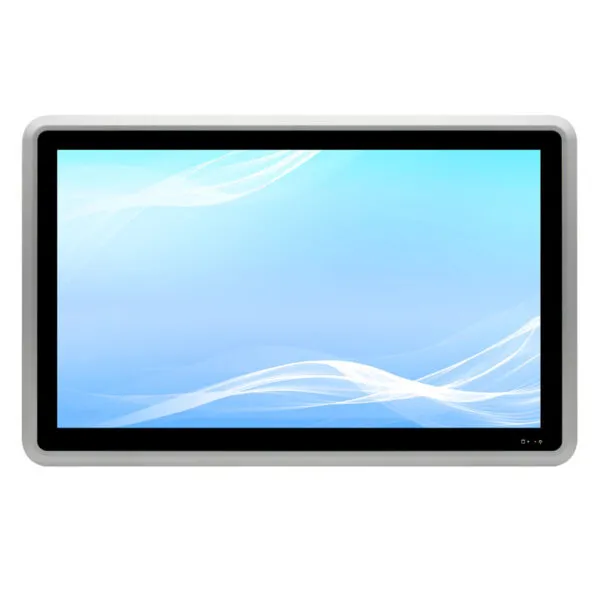
12.1 inch Industrial ALL in One Machine, with 10 point capacitive touch, Intel® Celeron J6412/2.00GHz quad-core quad-thread processor, Support VESA installation/embedded panel installation.

Demande de tarification au volume


    Description

    12.1 inch Industrial ALL in One Machine main features:

    • 12.1-inch LCD, 1024*768, capacitive touch screen
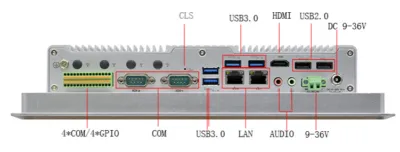
    • 1*HD OUTPUT
    • 2*Intel I210AT Gigabit network adapter
    • 6*RS232 serial port, COM1~2 RS232 DB9 serial port, COM2 support RS485/422, COM3~6 RS232 in 2*15P Phoenix terminal, COM3 support RS485
    • 2*15Pin Phoenix terminal, four in four out GPIO,4*COM, switch,5V,GND
    • 4*USB3.0, 2*USB2.0
    • Entrée de tension large 9~36V
    • Aluminum alloy material, fanless cooling structure
    12.1 inch Industrial ALL in One Machine


    12.1 pouces Machine industrielle ALL in One

    Châssis Matériau/Structure Matériau en alliage d'aluminium, structure de dissipation thermique sans ventilateur
    Couleur Argent brillant
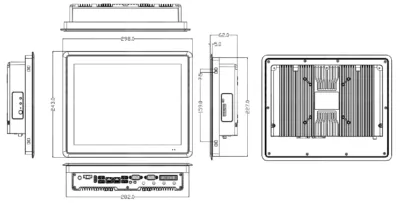
    Dimensions (L*L*H) L298*W243*H62mm
    Poids net 2.97KG
    Installation Prise en charge de l'installation de panneaux VESA/embedded
    Écran LCD Type 12.1 inch LCD
    Résolution 1024 * 768
    Luminosité 500 cd/m2
    Écran tactile Type Écran capacitif, tactile à 10 points
    Transmittance ≥85%
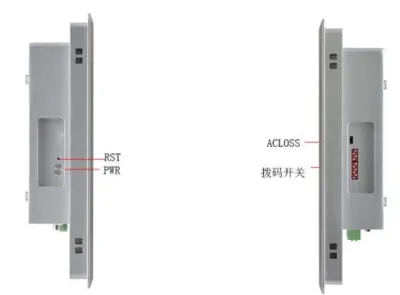
    Interface IO PUISSANCE 1*bouton d'alimentation, 1*restauration par touche unique, 1*ACLOSS (commutateur de mise sous tension), 1*bouton de réinitialisation du CMOS
    Interface d'affichage 1*HDMI
    LAN 2*Carte réseau Gigabit Intel I210, supportant le réveil réseau, PXE
    USB 4*USB3.0,2*USB2.0
    COM 6*port série RS232, COM1 port série RS232 DB9, COM2 port série RS232/485/422 DB9, COM3-6 RS232 sur terminal Phoenix 2*15P, COM3 supporte RS485, COM1-2 supporte la fonction live de la 9ème broche.
    Terminal Phoenix 2*15P (4 entrées 4 sorties GPO/signal de l'interrupteur d'alimentation/COM3~COM6/5V VCC/GND)
    Interrupteur DIP Interrupteur DIP 10 bits, commutation COM2~3 RS232/485, COM2 RS422 est réalisé par le cavalier COM2_SW1
    Audio 1*Ligne de sortie,1*MIC
    Magasin Puissance 1*DC (5.5*2.5) interface aviation ou 1*2P P=5.08mm Phoenix terminal, supportant une entrée 9V~36V
    SATA 1*2.5-inch hard disk slot
    M.2 1*M.2/SSD, support Key-M, 2280, NVME PCIEx4 SSD
    Prolonger MSATA 1*MSATA
    M.2 1*M.2/WiFi,Key-E,2230,support du module WiFi
    1*M.2/5G,Key-B,2242/52,support du module 5G
    Puissance Type d'alimentation Adaptateur d'alimentation externe
    Entrée tension Tension large 9V~36V
    Puissance de sortie AC TO DC 60W ou plus
    Environnement Température de fonctionnement -10℃~50℃
    Température de stockage -20℃~70℃
    Humidité relative 5%-95% humidité relative, sans condensation
    Vibrations de fonctionnement 0,5g rms/5-500HZ/aléatoire/fonctionnement
    Dimensions du produit 12.1 inch Industrial ALL in One Machine

    12.1 inch Industrial ALL in One Machine

    12.1 inch Industrial ALL in One Machine

    12.1-Inch 1024 × 768 Industrial Panel PC FAQ

    Will this panel PC fit my control cabinet without blocking I/O or ventilation?

    Use the 12.1-inch diagonal to shortlist panel PCs, then check the exact drawing for fit. Compare the cutout, bezel overlap, panel thickness, retention method and rear clearance. Fit the largest power and I/O connectors in the drawing before cutting the cabinet.

    Industrial touch monitor selection guide

    Can this panel PC run my application and connect to my equipment?

    Send us the application and OS versions, license needs, storage and memory requirements, and list of required ports. Ask us to confirm the exact computer configuration and test your peripherals on the sample.

    When should I choose an industrial panel PC over a separate computer and display?

    Try your operator screens and alarms on a 1024 × 768 canvas before committing to the enclosure. Compare installation space, cooling, field replacement time, service access and how easily you can back up and restore the software. Use the actual operator workflow to compare both options.

    Can the panel PC be configured for my OS, storage, and I/O needs?

    Share your OS image, application, peripheral list, cabinet drawing and restart behavior. We can review the available processor, memory, storage, I/O and mounting configuration before sampling.

    What determines the cost and lead time for a configured panel PC?

    Include the proposed hardware and OS configuration, cabinet drawing, test checklist, quantities and required date. Ask for the hardware, accessories and any one-time setup itemized, with sample cost, production quantity breaks and separate delivery dates.

    Informations complémentaires

    Taille :

    Résolution :

    Interface :

    , , , ,

    Luminosité (cd/m²) :

    500

    UNITÉ CENTRALE

    Intel® Celeron J6412/2.00GHz

    Solutions d'affichage personnalisées

    Travaillez avec nos experts en ingénierie pour créer le présentoir parfait pour votre application. 

    Copyright © 2025 Displaysell.com. Tous droits réservés.

    Plan du site

    Politique de confidentialité

    Conditions générales