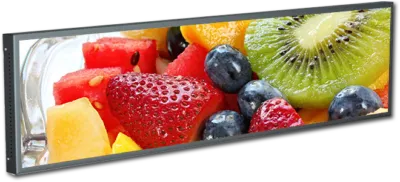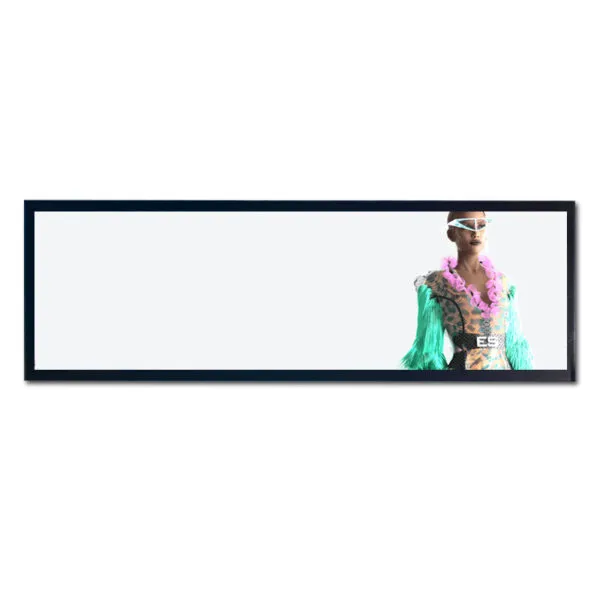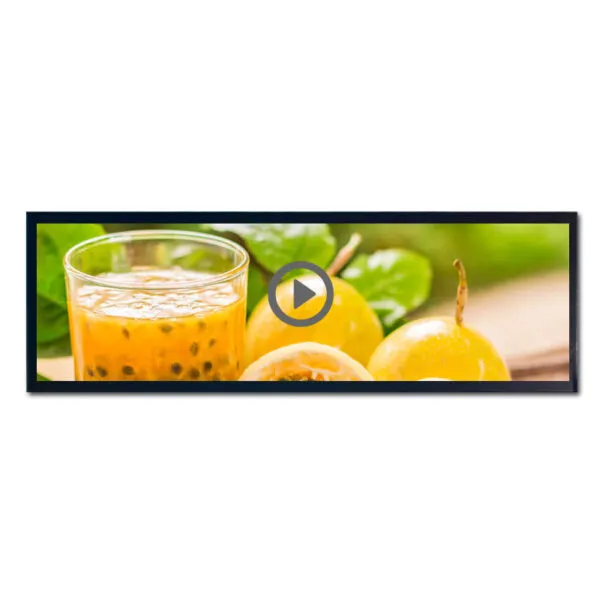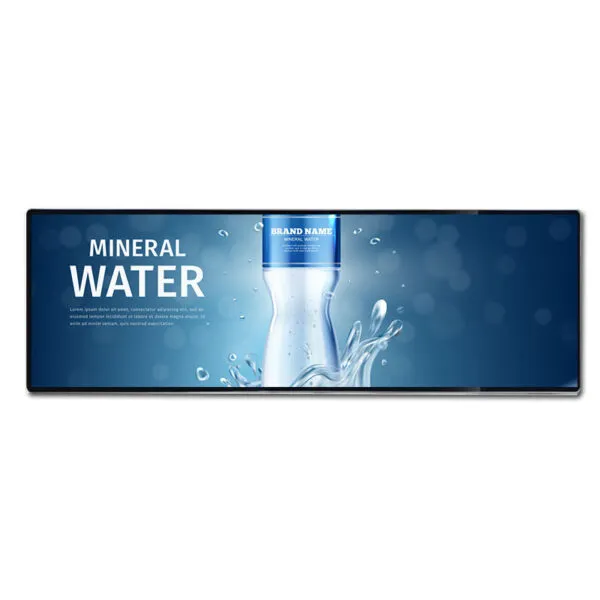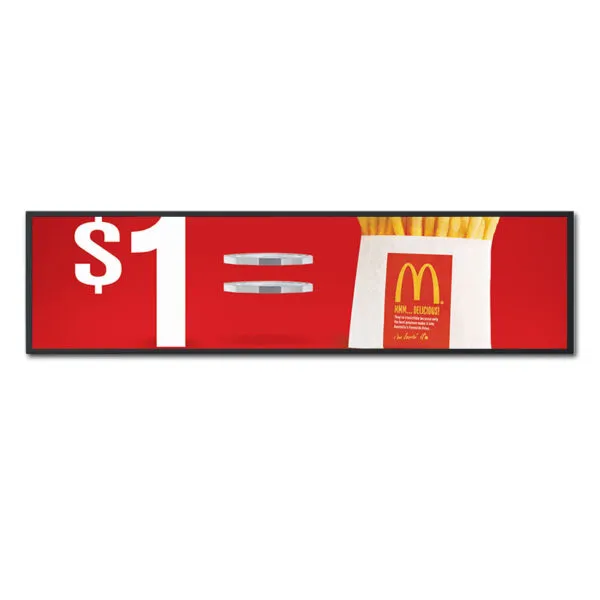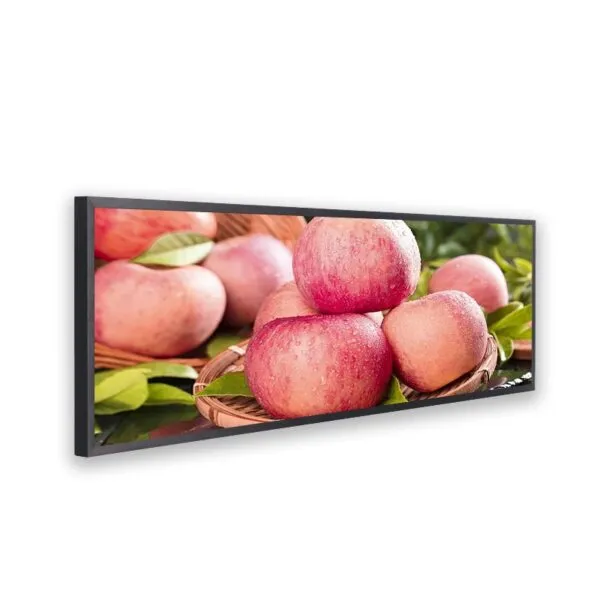
28 inch Stretched Monitor Display Resolution 1920*540 HDMI*2/USB/ATF/Audio/DC IN

SKU: DS30004
Tamaño:

Resolución:

Interfaz:

, , ,

Brillo (cd/m²):

700

Temperatura de funcionamiento:

-0℃~50℃

28 inch Stretched Monitor Display, offering resolution 1920*540, Aspect Ratio 32:9,Brightness 700cd/m2, Interface with Audio*1/HDMI IN*2/USB/TF/DC IN

Solicitar precios por volumen


    Descripción

    28 inch Stretched monitor display main features:

    • Ángulo de visión ultraamplio de 178°, relación de alto contraste de 1200:1
    • Calidad de imagen de alta definición, reproducción fluida
    • Expositor de tiras largas, puede colgarse horizontal o verticalmente
    • Marco de chapa, protege la pantalla de los golpes
    • Brillo 700cd/m2 ajustable, color de apariencia personalizable, solución de placa base personalizable
    28 inch Stretched Monitor Display


    28 inch Stretched monitor display Specification

    Pantalla LCD Tamaño de la pantalla 28inch
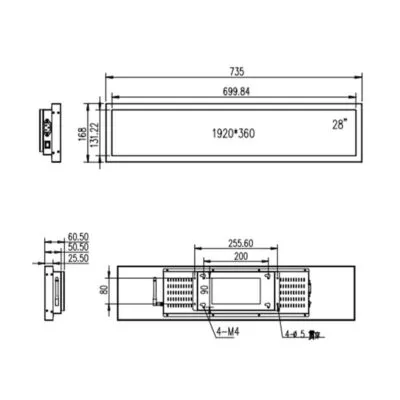
    Área activa 698.4*129.86(mm)
    Esquema 728.4*159.86*46(mm)
    Tipo de pantalla a-Si TFT-LCD
    Número de píxeles 1920*358
    Relación de aspecto -
    Luminancia 450 cd/m2
    Relación de contraste 1200:1
    Ángulo de visión 89/89/89/89 (Typ.)(CR≥10)
    Profundidad de color 1.07B   68% NTSC
    Respuesta 8 (Typ.)(G to G) ms
    Paso de píxeles 0.279*0.279(mm)
    Placa base CPU A40
    Ram -
    Flash -
    O/S -
    Interfaz USB*2/TF/Audio/RJ45/HDMI OUT/DC IN
    Máquina Aspecto y estructura Hardware shell
    Color Negro
    Periférico Speaker
    Alimentación AC 110 -240V 50/60Hz
    Consumo de energía ≦35W
    Temperatura de funcionamiento -10℃~50℃
    Temperatura de almacenamiento -20℃~60℃
    Método de instalación Colgante de pared
    Peso neto 4Kg
    Tamaño Corton -
    Número de cajas -
    Peso Corton -
    Dibujo y foto 28 inch stretched lcd monitor

    28-Inch Monitor FAQ

    Will this monitor fit with the cables and controls accessible?

    Use the 28-inch diagonal to shortlist monitors, then check the exact drawing for fit. Compare the case depth, mount or stand, cable bend and access to the controls against your setup. Test the actual cable exit before approving a tight installation.

    Industrial touch monitor selection guide

    Can my computer, media player, or controller run this monitor?

    For the listed HDMI interface, confirm the source can output a mode accepted by the supplied controller and check separately how the display is powered.

    How should I compare this monitor with another for my installation?

    Get the native pixel layout first, then try your typical desktop, menu or signage layout at that layout before choosing a monitor. Compare readable text size at the intended distance, connector access and whether the installation needs a portable stand or fixed mounting. Compare the candidates with the same content, cover and lighting, then select against your minimum contrast and viewing-angle requirements.

    Can I specify the mount, ports, power adapter, or touch configuration?

    Share the enclosure or stand drawing, input sources, orientation and required ports. We can check available mounts, power and touch configurations and confirm which parts can be quoted together.

    What should I send for a monitor quote and sample schedule?

    Include the source ports and modes, mounting setup, accessories, quantities and required date. Ask for the hardware, accessories and any one-time setup itemized, with sample cost, production quantity breaks and separate delivery dates.

    Información complementaria

    Tamaño:

    Resolución:

    Interfaz:

    , , ,

    Brillo (cd/m²):

    700

    Temperatura de funcionamiento:

    -0℃~50℃

    Soluciones de exposición personalizadas

    Trabaje con nuestros expertos en ingeniería para crear la pantalla perfecta para su aplicación. 

    Copyright © 2025 Displaysell.com. Todos los derechos reservados.

    Mapa del sitio

    Política de privacidad

    Condiciones generales