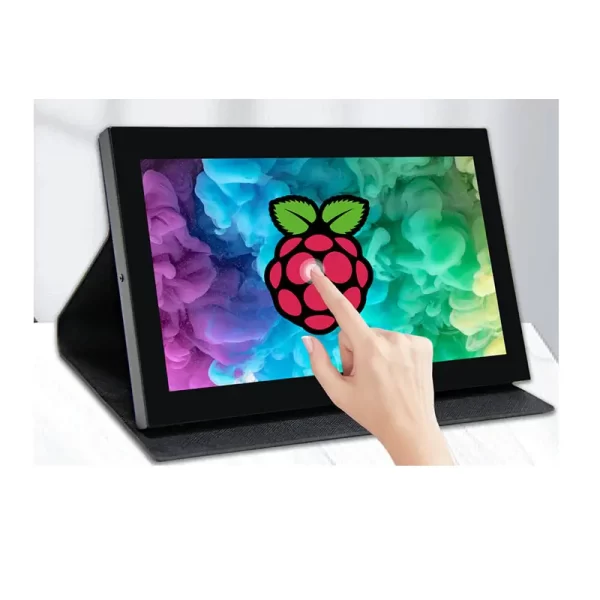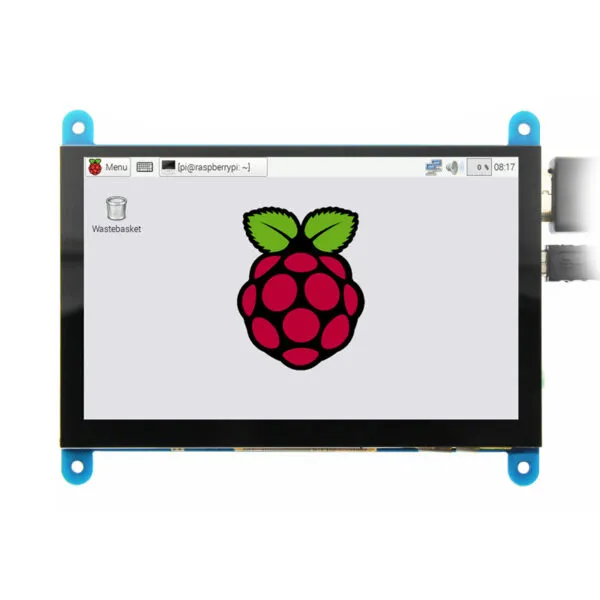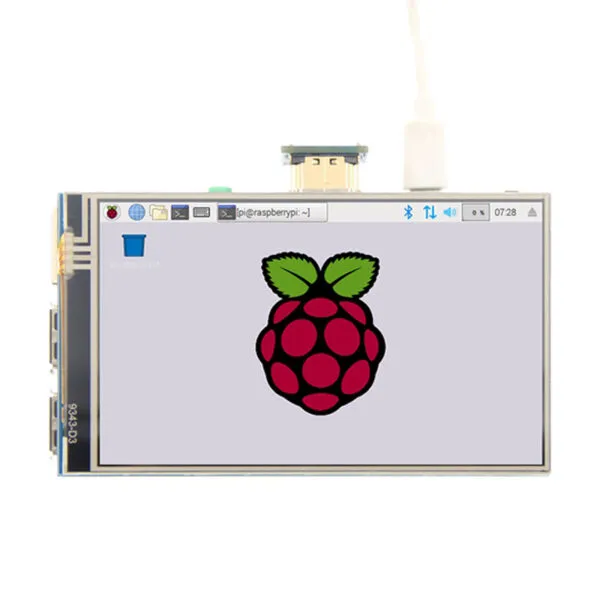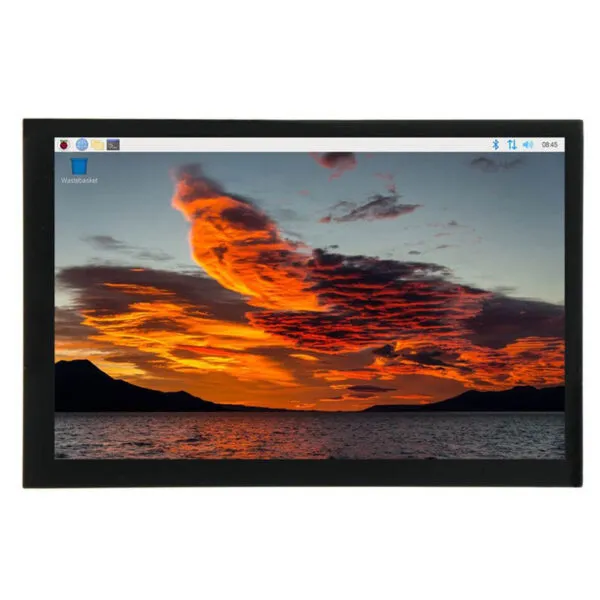
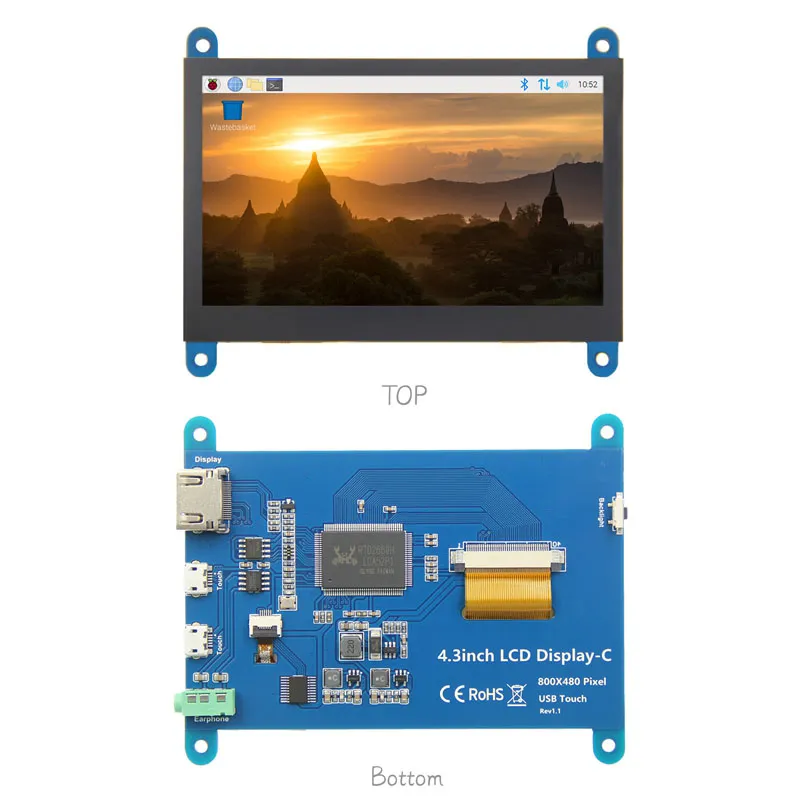
4.3 inch HDMI TFT Display for Raspberry Pi with USB Capacitive Touch

SKU: DS20227
Tamaño:

Resolución:

Interfaz:

Compatible con pantallas táctiles:

Board Support

Raspberry Pi, BB Black, Banana Pi

Recursos:

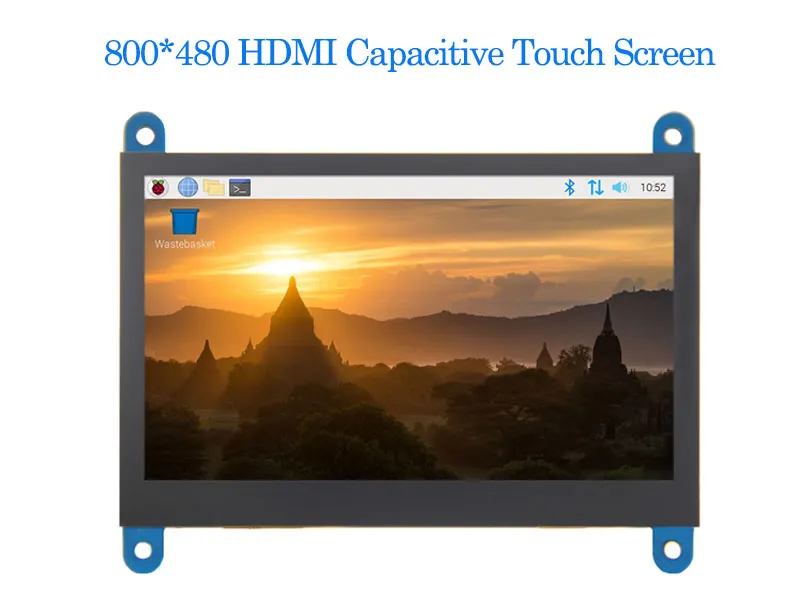
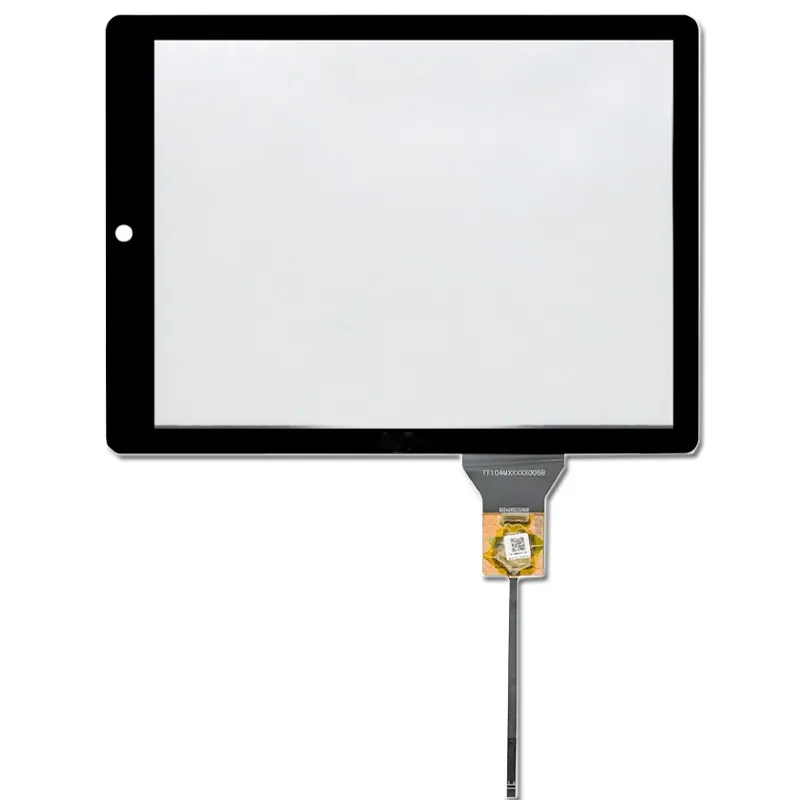
4.3 inch TFT Display for Raspberry Pi, with HDMI interface, USB capacitive touch screen, Compatible with Raspberry Pi, BB Black, Banana Pi and other mainstream mini PCs. Supports Raspbian, Ubuntu, WIN10 IOT on Pi; Windows 7 - 10 on PC. Also works with PS4, XBOX360, Nintendo consoles.

Solicitar precios por volumen


    Descripción

    4.3 inch HDMI TFT Display for Raspberry Pi Introduction :

    4.3-inch standard display, hardware resolution 800×480, can be configured through software (up to 1920X1080)
    With capacitive touch screen, supports 5-point touch control, USB touch, driver-free
    Compatible with mainstream mini PCs such as Raspberry Pi, BB Black, Banana Pi
    When used as a Raspberry Pi display, it supports Raspbian, Ubuntu, WIN10 IOT and other systems, single-point touch, driver-free
    When used as a computer display, it supports Windows 7/ 8/ 8.1/ 10, five-point touch, driver-free
    Supports common game consoles such as Microsoft Sony PS4, XBOX360 and Nintendo


    Product Pictures
    4.3 Raspberry Pi Touch Screen 1
    4.3 Raspberry Pi Touch Screen 24.3 Raspberry Pi Touch Screen 34.3 Raspberry Pi Touch Screen 4

    4.3" Raspberry Pi Touch Screen Key Parameters :

    Size(inch) 4.3
    Resolution(pixels) 800*480
    Display material IPS TFT panel
    Touch USB capacitive touch
    Module power 2.17W
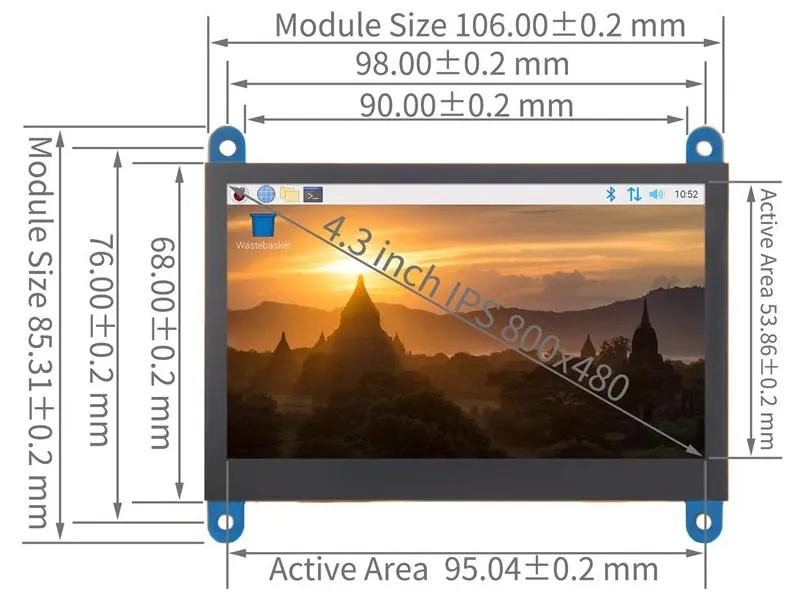
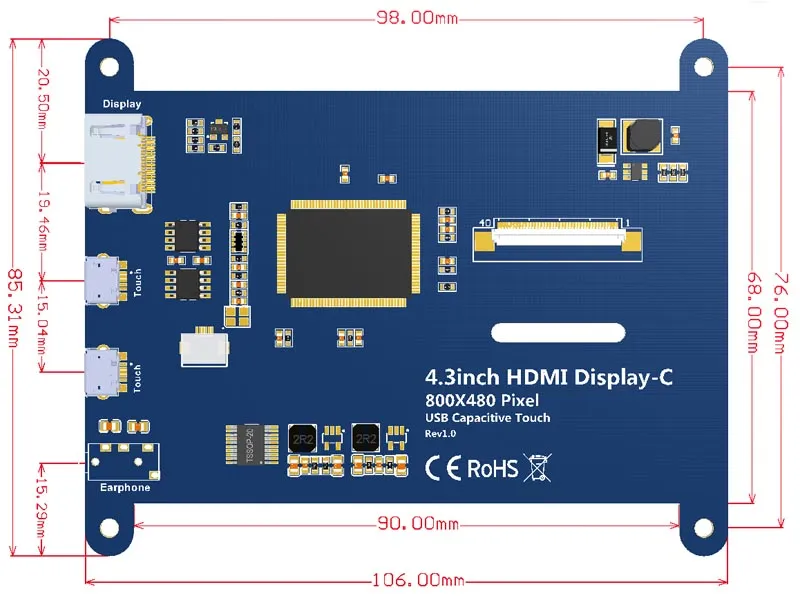
    Module size(mm) 106.00*85.31
    Área activa (mm) 95.04*53.86
    Product weight(g) 219

    Descargar

    4.3-Inch 800 × 480 Raspberry Pi Display FAQ

    Can I mount this display with my Raspberry Pi and still reach the connectors?

    Use the 4.3-inch diagonal to shortlist display assemblies, then check the exact drawing for fit. Check the mounting stack, cable exit, port access and clearance for the actual Pi model and enclosure. Test fit with power and data cables plugged in.

    Will this display work with my Raspberry Pi model and OS image?

    For the listed HDMI interface, confirm the source can output a mode accepted by the supplied controller and check separately how the display is powered. Send us the Pi model, OS image and kernel version. Confirm the display mode and any touch driver on that exact setup before committing to the hardware.

    Raspberry Pi screen guide

    How should I compare this screen with another Raspberry Pi display?

    Try your application in its intended orientation on a 800 × 480 canvas before committing to the enclosure. Compare boot reliability, usable screen area, power budget and the OS setup each option needs. Judge readability on the assembled product with its final cover and ambient lighting.

    Can I change the mounting, cable set, or touch configuration?

    Send the Pi model, OS version, available ports and enclosure drawing. We can review mounting and cable options and confirm how video, power and any touch input will be connected for the proposed configuration.

    What should I send for a Raspberry Pi display sample quote?

    Include the Pi and OS details, panel drawing, sample quantity and expected production volume. Ask for the hardware, accessories and any one-time setup itemized, with sample cost, production quantity breaks and separate delivery dates.

    Información complementaria

    Tamaño:

    Resolución:

    Interfaz:

    Compatible con pantallas táctiles:

    Board Support

    Raspberry Pi, BB Black, Banana Pi

    Soluciones de exposición personalizadas

    Trabaje con nuestros expertos en ingeniería para crear la pantalla perfecta para su aplicación. 

    Copyright © 2025 Displaysell.com. Todos los derechos reservados.

    Mapa del sitio

    Política de privacidad

    Condiciones generales