Description
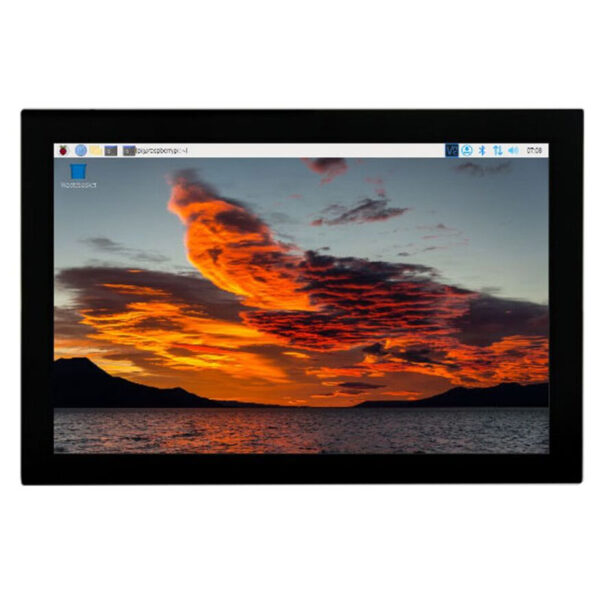
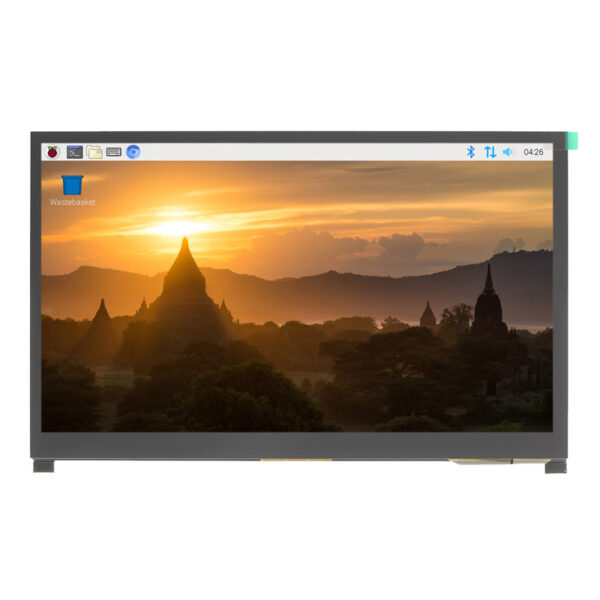
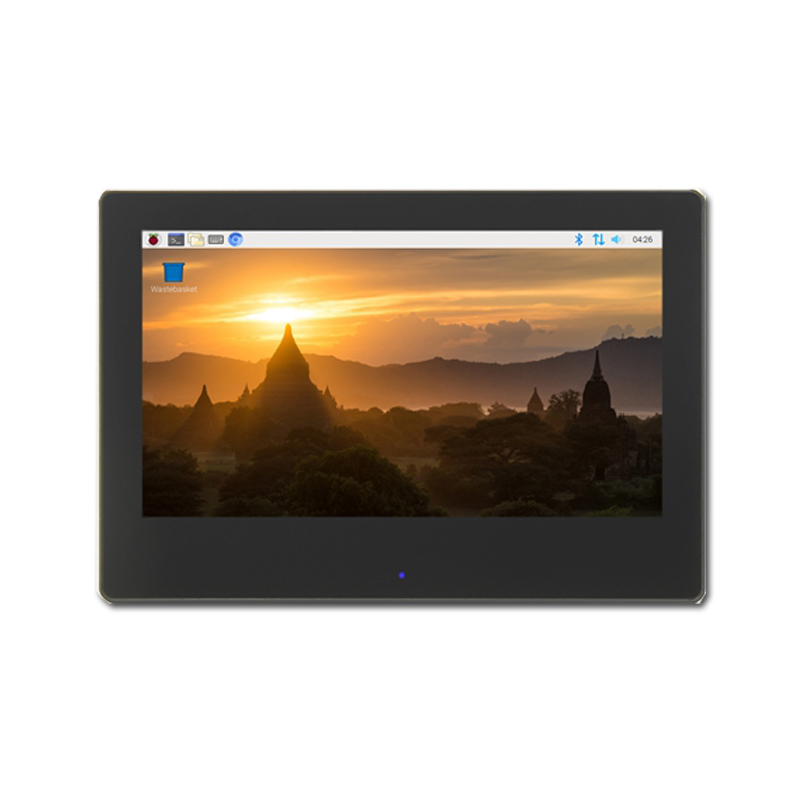
Portable HDMI Screen 7 inch:
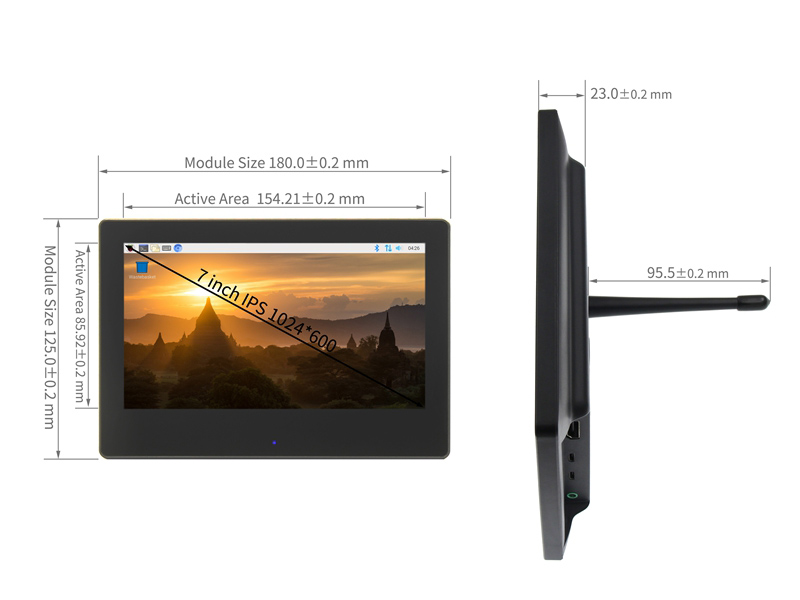
IPS Full-View Display/Wide viewing angle/Excellent dynamic image quality/High-definition 1024×600 dot matrix resolution
Tempered Glass Touch Panel
6H hardness for durability and scratch resistance
Built-in Sound System
Integrated amplifier circuit
Stereo dual-speaker system that syncs with music during use
Front Panel Dimmer & Breathing Light
Hidden touch buttons on the front panel for one-key backlight adjustment
Built-in breathing light to indicate working status
For Mini PC Displays
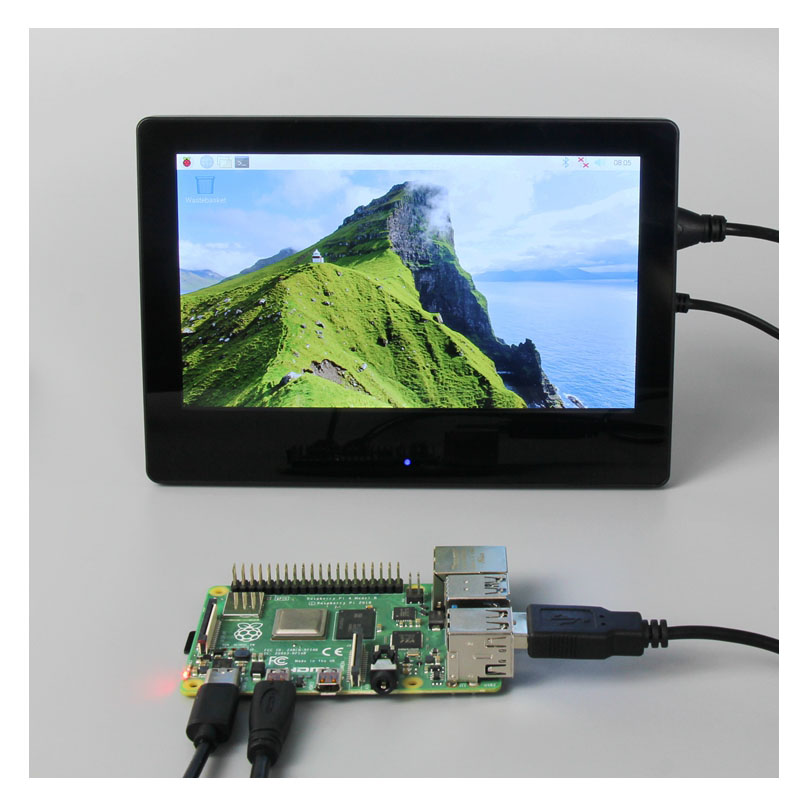
Compatible with popular development boards: Raspberry Pi, Banana Pi, BB Black, etc.
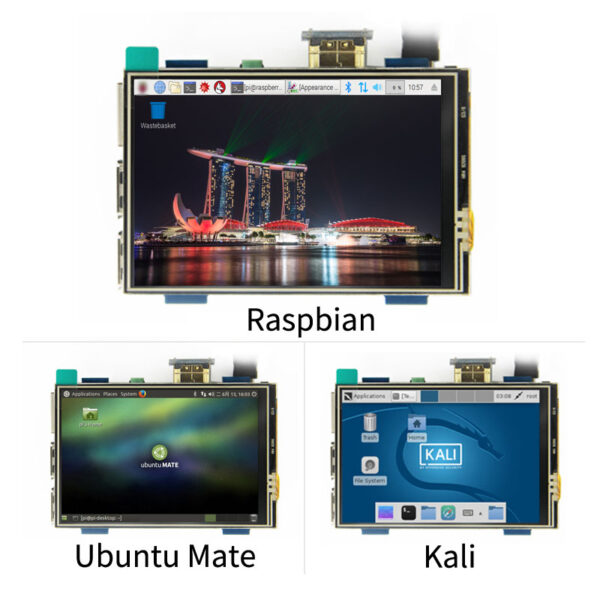
Works with Raspberry Pi: supports systems like Raspbian, Kali Linux, Ubuntu; plug-and-play multi-touch, no drivers needed.
For Computer Displays
Supports Windows 10/8/7; plug-and-play 5-point touch, no drivers needed.
Product Pictures
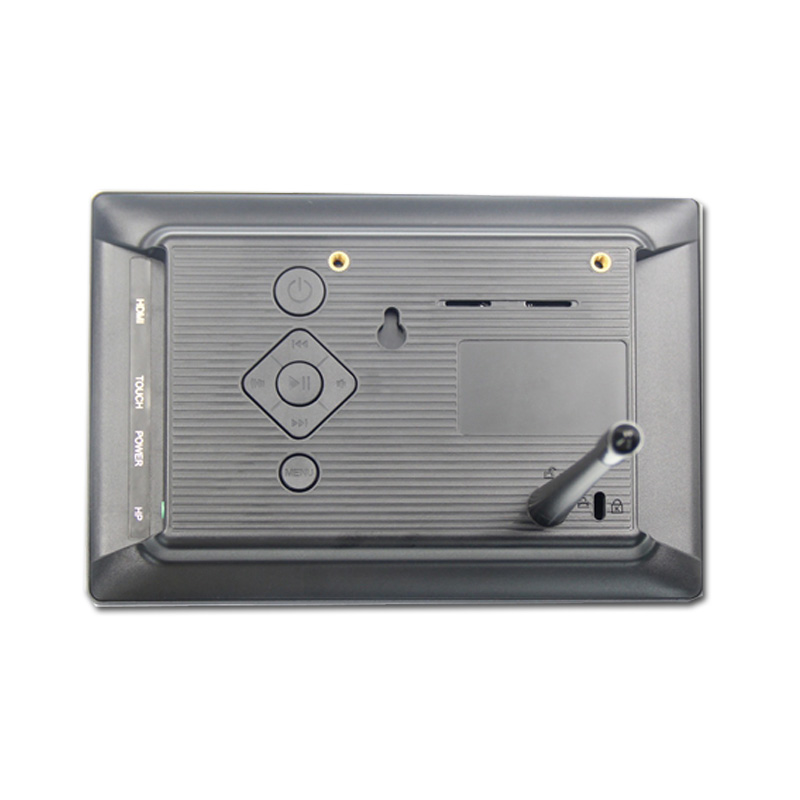
| Button& Interface | Note |
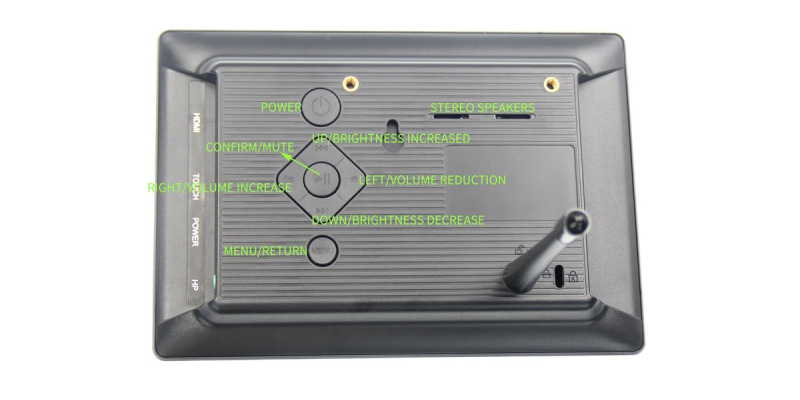
| Breathing Light Touch Sensing | Short press once: Increase backlight brightness by 10%, cycles back to 10% after reaching 100%. Long press for 3 seconds: Turn off backlight; short press to restore previous brightness. |
| Power Button | Single press: Power on system, breathing light turns blue (slow flash for working state). Single press again: Power off system, breathing light turns red (slow flash for standby state). |
| MENU Button | Toggle system settings menu; return function. |
| Confirm Button | Shortcut: Mute; confirm selections in system settings menu. |
| Directional Keys | Up: Shortcut: Backlight brightness +; navigate up in settings menu. Down: Shortcut: Backlight brightness -; navigate down in settings menu. Left: Shortcut: Volume -; navigate left in settings menu. Right: Shortcut: Volume +; navigate right in settings menu. |
7" Raspberry Pi Screen Key Parameters :
| Size(inch) | 7 |
| Resolution(pixels) | 1024 x 600(RGB) |
| Display area(mm) | 154.21(W) x 85.92(H) |
| Outline dimension | 180(W) x 125(H) |
| Viewing angle | ALL 0’ CLOCK |
| Touch screen type | 5 point capacitive touch |
| Weight | 510g |