
Size
Resolution
Interface
Portable Monitors
The portable monitors are thinner and lighter, with HDMI, VGA, and type PC interfaces, plug and play
Expert Team Support
Free Support for Members 5*24 Online Service
Showing all 10 results
-
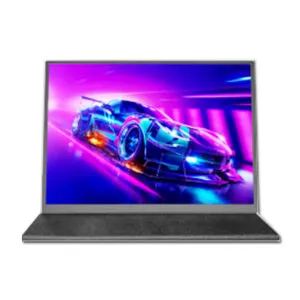
10.5 inch Portable Monitor for Laptop/macbook pro/xbox series s/mac mini/ipad
- 10.5 inch
- 1920*1080
- 100%sRGB
- 60Hz
-
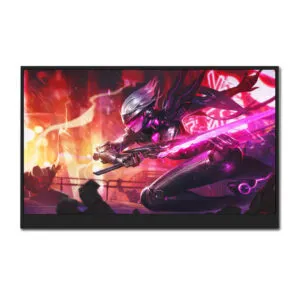
13.88 inch Portable Monitor High Resolution Excellent Laptop Screen Extender
- 13.88 inch
- 3000*2000
- 100%sRGB
- 60Hz
-
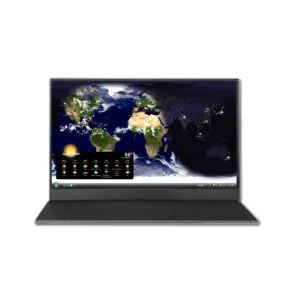
15.6 inch Portable Monitor 1080p 60hz Factory-Direct Pricing for OEM/ODM Orders
- 15.6 inch
- 1920*1080
- 45%NTSC
- 60Hz
-
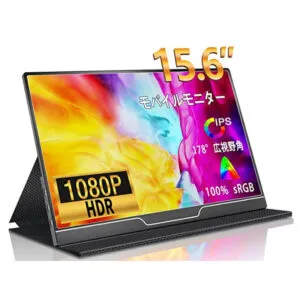
15.6 inch Portable Monitor 1080p Extension for Laptop
- 15.6 inch
- 1920*1080
- 100%sRGB
- 60Hz
-
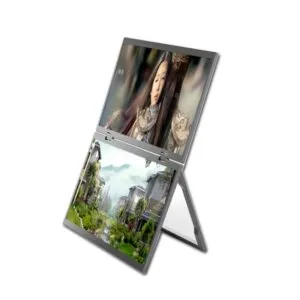
15.6 inch Portable Monitor Dual Screen for Multi-Tasking Expansion
- 15.6 inch
- 1920*1080
- 45%NTSC
- 60Hz
-
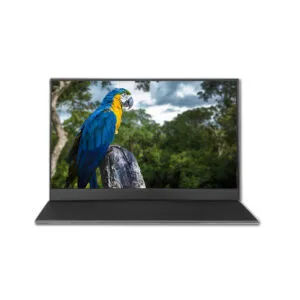
15.6 inch Portable Monitor with Touchscreen Attaches to Laptop
- 15.6 inch
- 1920*1080
- 45%NTSC
- 60Hz
-
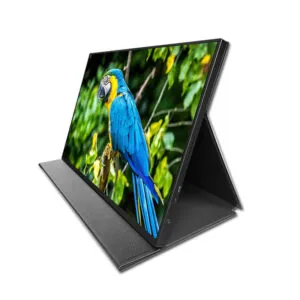
16 inch External Portable Monitor for PC/Gaming/Macbook pro/Xbox series
- 16 inch
- 2560*1600
- 100%sRGB
- 60Hz
-
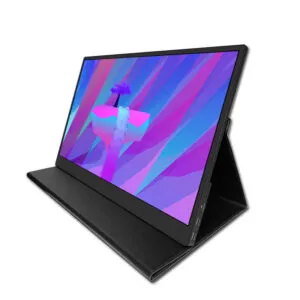
17.3 inch Portable Monitor Laptop Screen Extender 16:9 Factory-Direct Pricing for OEM/ODM Orders
- 17.3 inch
- 2560*1440
- 100%sRGB
- 60Hz
-
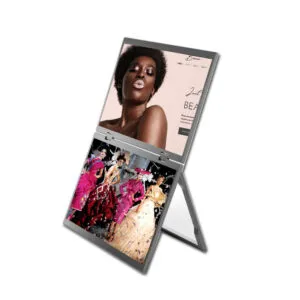
18.5 inch Dual Screen Portable Monitor Extender for Laptop
- 18.5 inch
- 1920*1080
- 100%sRGB
- 100Hz
-
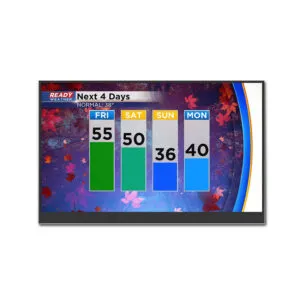
18.5 inch Portable Monitor 100Hz for Gaming Display Integrated with ps5
- 18.5 inch
- 1920*1080
- 100%sRGB
- 100Hz

