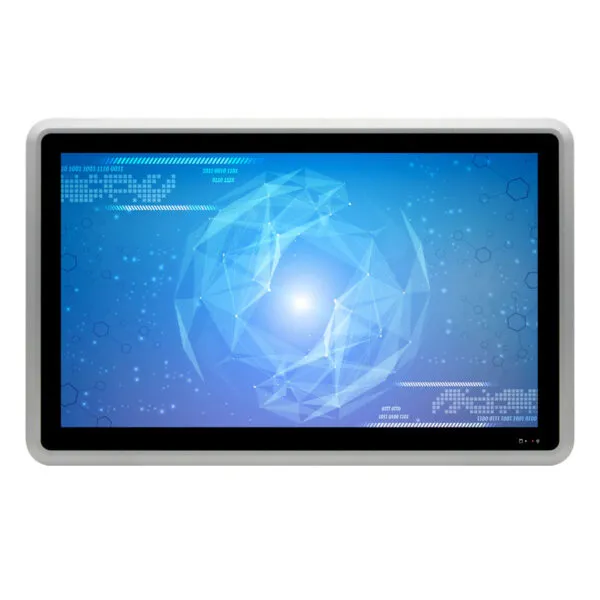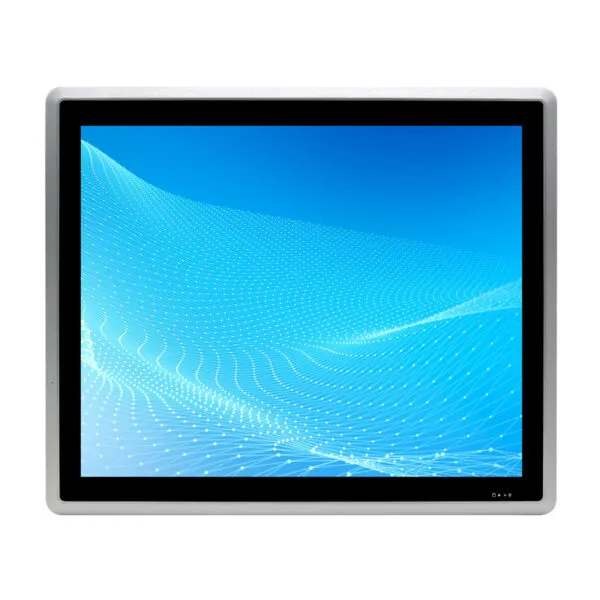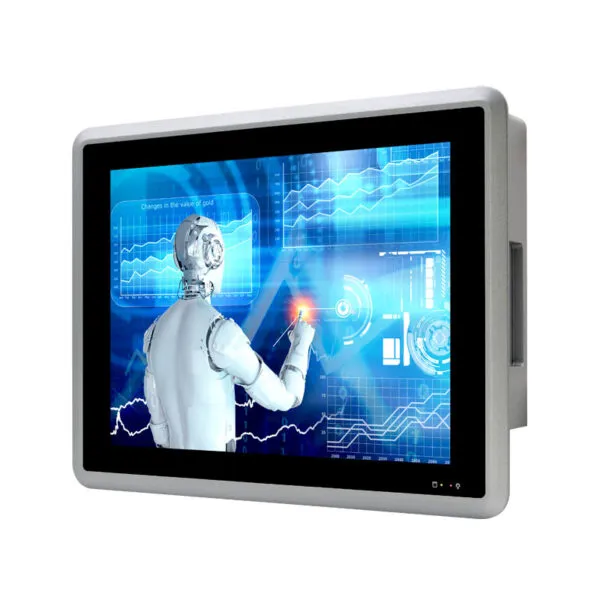
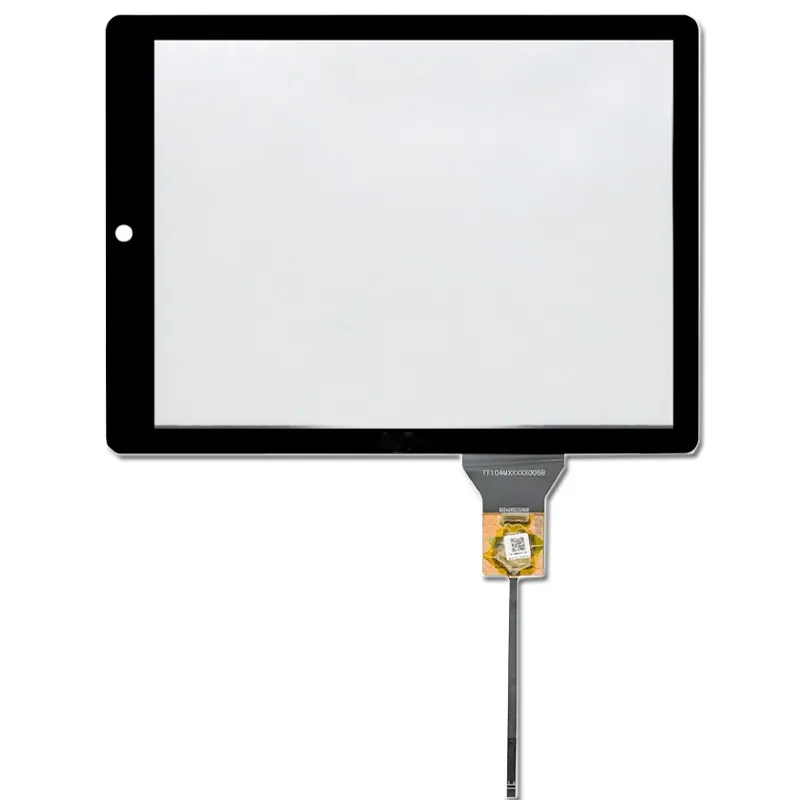
12.1 inch Industrial ALL in One Machine with Capacitive Touch Screen

SKU: DS30029
Size:

Resolution:

Interface:

, , , ,

Brightness(cd/m²):

500

CPU

Intel® Celeron J6412/2.00GHz

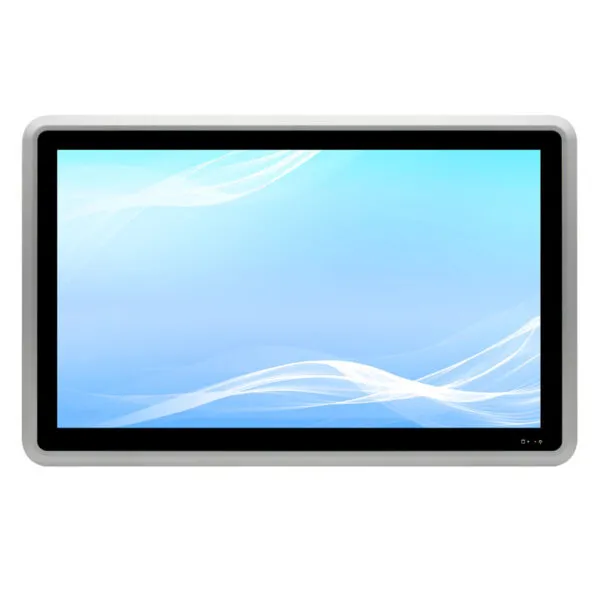
12.1 inch Industrial ALL in One Machine, with 10 point capacitive touch, Intel® Celeron J6412/2.00GHz quad-core quad-thread processor, Support VESA installation/embedded panel installation.

Request Volume Pricing


    Description

    12.1 inch Industrial ALL in One Machine main features:

    • 12.1-inch LCD, 1024*768, capacitive touch screen
    • 1*HD OUTPUT
    • 2*Intel I210AT Gigabit network adapter
    • 6*RS232 serial port, COM1~2 RS232 DB9 serial port, COM2 support RS485/422, COM3~6 RS232 in 2*15P Phoenix terminal, COM3 support RS485
    • 2*15Pin Phoenix terminal, four in four out GPIO,4*COM, switch,5V,GND
    • 4*USB3.0, 2*USB2.0
    • 9~36V wide voltage input
    • Aluminum alloy material, fanless cooling structure
    12.1 inch Industrial ALL in One Machine


    12.1 inch Industrial ALL in One Machine

    Chassis Material/Structure Aluminum alloy material, fanless heat dissipation structure
    Color Bright Silver
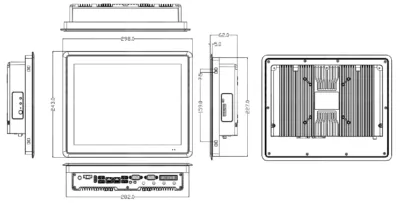
    Dimensions (L*W*H) L298*W243*H62mm
    Net weight 2.97KG
    Installation Support VESA/embedded panel installation
    LCD Display Type 12.1 inch LCD
    Resolution 1024 * 768
    Brightness 500 cd/m2
    Touch Screen Type Capacitive screen, 10 point touch
    Transmittance ≥85%
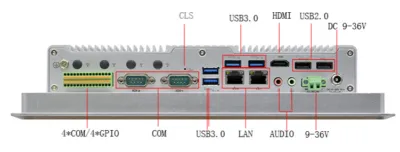
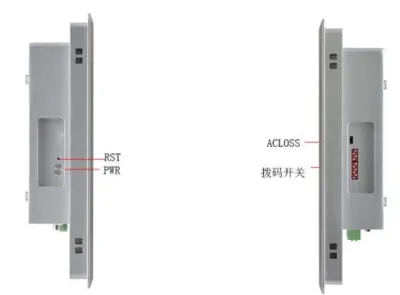
    IO interface POWER 1*power button, 1*one-key restore, 1*ACLOSS (power-on dial switch),1*CMOS reset button
    Display interface 1*HDMI
    LAN 2*Intel I210 Gigabit network card, support network wake-up, PXE
    USB 4*USB3.0,2*USB2.0
    COM 6*RS232 serial port, COM1 RS232 DB9 serial port, COM2 RS232/485/422 DB9 serial port, COM3-6 RS232 on 2*15P Phoenix terminal, COM3 supports RS485, COM1-2 Support the 9th pin live function
    Phoenix terminal 2*15P (4 in 4 out GPO/power switch signal/COM3~COM6/5V VCC/GND)
    DIP switch 10-bit DIP switch, COM2~3 RS232/485 switching, COM2 RS422 is realized through COM2_SW1 jumper
    Audio 1*Line out,1*MIC
    Store Power 1*DC (5.5*2.5) aviation interface or 1*2P P=5.08mm Phoenix terminal, support 9V~36V input
    SATA 1*2.5-inch hard disk slot
    M.2 1*M.2/SSD, support Key-M, 2280, NVME PCIEx4 SSD
    Extend MSATA 1*MSATA
    M.2 1*M.2/WiFi,Key-E,2230,support WiFi module
    1*M.2/5G,Key-B,2242/52,support 5G module
    Power Power type External power adapter
    Voltage input 9V~36V wide voltage
    Power output AC TO DC 60W or above
    Environment Operating temperature -10℃~50℃
    Storage temperature -20℃~70℃
    Relative humidity 5%-95% relative humidity, no condensation
    Operating vibration 0.5g rms/5-500HZ/random/operating
    Product Dimensions 12.1 inch Industrial ALL in One Machine

    12.1 inch Industrial ALL in One Machine

    12.1 inch Industrial ALL in One Machine

    DS30029 FAQ

    Will DS30029 fit the control cabinet without blocking I/O or ventilation?

    Use the 12.1-inch diagonal to shortlist panel PCs, then check the exact drawing for fit. Compare the cutout, bezel overlap, panel thickness, retention method and rear clearance. Fit the largest power and I/O connectors in the drawing before cutting the cabinet.

    Can DS30029 run my application and connect to the equipment I already use?

    Send us the application and OS versions, license needs, storage and memory requirements, and list of required ports. Ask us to confirm the exact computer configuration and test your peripherals on the sample.

    When should I choose DS30029 over a separate industrial PC and monitor?

    Try your operator screens and alarms on a 1024 × 768 canvas before committing to the enclosure. Compare installation space, cooling, field replacement time, service access and how easily you can back up and restore the software. Use the actual operator workflow to compare both options.

    What should I validate on DS30029 before commissioning the equipment?

    Run the real workload with all planned I/O connected. Test power-loss restart, application recovery and temperature in the cabinet under sustained load. For the listed capacitive touch, verify the host driver and test edge taps with the final cover and the way operators will actually use it.

    What configuration should a repeat order of DS30029 reference?

    Keep the approved CPU, RAM, storage, OS image, I/O configuration, power setup and mechanical drawing on the purchase specification. Send us the approved sample reference and required quantities when requesting the production quote.

    Additional information

    Size:

    Resolution:

    Interface:

    , , , ,

    Brightness(cd/m²):

    500

    CPU

    Intel® Celeron J6412/2.00GHz

    Custom Display Solutions

    Work with our engineering experts to create the perfect display for your application. 

    Copyright © 2025 Displaysell.com. All Rights Reserved.

    Site Map

    Privacy Policy

    Terms Conditions