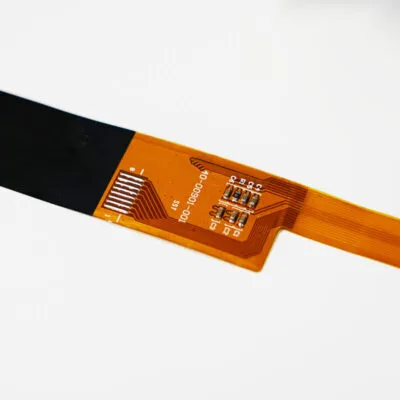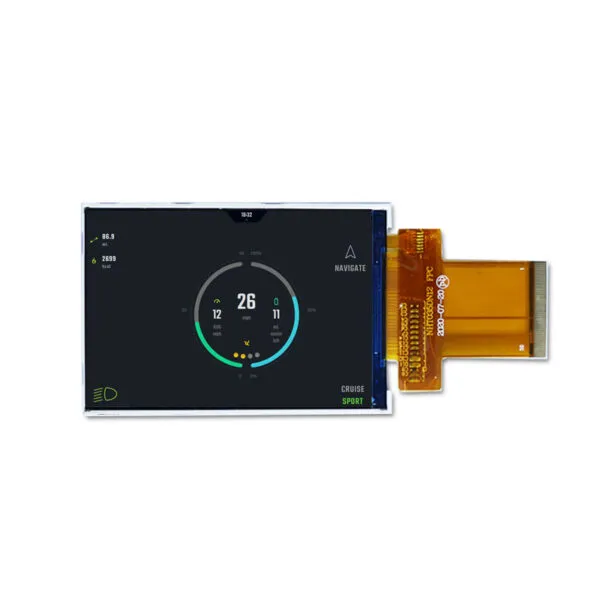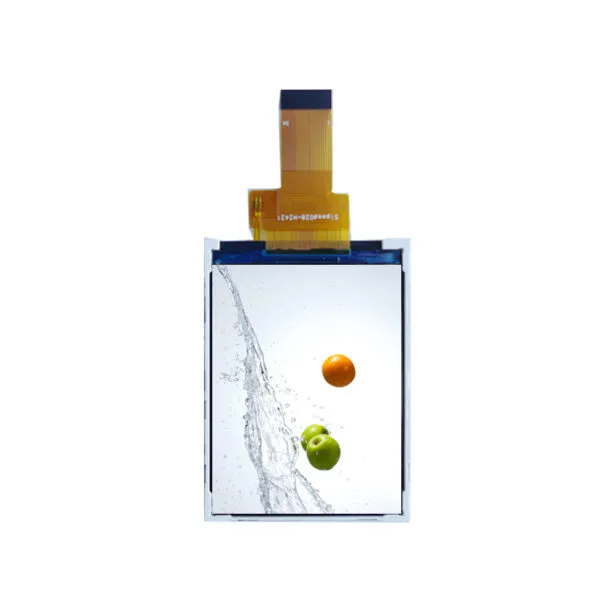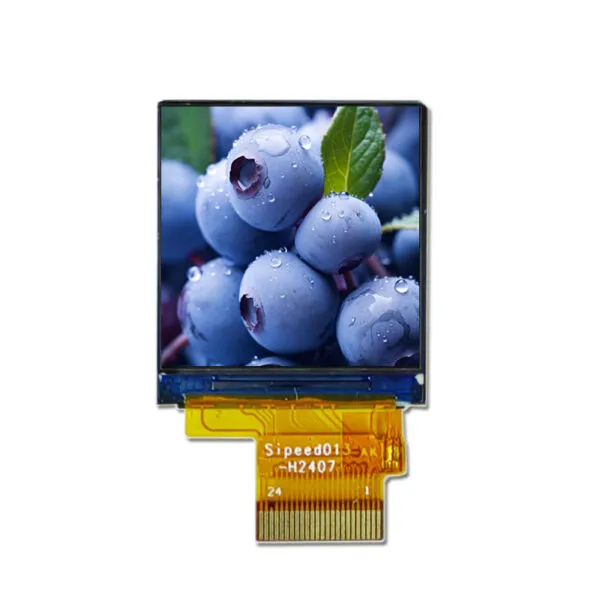
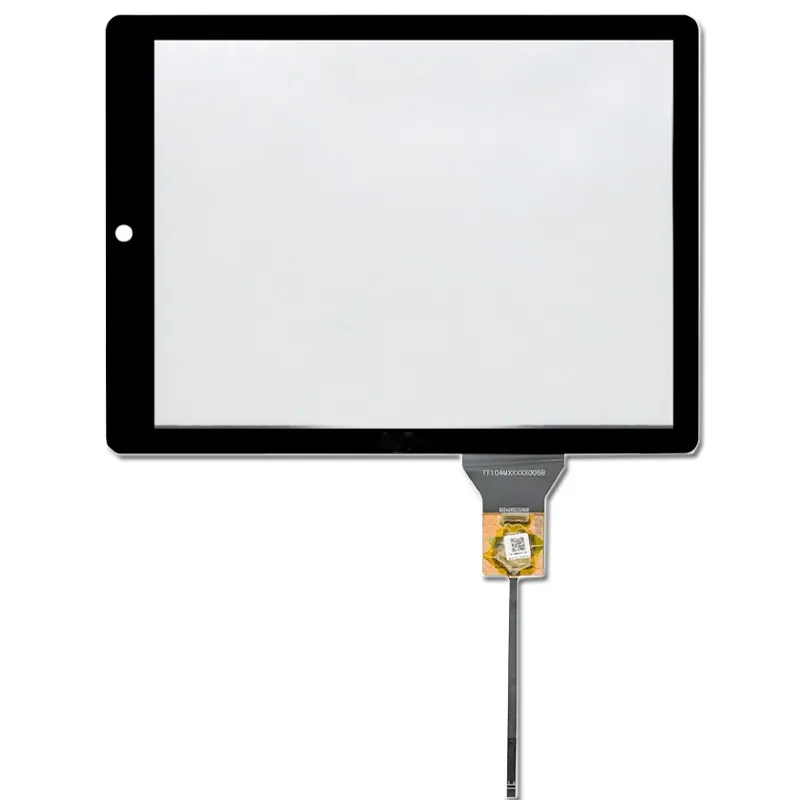
8.88 inch Bar Type TFT Display with Capacitive Touch Screen

SKU: DS20123
Size:

Resolution:

Interface:

Operating Temperature:

-20℃~70℃

Brightness(cd/m²):

600

Touchscreen Support:

Display Type:

8.88 inch Bar Type TFT Display  480*1920 Pixels  with Capacitive Touch Display  Touch IC GT911  G+G  OCA Bonding  -20℃ to 70℃ Operating Temperature  600 nits High Luminance

Request Volume Pricing


    Description

    8.88"Bar Type TFT Display Features

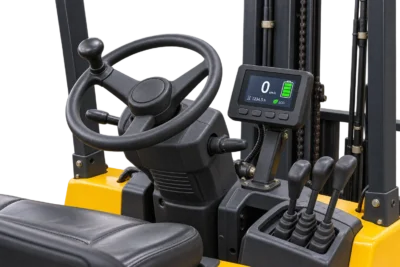
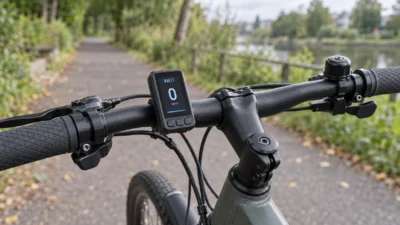
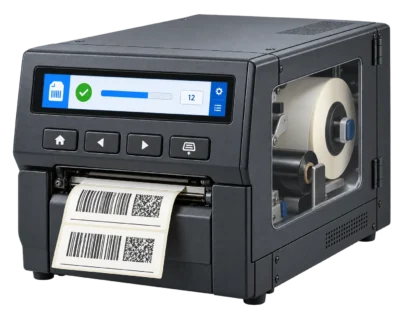
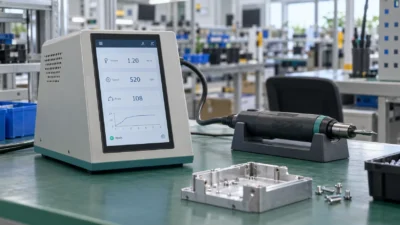
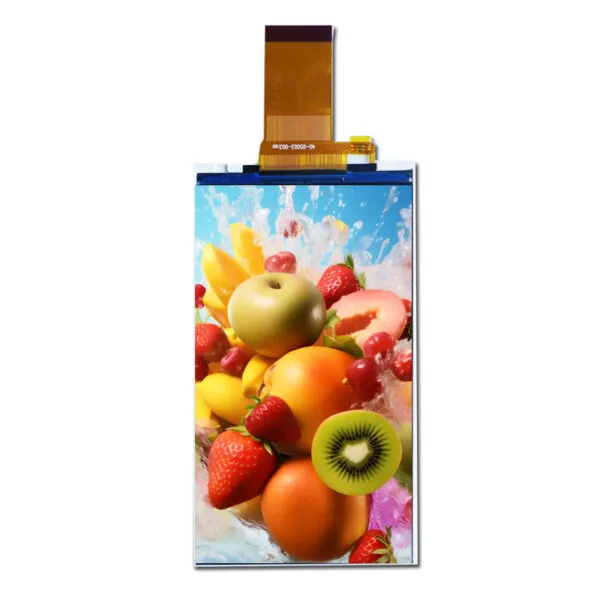
    The 8.88 Inch Bar Type TFT Display features a resolution of 480 x 1920 pixels, Operating efficiently in a wide temperature range of -20℃ to 70℃, this display is ideal for diverse environments. With a brightness level of 600 nits, it offers excellent visibility even in bright conditions, making it perfect for outdoor applications.


    8.88 inch Capacitive Touch Screen Description

    This 8.88 inch touch display include the integrated GT911 touch IC, which ensures accurate touch detection and quick response times for a seamless user experience. Its G+G (Glass-on-Glass) structure enhances touch sensitivity and durability, while the OCA (Optically Clear Adhesive) bonding process improves light transmission for vibrant colors and clarity.

    8.88" TFT-LCD Product Specifications

    Model Number  91-08901-HS1
    Size 8.88
    Resolution 480*1920
    Outline Dimension 64.3*231.3*4.8
    Active Area 54.72*218.88
    Brightness(cd/m²) 600
    Interface MIPI
    View Direction ALL
    Operating Temperature -20~70
    Storage Temperature -30~80
    LED Lifetime 30000
    Touchscreen Support Capacitive touch
    Contrast Ratio 800:1
    Power Supply 3.3V
    Display Type Color LCD

    8.88" TFT LCD Custom Solutions

    Optimize Your Cable Solutions

    Adjust the length, position, and pinout of your cables, or add additional connectors to enhance functionality. Get a customized cable solution designed to streamline your connections and ensure secure, reliable performance.
    LCD Interface Customization

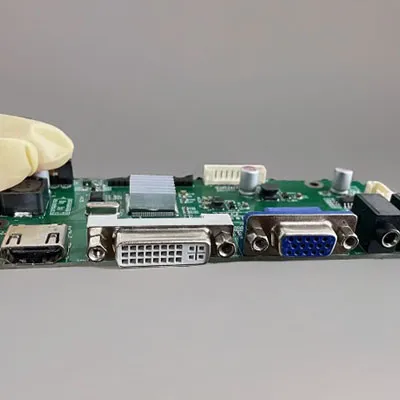
    Select from a diverse range of interface options or consult our experts to find the ideal fit for your project. We can integrate HDMI, USB, SPI, VGA, and more into your display, helping you meet your design objectives efficiently.
    Elevate User Experience with Touch Screen Technology

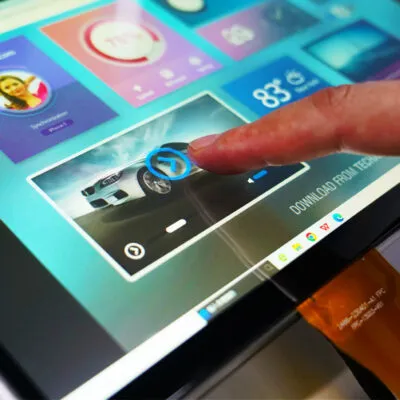
    Enhance your user experience with either capacitive or resistive touch screen technology. We will customize the glass thickness and shape of the touch panel to ensure a perfect fit for your design requirements.
    custom touch

    Custom Cover Glass

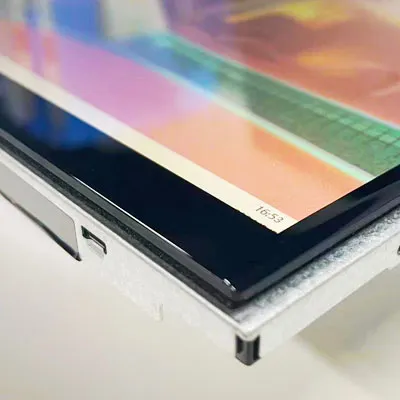
    Equip your display with a custom-cut cover glass to boost durability and performance. Select from various thicknesses and opt for optical bonding to provide protection against moisture and debris, ensuring a long-lasting and reliable solution.
    DS20123 FAQ

    How can I tell whether DS20123 fits my narrow opening and content?

    Use the 8.88-inch diagonal to shortlist bar displays, then check the exact drawing for fit. Compare the active width and height, bezel overlap and flex-cable exit with your drawing. Start with the listed 480 × 1920 pixel layout. If you mount the long edge horizontally, try a 1920 × 480 content layout and verify rotation on the intended host. Keep the panel’s native timing separate from the artwork orientation.

    What has to match for my controller to run DS20123 in the installed orientation?

    For the listed MIPI interface, match the display lane count, lane mapping, operating mode and panel initialization sequence. Confirm that the graphics pipeline can render the native mode and map rotation correctly. Test boot graphics and your application with the panel in its installed orientation.

    When should I choose DS20123 over a standard screen or another bar panel?

    Pick the bar format when the opening and the layout can use its long axis without cropping essential content. Compare the controller and mounting changes against a standard screen, then mock up text at the actual viewing distance. Use the listed 600 cd/m² to shortlist the display, then judge the assembled product with its final cover and ambient lighting.

    What should pass on a DS20123 sample inside the final equipment?

    Check for uneven illumination and cable strain after mounting. Use the listed −20 °C to +70 °C operating range to plan cold starts and hot running tests, with temperature measured at the panel. Test any intended rotation and dimming with the application running.

    What details should I lock down before reordering DS20123?

    Send us the panel drawing or label, installed orientation, connector exit and controller model. Include the approved revision, any cover or touch requirement, forecast quantity and required date on the purchase specification.

    Additional information

    Size:

    Resolution:

    Interface:

    Operating Temperature:

    -20℃~70℃

    Brightness(cd/m²):

    600

    Touchscreen Support:

    Display Type:

    Custom Display Solutions

    Work with our engineering experts to create the perfect display for your application. 

    Copyright © 2025 Displaysell.com. All Rights Reserved.

    Site Map

    Privacy Policy

    Terms Conditions