
4.2” E-ink Paper Display 400*300 SSD1683

SKU: DS40009
Size:

Resolution:

Interface:

,

Operating Temperature:

-0℃~40℃

Brightness(cd/m²):

200

Touchscreen Support:

Display Type:

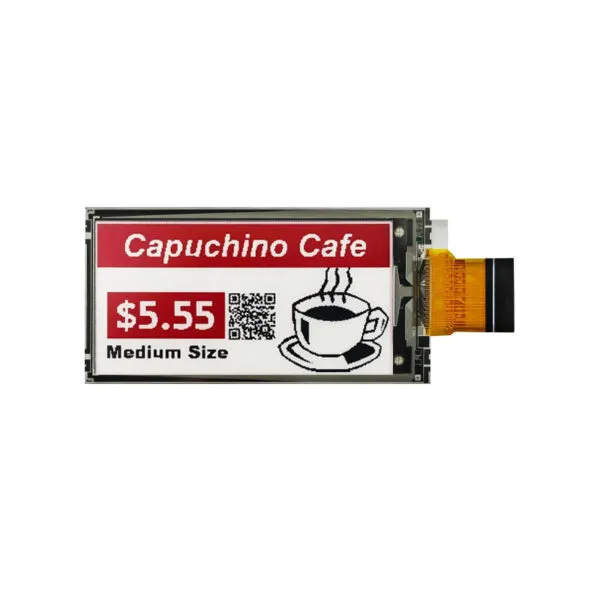
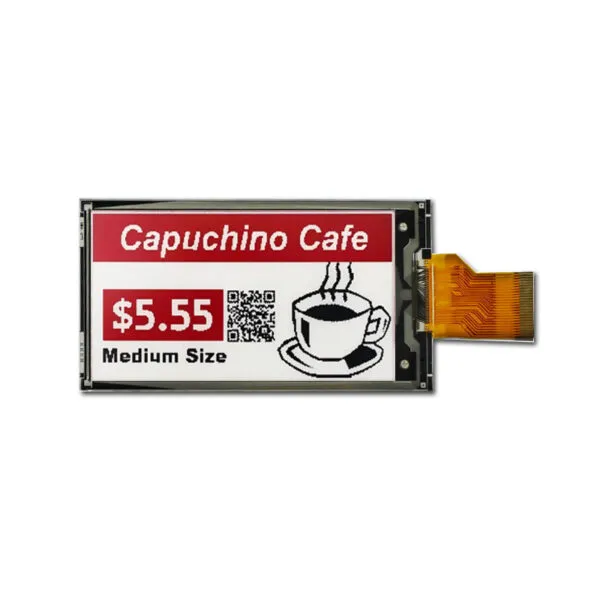
4.2” E-ink Paper Display  3-Color Black/White/Red  Resolution 400*300    3-wire SPI / 4-wire SPI Interface  Drive IC  SSD1683  Operation Temperature 0℃ ~ +40℃

Request Volume Pricing


    Description

    4.2" E-paper Display Arduino Features

    The 4.2 E-ink Paper Display is an advanced visual solution designed for applications that prioritize low power consumption and superior readability. With a resolution of 400 x 300 pixels, this display showcases vibrant content in a tri-color palette of black, white, and red, making it ideal for a variety of projects that demand clarity and visual appeal.


    4.2" E-paper Display Application

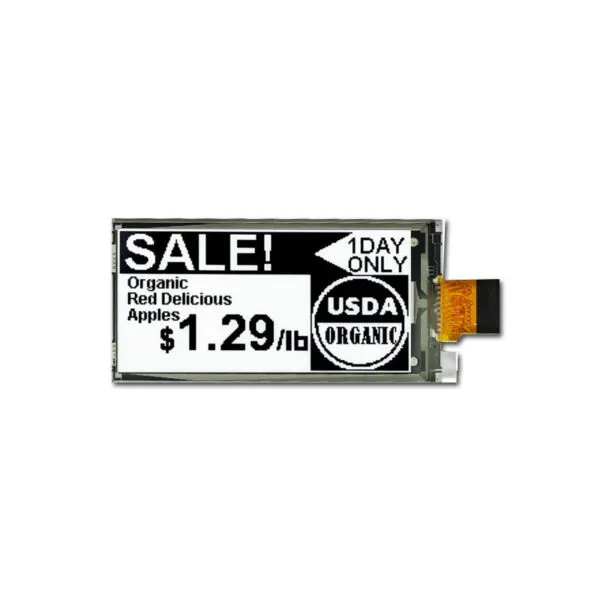
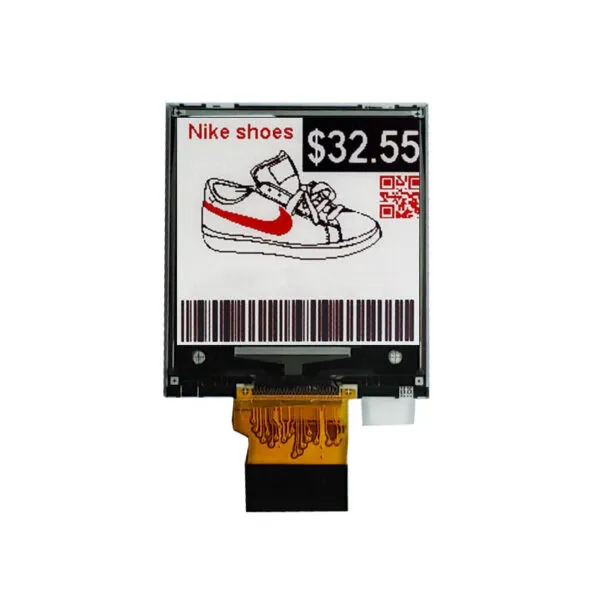
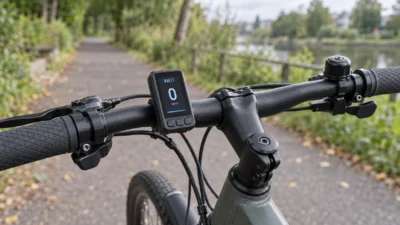
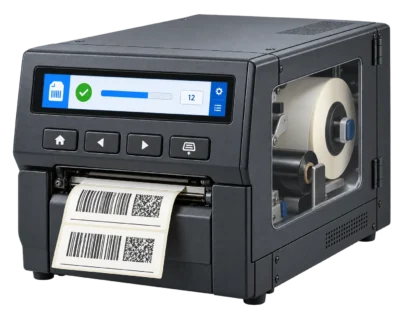
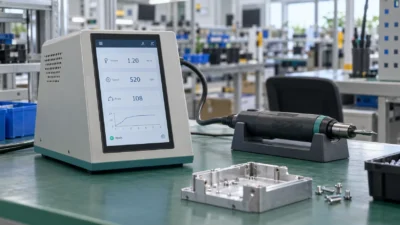
    The 4.2 inch E-Ink Paper Display is an ideal solution for a range of applications, including wearable devices like smartwatches and fitness trackers, where power efficiency and readability are essential. It is also suitable for various IoT devices, particularly in smart home products that need clear visual outputs. Additionally, this display can be utilized in digital signage, such as electronic shelf labels, offering excellent visibility while consuming minimal power. Furthermore, it is a great choice for DIY projects, appealing to hobbyists and makers who seek to create innovative designs using unique display technology.

    4.2" E-paper Display Product Specifications

    Panel Size(inch) 4.2(Diagonal)
    Number of Pixels 400*300
    Outline Dimension(mm) 91*77*1.17
    Active Area(mm) 84.8*63.6
    Border 86.8*65.4
    Pixel Pitch 212*212
    PPI 119
    Display Colors Black/White/Red
    Display Mode Electrophoretic Bitmap Display
    Interface 3-wire SPI / 4-wire SPI
    Driver IC SSD1683
    Bi-stable state -
    Operation Temperature 0℃ ~ +40℃
    Storage Temperature -25℃~ +60℃
    Weight 15.6g ±0.2g

    4.2" E-paper Custom Solutions

    Optimize Your Cable Solutions

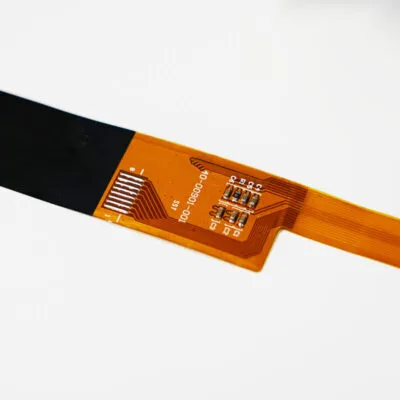
    Adjust the length, position, and pinout of your cables, or add additional connectors to enhance functionality. Get a customized cable solution designed to streamline your connections and ensure secure, reliable performance.
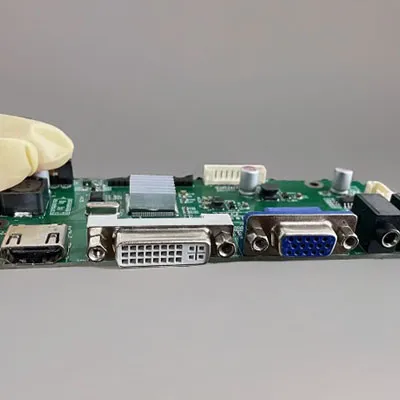
    LCD Interface Customization

    Select from a diverse range of interface options or consult our experts to find the ideal fit for your project. We can integrate HDMI, USB, SPI, VGA, and more into your display, helping you meet your design objectives efficiently.
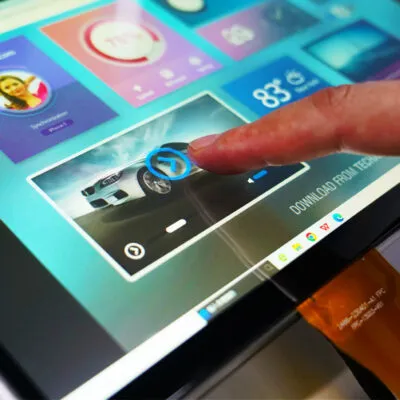
    Elevate User Experience with Touch Screen Technology

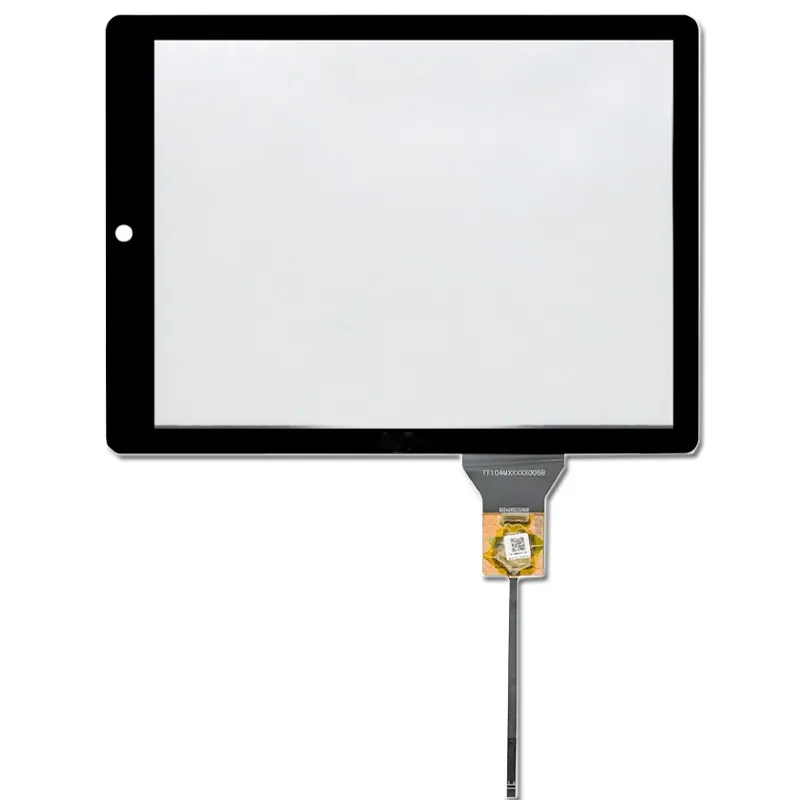
    Enhance your user experience with either capacitive or resistive touch screen technology. We will customize the glass thickness and shape of the touch panel to ensure a perfect fit for your design requirements.
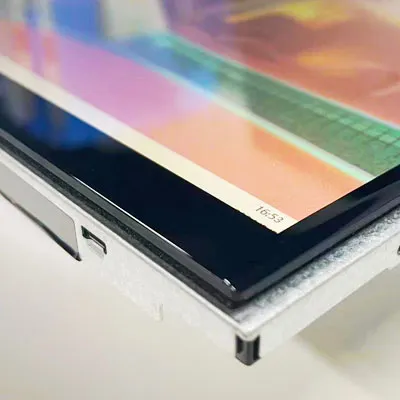
    custom touch

    Custom Cover Glass

    Equip your display with a custom-cut cover glass to boost durability and performance. Select from various thicknesses and opt for optical bonding to provide protection against moisture and debris, ensuring a long-lasting and reliable solution.
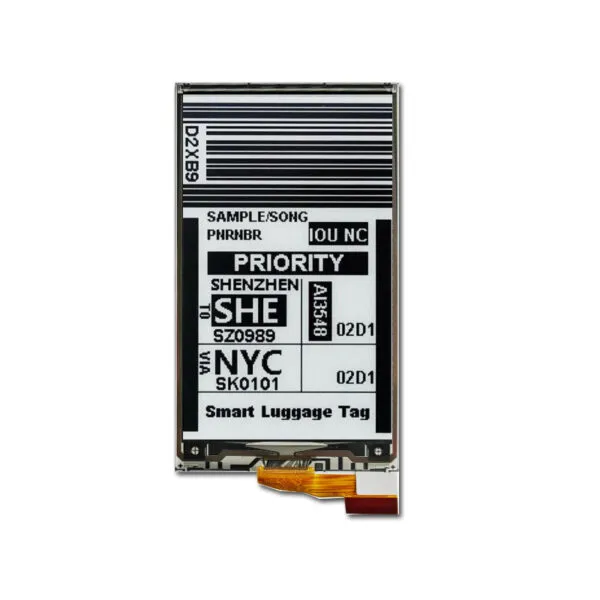
    DS40009 FAQ

    Will the text and symbols on DS40009 be readable in my installation?

    Use the 4.2-inch diagonal to shortlist e-paper panels, then check the exact drawing for fit. Compare the visible area and bezel against your enclosure. Try your smallest text, icons and any barcodes on a 400 × 300 canvas before committing to the enclosure. Test the result under the lowest available ambient light.

    What has to match between DS40009, my controller and its waveform?

    For the listed SPI interface, check the exact controller, SPI mode, logic levels and update time with a representative screen. Ask for the waveform and initialization for the exact panel revision. Confirm its supported update modes before deciding whether to use partial refresh.

    Is DS40009 suitable for content that changes throughout the day?

    For the listed e-paper, compare readability in available light and how long the actual content takes to refresh. Measure the change-to-visible time and check for ghosting with the actual sequence of graphics. If updates must be frequent or animation is essential, compare the result with a continuously refreshed display under your power and lighting constraints.

    What should I test before approving a sample of DS40009?

    Use the listed 0 °C to +40 °C operating range to plan cold starts and hot running tests, with temperature measured at the panel. Time a full refresh and any documented partial refresh, then measure power over a representative update and idle cycle. Check barcode readability on the installed sample if it will display codes.

    How do I keep future orders of DS40009 compatible with the same firmware?

    Record the approved panel and controller revisions, waveform version, power profile and accepted image behavior. Give us those references and ask us to confirm them against the sample and production quantities in your quote.

    Additional information

    Size:

    Resolution:

    Interface:

    ,

    Operating Temperature:

    -0℃~40℃

    Brightness(cd/m²):

    200

    Touchscreen Support:

    Display Type:

    Custom Display Solutions

    Work with our engineering experts to create the perfect display for your application. 

    Copyright © 2025 Displaysell.com. All Rights Reserved.

    Site Map

    Privacy Policy

    Terms Conditions