

Size
Resolution
Interface
MCU/Arduino TFT Display
The Arduino TFT screen is a backlit TFT LCD screen with a micro SD card slot in the back. You can draw text, images, and shapes to the screen with the TFT library.
Expert Team Support
Free Support for Members 5*24 Online Service
Showing all 12 results
-

0 .96" Circular IPS TFT Display - 240x198 SPI Interface, Low-Power & Slim Design
- 0.96 inch
- 240*198
- SPI
- NO
- Raspberry Pi
-
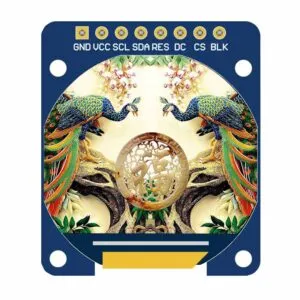
0.96" Round TFT Display | 240x198 IPS SPI Screen | 5V/3.3V MCU Compatible
- 0.96 inch
- 240*198
- SPI
- NO
- Raspberry Pi
-
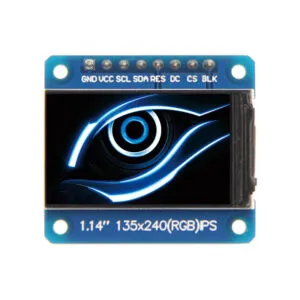
1.14" SPI TFT Display Module - IPS 135x240 Resolution, 4-Wire Interface, −20 to 60°C Operating Range
- 1.14 inch
- 135*240
- SPI
- NO
- Raspberry Pi
- -20℃~60℃
-
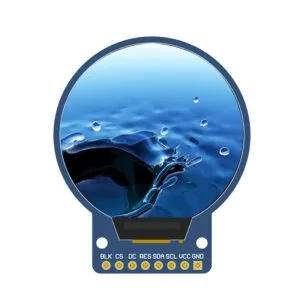
1.28" Circular IPS TFT Display - 240x240 SPI Interface, Industrial Grade, 65K RGB Colors
- 1.28 inch
- 240*240
- SPI
- NO
- Raspberry Pi
-
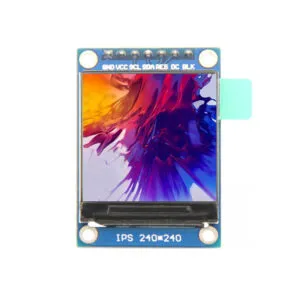
1.3" IPS TFT LCD Module 240x240 RGB, 4-Wire SPI Interface | Industrial Grade
- 1.3 inch
- 240*240
- SPI
- NO
- Raspberry Pi
-
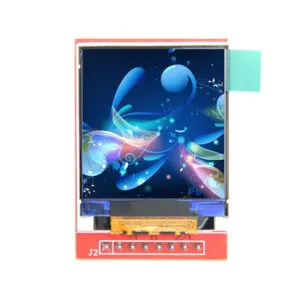
1.44" LCD Arduino Module with SPI Interface & SD Slot - 128x128, 65K Color
- 1.44 inch
- 128*128
- SPI
- NO
- Raspberry Pi
-
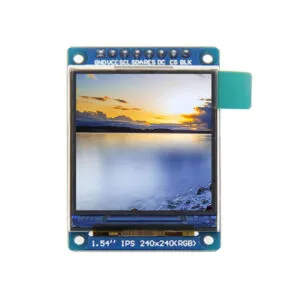
1.54" LCD Screen Module | 240x240 RGB SPI Interface | STM32/C51/MSP430 Support
- 1.54 inch
- 240*240
- SPI
- NO
- Raspberry Pi
-
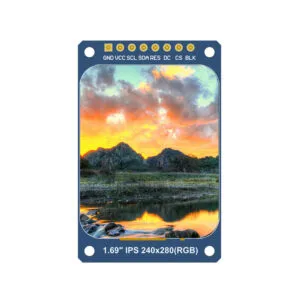
1.69" SPI LCD Arduino | 240x280 SPI Interface | STM32/C51/MSP430 Demo Codes
- 1.69 inch
- 240*280
- SPI
- NO
- Raspberry Pi
-
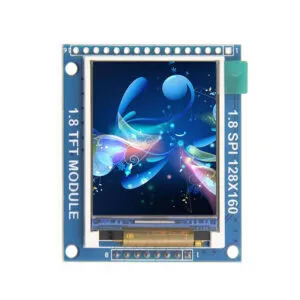
1.8" TFT LCD Module 128x160 | Arduino/STM32 Support | Industrial-Grade Reliability
- 1.8 inch
- 128*160
- SPI
- NO
- Raspberry Pi
-
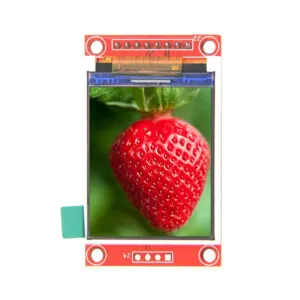
1.8" TFT LCD SPI - 16-bit RGB 65K Color, 128x160, ST7735 with SD Slot
- 1.8 inch
- 128*160
- SPI
- NO
- Raspberry Pi
-
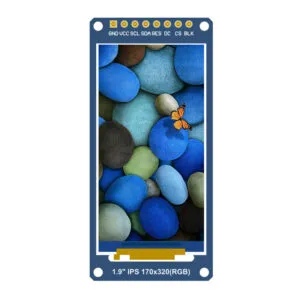
1.9" LCD Screen Module | 170x320 HD | 4-Wire Interface | Ultra-Wide Viewing Angle
- 1.9 inch
- 170*320
- SPI
- NO
- Raspberry Pi
-
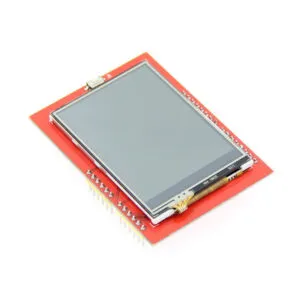
2.4 TFT Display Sheild Support Arduino UNO Mega2560
- 2.4 inch
- 320*240
- HDMI
- capacitive
- Arduino | UNO | Mega 2560

