




Description
1.54" Arduino Oled Display Features
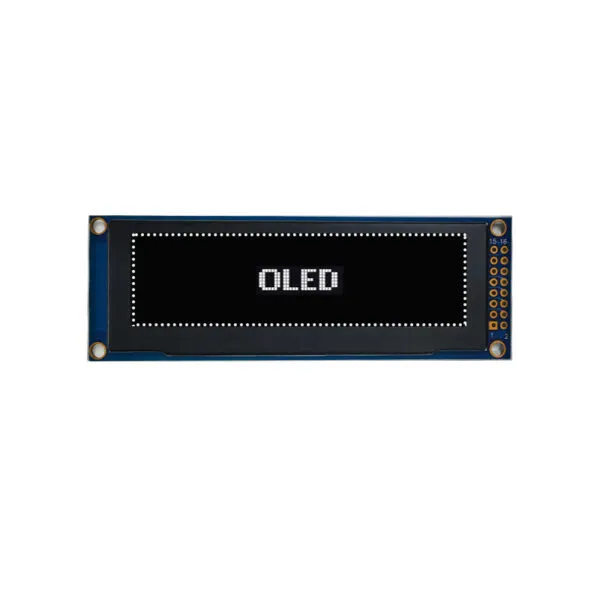
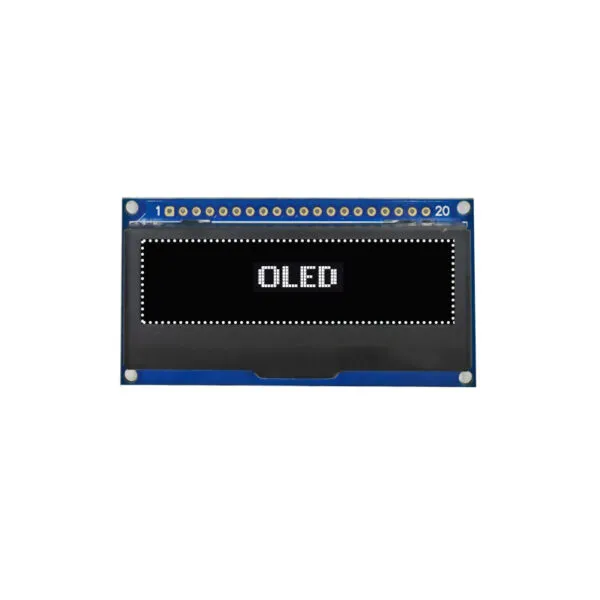
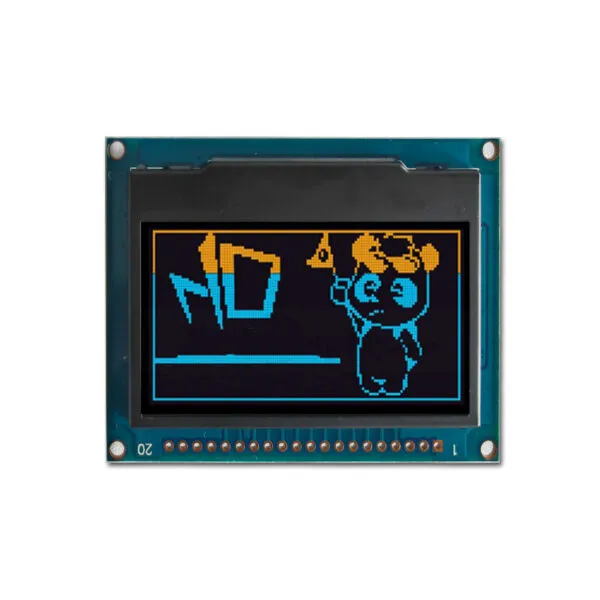
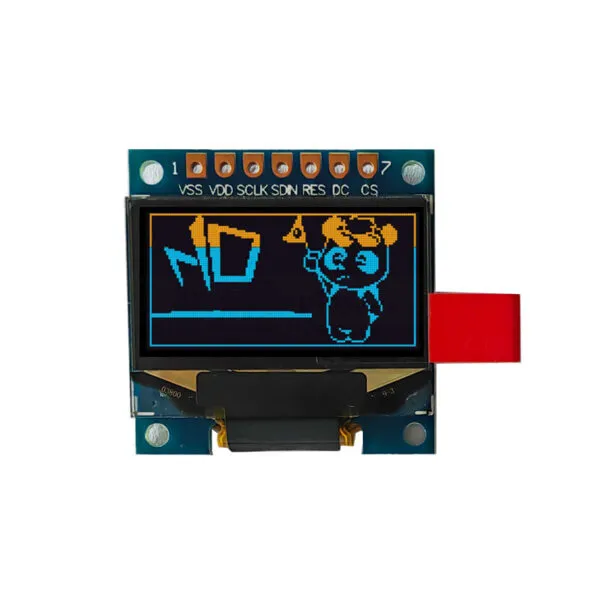
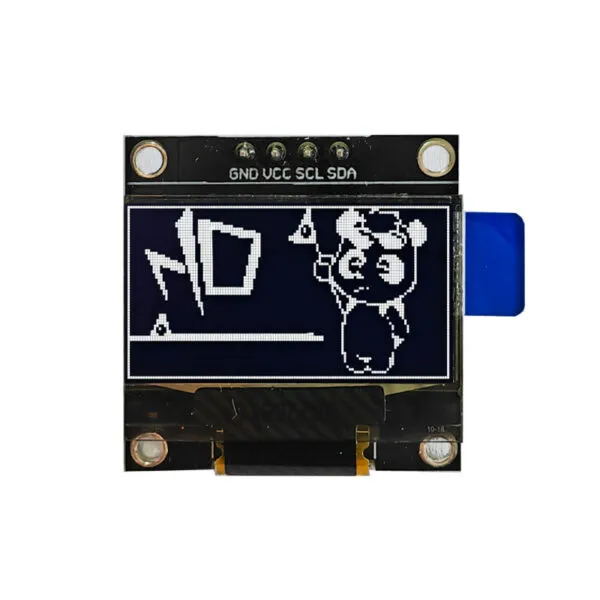
The 1.54 inch Display 128 x 64 Arduino utilizes advanced passive matrix technology to deliver excellent contrast and visibility, ensuring readability in various lighting conditions. Its compact size makes it ideal for space-constrained applications while still providing ample screen real estate for detailed graphics. Equipped with the SSD1305 controller IC, the display facilitates easy integration and control for seamless operation. It supports multiple interface options, including 8-bit 68XX/80XX parallel, 4-wire SPI, and I2C, providing flexibility for different system configurations and minimizing wiring complexity. Additionally, the PCB board features four screw holes for secure and convenient mounting in various projects.
1.54" Arduino Oled Display Application
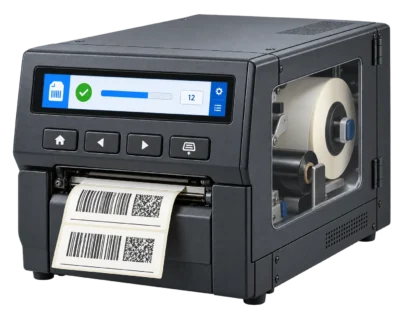
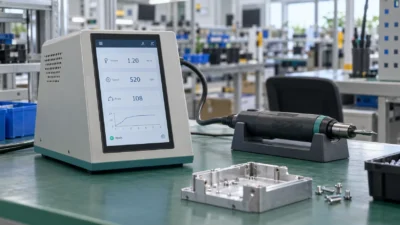
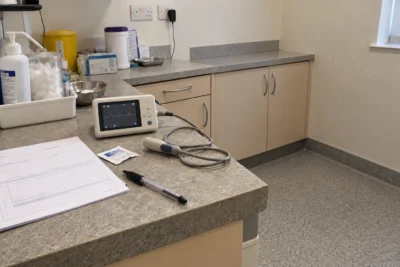
The 1.54 inch Display 128 x 64 Arduino is ideal for a variety of applications, including wearable devices like smartwatches and fitness trackers, where size and power efficiency are essential. It is also suitable for embedded systems, such as IoT devices and industrial controls, that require reliable displays. Additionally, this display is a favorite among hobbyists and makers for DIY projects, particularly for enhancing Arduino or Raspberry Pi setups. Furthermore, it can be integrated into portable medical devices, providing clear and easily interpretable outputs for effective user interaction.
1.54" Arduino Oled Display Product Specifications
| Panel Size(inch) | 1.54(Diagonal) |
|---|---|
| Display Mode | Passive Matrix—OLED&White |
| Interface | 8-Bit 68XX/80XX Parallel 、4-Wire SPI 、I2C |
| Drive Duty | 1/64 |
| Driver IC | SSD1305 |
| Shell | 0.5T |
| Outline Drawing | 62.5x40.45x8.5 |
| View Area | 37.0x19.5 |
| Active Area | 35.056x17.52 |
| Lattice | 128dots x 64dots |
| Pixel Pitch | 0.274x0.274 |
| Pixel Size | 0.258x0.258 |
| - | - |
| - | - |
| - | - |
1.54" Arduino Oled Display Custom Solutions
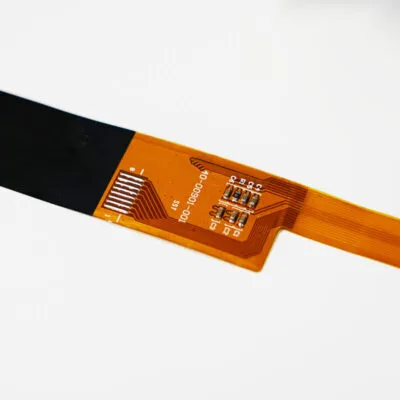
Optimize Your Cable Solutions
Adjust the length, position, and pinout of your cables, or add additional connectors to enhance functionality. Get a customized cable solution designed to streamline your connections and ensure secure, reliable performance.
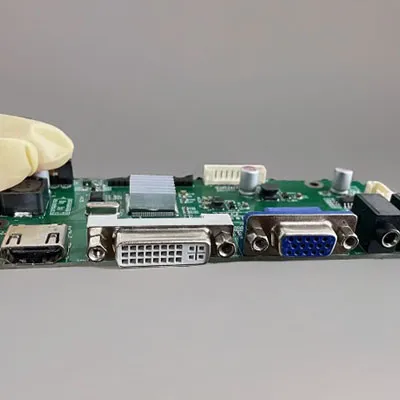
LCD Interface Customization
Select from a diverse range of interface options or consult our experts to find the ideal fit for your project. We can integrate HDMI, USB, SPI, VGA, and more into your display, helping you meet your design objectives efficiently.
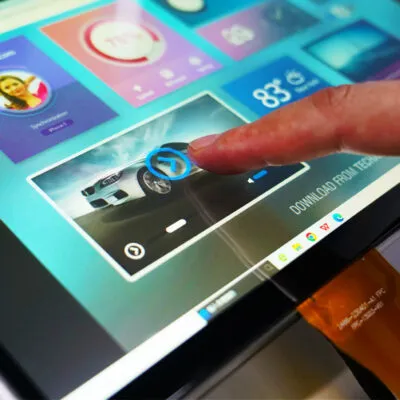
Elevate User Experience with Touch Screen Technology
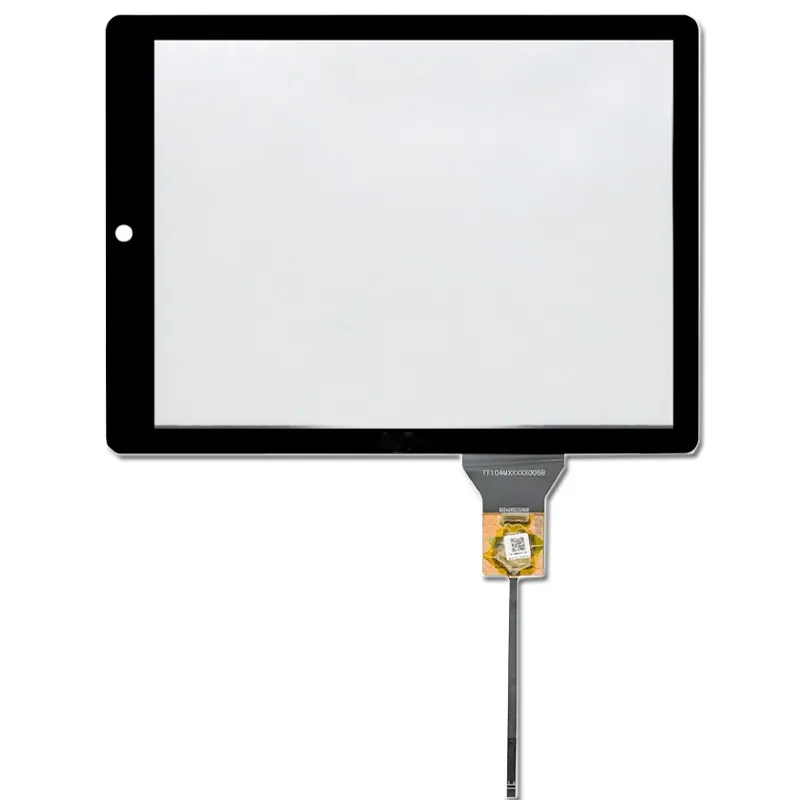
Enhance your user experience with either capacitive or resistive touch screen technology. We will customize the glass thickness and shape of the touch panel to ensure a perfect fit for your design requirements.
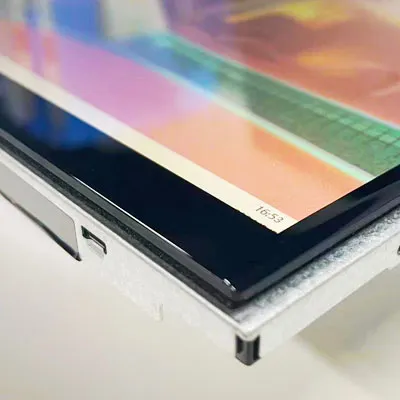
Custom Cover Glass
Equip your display with a custom-cut cover glass to boost durability and performance. Select from various thicknesses and opt for optical bonding to provide protection against moisture and debris, ensuring a long-lasting and reliable solution.