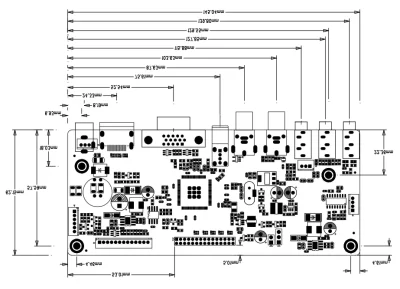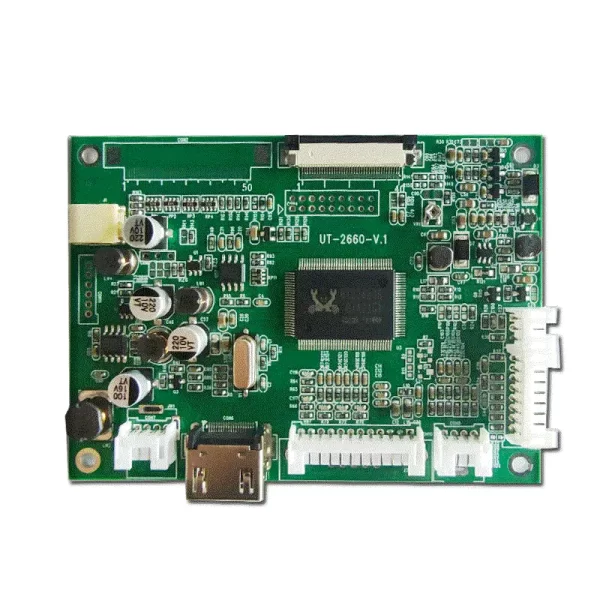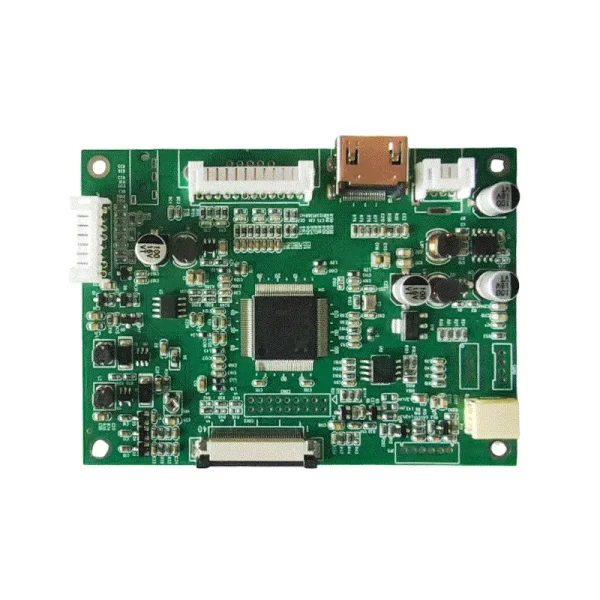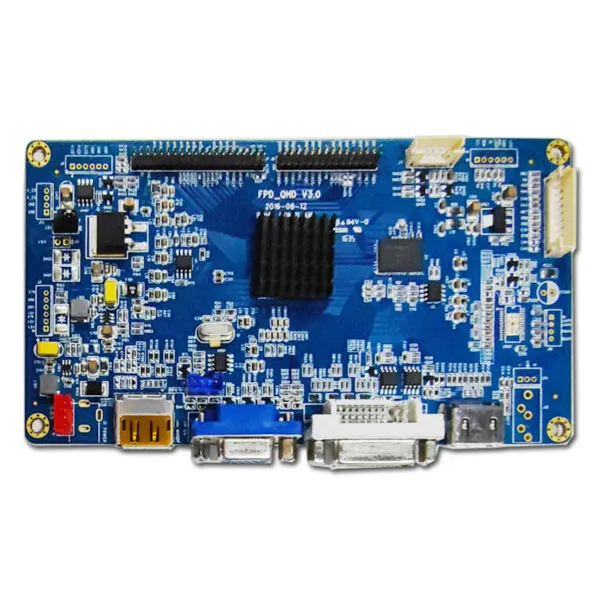
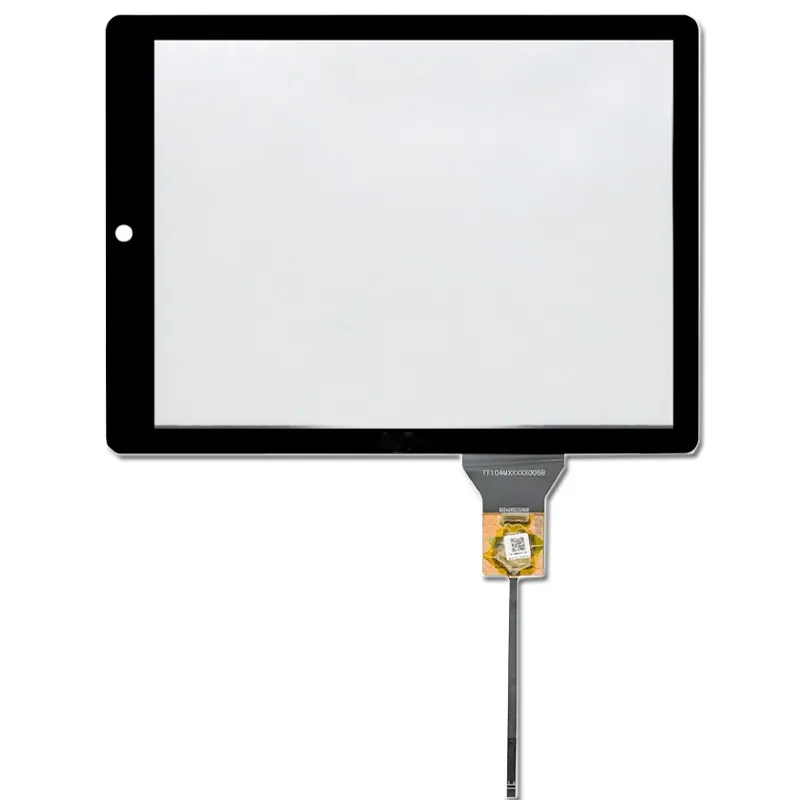

JBEEV3-V56-V0.4 TFT Controller Board with 1 VGA / 1 HDMI/ 1USB/ 2AV

SKU: DS40043
Model Number

JBEEV3-V56-V0.4

Maximum supported resolution

1920x1200

Model Source

1 VGA / 1 HDMI/ 1USB/ 2AV

Output Interface

LVDS

Resources:

TFT Controller Board Support 1920x1200 TFT LCD screen with 1 VGA 2 AV inputs 1 USB 1 HDMI interface and supports LVDS (6-bit, 8-bit) output

Request Volume Pricing


    Description

    JBEEV3-V56-V0.4 TFT Controller Board :


    ✅ 2 channels of AV signal input, 1 channel of VGA, 1 channel of HDMI, 1 channel of USB
    ✅ Supported video standards: NTSC M, NTSC-J, NTSC 4.43, PAL (B, D, G, H, M, N, I, Nc), 3D image filtering
    ✅ On-Screen Display (OSD) and control
    ✅ Supports boot-up screen
    ✅ Supports infrared remote control signal

    ✅Supports flip function

    ✅Audio input and output function

    tft driver board


    Interface Definition
    LVDS Output (30-pin)
    Pin No. Function Pin No. Function Pin No. Function
    1 VCC 11 RXO2- 21 RXE1-
    2 VCC 12 RXO2+ 22 RXE1+
    3 VCC 13 GND 23 RXE2
    4 GND 14 GND 24 RXE2+
    5 GND 15 RXOC- 25 GND
    6 GND 16 RXOC+ 26 GND
    7 RXO0- 17 RXO3- 27 RXEC-
    8 RXO0+ 18 RXO3+ 28 RXEC+
    9 RXO1- 19 RXE0- 29 RXE3-
    10 RXO1+ 20 RXE0+ 30 RXE3+
    Backlight Board Port
    Pin No. Function Pin No. Function Pin No. Function
    1 12V 3 BL-ON/OFF 5 GND
    2 12V 4 BL-ADJ 6 GND
    JBEEV3-V56-V0.4
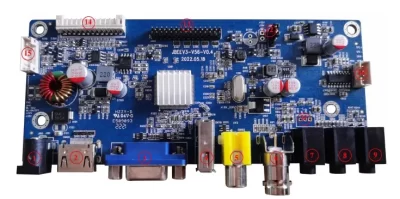
    Serial number Position number Function
    1 J101&J103 Power supply standard socket and power supply PIN socket
    2 CN401 HDMI
    3 CN601 VGA
    4 CN701 USB
    5 CN502 AV2
    6 CN501 AV1
    7 CN800 Audio input
    8 CN801 Audio output
    9 CN200 IO/ADC
    10 J802 Speaker
    11 J803 Audio input
    12 J301&J304 Screen voltage selection
    13 J302 Screen cable socket
    14 J201 Button
    15 J303 Backlight

    DS40043 FAQ

    Can DS40043 drive my existing LCD panel safely?

    Listed source inputs include HDMI and VGA. Listed panel outputs include LVDS. Check both ends independently against the source and LCD documentation. Send the complete LCD part number and connector photos. Check the panel supply and pinout, backlight power and enable or dimming signals before applying power.

    Will DS40043 give me the resolution and refresh my source needs?

    Treat 1920 × 1200 as the listed maximum supported resolution. Check that the board firmware actually offers your panel’s exact timing and refresh. Check whether the source mode is accepted and whether the LCD will be driven at its native mode. Include the exact source and target mode in your request.

    Should I choose DS40043 or a controller already configured for my panel?

    Use JBEEV3-V56-V0.4 as the listed controller reference, then compare the full part number and revision on the label. Compare firmware availability, cable and backlight changes, mounting space and time to validate your panel. A matched board and cable can be easier to reproduce when the same LCD revision will be used in production.

    What should pass on a sample of DS40043 with my panel?

    Use your actual LCD, source and cable to check startup, a full-screen test image, brightness control and repeated wake. Check cable and regulator temperature during a sustained run.

    What should I specify so a repeat order of DS40043 works with the same LCD?

    Ask us to record the board revision, programmed firmware, panel part number, cable pinout and power setup on the quote. Keep those references and the approved sample test together when ordering another batch.

    Additional information

    Model Number

    JBEEV3-V56-V0.4

    Maximum supported resolution

    1920x1200

    Model Source

    1 VGA / 1 HDMI/ 1USB/ 2AV

    Output Interface

    LVDS

    Custom Display Solutions

    Work with our engineering experts to create the perfect display for your application. 

    Copyright © 2025 Displaysell.com. All Rights Reserved.

    Site Map

    Privacy Policy

    Terms Conditions