


Description
The Genesis of Transparent LCD Touch Screen
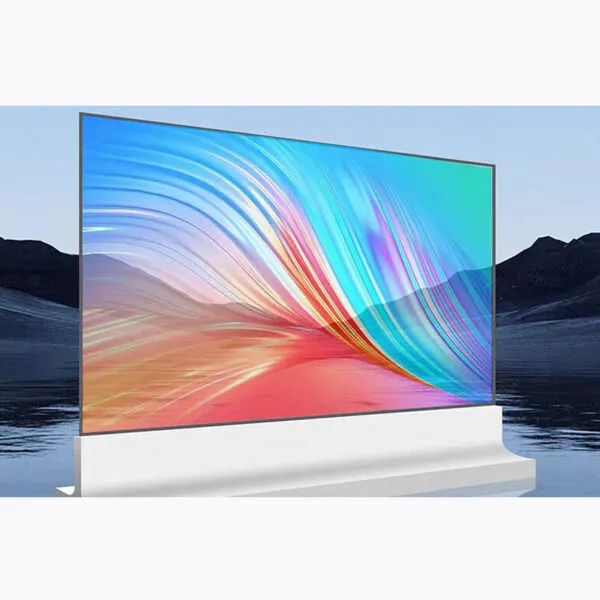
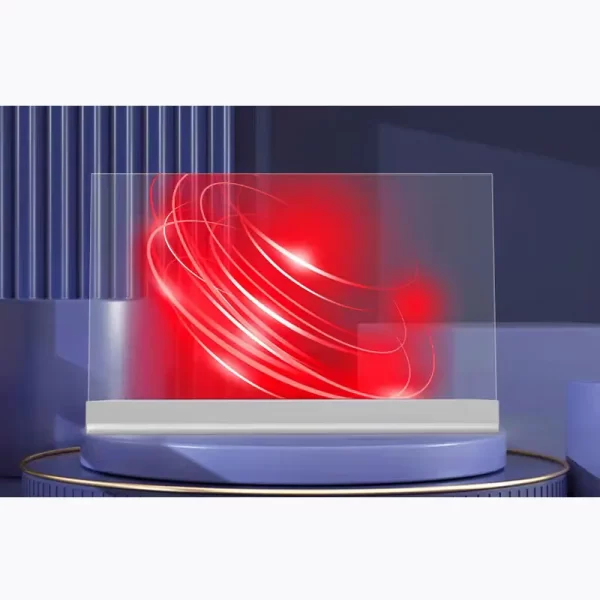
Born from the marriage of innovation and necessity, Transparent LCD Touch Screen emerged as a response to humanity’s desire to blend digital information with the physical world. Early prototypes in the 2000s struggled with low transparency and high costs, but advancements in OLED technology (self-emissive, no backlight) and materials like nanowire conductors unlocked clarity. Brands like Sony and LG pioneered commercial use in the 2010s, showcasing sleek, see-through displays in retail windows. Today, 85%+ transparency and modular designs meet demands for immersive, non-intrusive experiences—whether in smart homes, museums, or urban architecture. The journey? From lab curiosity to a global tool redefining how we interact with space and information.
Real-World Impact
Transparent screens thrive where imagination meets utility:
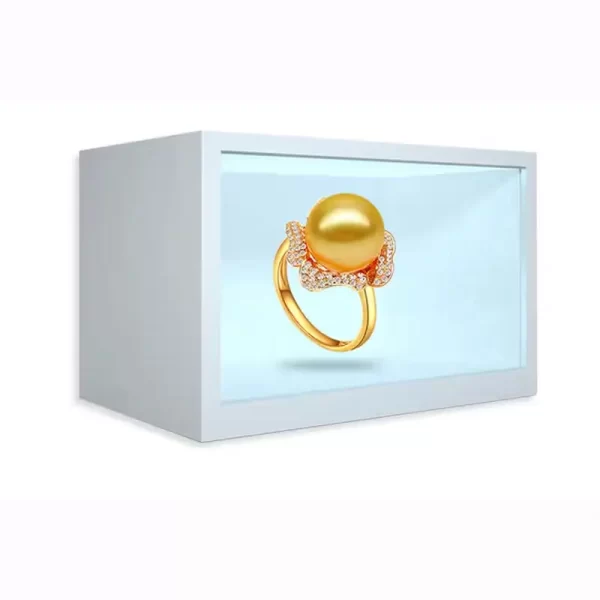
Retail: A jewelry brand in Paris uses 46” transparent OLEDs in store windows—projecting 3D diamond designs over real displays, boosting engagement by 45%.
Transport: Tokyo’s subway installs transparent screens on platform doors, showing ads and train schedules without blocking views, cutting passenger confusion by 30%.
Hospitality: A luxury hotel in Dubai integrates transparent touchscreens into poolside glass railings—guests browse menus, weather, and activities while enjoying the skyline.
Heritage: The British Museum pairs transparent panels with ancient artifacts, overlaying holographic histories for visitors. Result? 2x longer dwell time and 60% higher social shares.
21.5" Product Specifications
| Size(inch) | 21.5 |
|---|---|
| Resolution | 1920*1080 |
| Contrast Ratio(Typ) | 1200:1 |
| View area(mm) | 478*270 |
| Overall dimension(mm) | 528*354*236 |
| CPU | Intel core i5-6 |
| RAM | 8G |
| SSD | 128G |
| OS | 128G |
| interface | Speaker*2,Power Switch*1,HDMI out*1,VGA out*1,LAN*1,USB3.0*4 , USB2.0*2,DC*1,AUDIO-out*1,MIC*1,WIFI*1 |
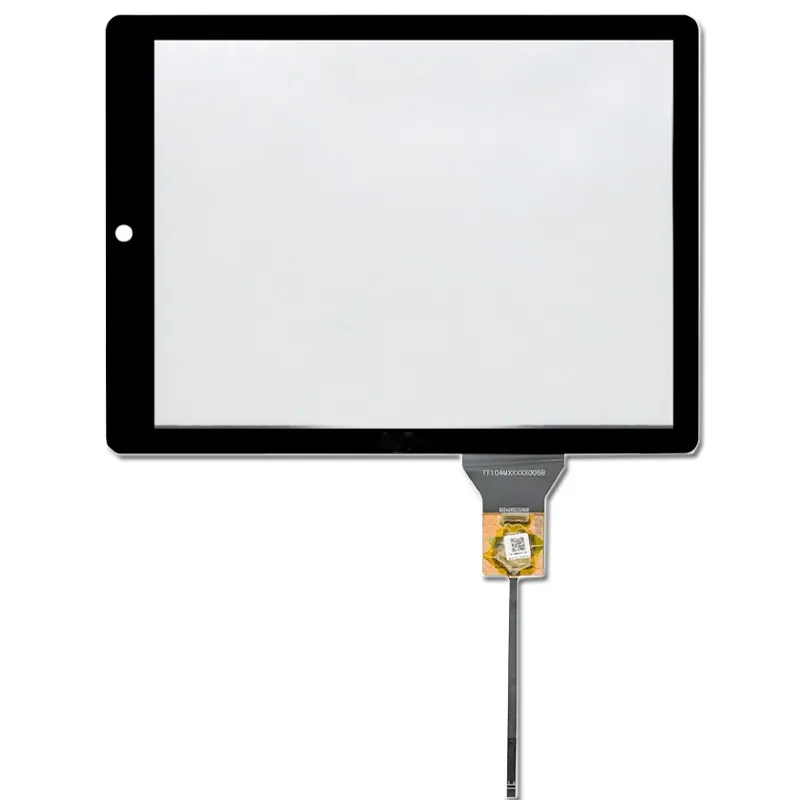
| Touch | Projected capacitive touch panel |
| Working Temperature | -10℃ ~ 60℃ |
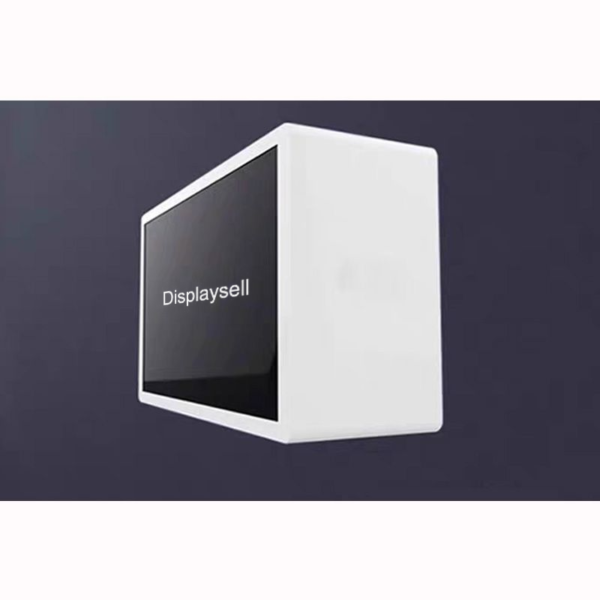
| Housing Material | Sheet-Metal |
| Housing color | white |
| Power consumption | ≤1.5W |
Transparent Display Features
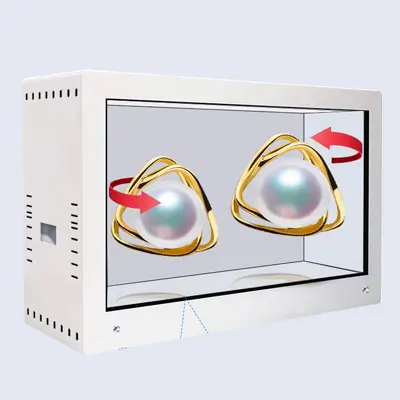
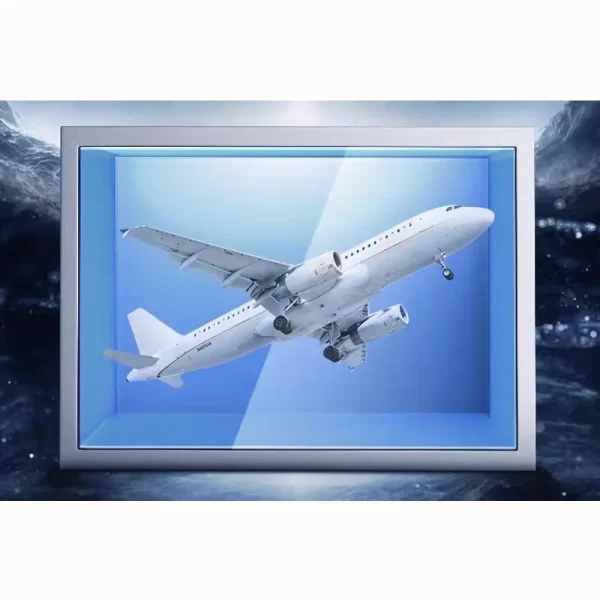
3D Visualization
Adjust the length, position, and pinout of your cables, or add additional connectors to enhance functionality. Get a customized cable solution designed to streamline your connections and ensure secure, reliable performance.
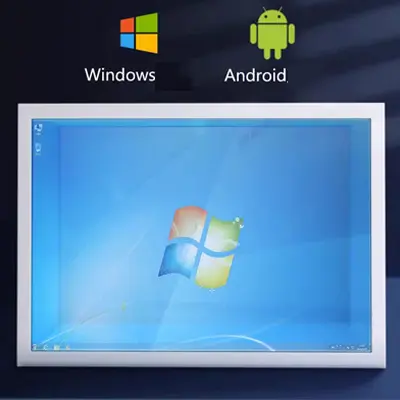
Embedded Android/Windows System
Industrial-grade main control board support 7*24h uninterrupted operation in -10°C to 60°C operating temperature, built-in wired and wireless Wi-Fi.
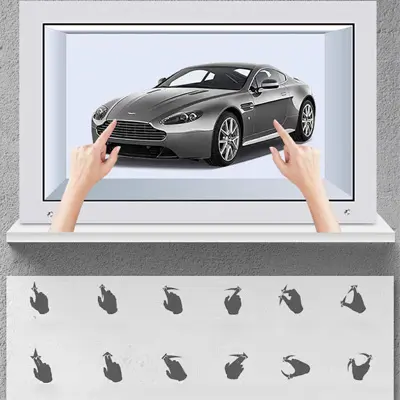
Touch Interaction & Free Scaling
Deliver a More Valuable Communication Method
Interactive Projection System enables audience engagement through touch – pinch-to-zoom for crystal-clear details.
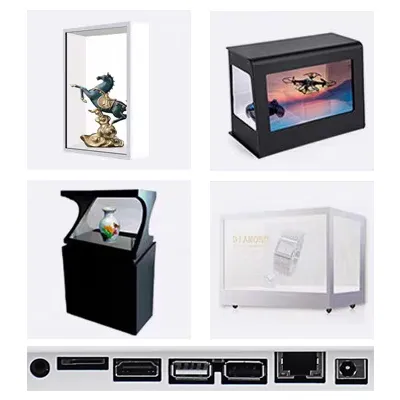
Customization Form Factors & Interfaces
Engineered for Versatility – Stylish Designs Meet Functional Flexibility