
15.6 inch Portable Monitor Dual Screen for Multi-Tasking Expansion

SKU: DS30052
Size:

Resolution:

Color Gamut

45%NTSC

Refresh Rate

60Hz

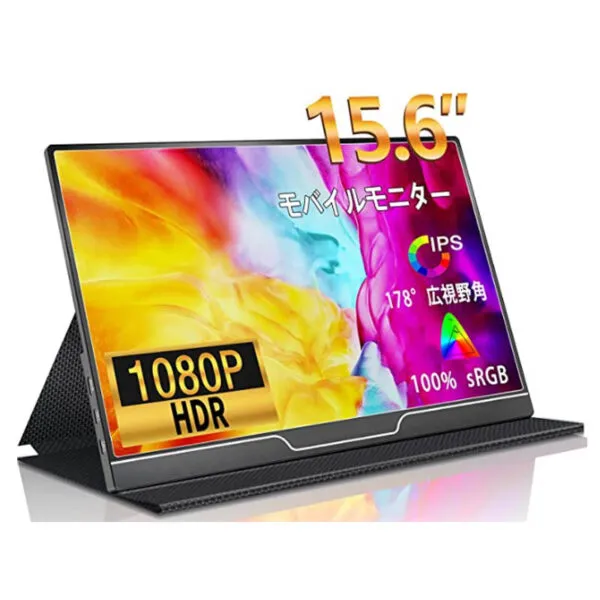
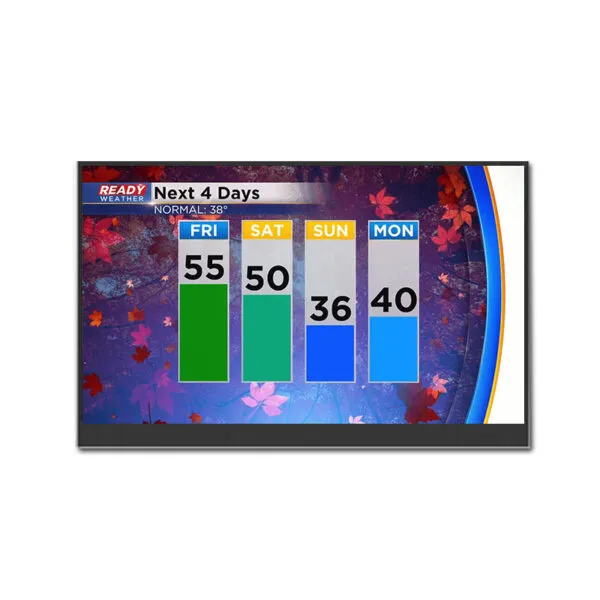
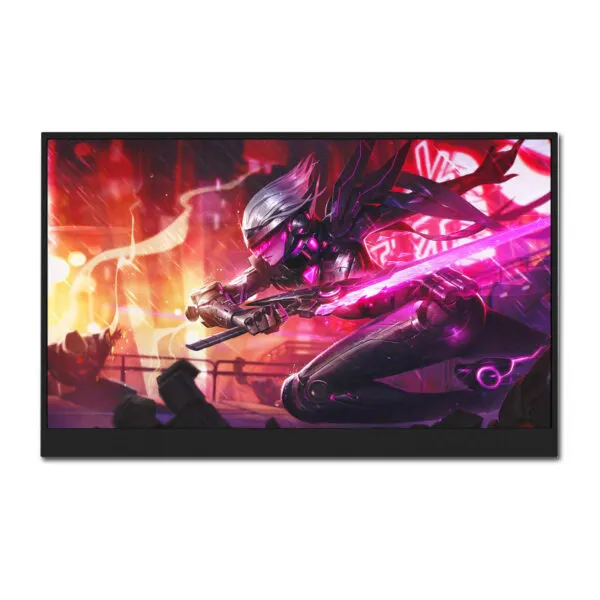
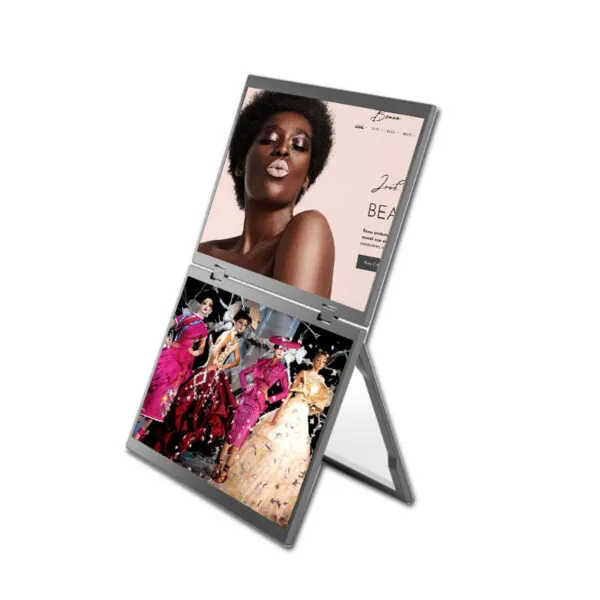
Portable Monitor Dual Screen , 15.6 inch*2 duel display,excellent for multi-tasking expansion; with Mini HDMI/Type-C/USB-A port, connects laptops, phones, consoles simultaneously

Request Volume Pricing


    Description

    15.6 inch Portable Monitor Dual Screen Overview

    Our duel Screen 15.6 inch grade A Portable Monitor Dual Screen  with FHD 1920*1080 resolution, 45%  NTSC color is suitable for basic tasks ; With 2 Mini HDMI +2 Type-C + USB-A2+4 speaker, Connects laptops ,  phones , consoles simultaneously (PS 5/Xbox Series X , nintendo switch) ; PD 30 W adapter supports power banks ( 20000 mAh ≈3-hour runtime) Contact customer service to get the best price.

    Portable Monitor Dual Screen Application

    • This 15.6 inch dual-screen monitor is excellent for multi-tasking expansion, particularly in business, mobile creativity, and entertainment scenarios.
    • For business productivity : Laptop via HDMI1 (work) + phone via Type-C2 (notifications/meetings) , Power bank via USB-C for cord-free use,Reduces window switching and keeps workflows organized;
    • The Cross-Device Creative Hub,Android tablet via Type-C1 for drawing (Medibang) , laptop via HDMI2 for design documents;
    • For multi-Screen Gaming & Entertainment,PS5 via HDMI1 for 4K gaming, phone via Type-C2 for cloud gaming (Xbox Cloud) , and built-in 4-speaker surround sound,dual-screen gaming with enhanced audio immersion.

    15.6 inch Portable Monitor Dual Screen Specifications

    Size(Diagonal) 15.6"
    Aspect Ratio 16:9
    Brightness 250 cd/m2
    Color Gamut 45% NTSC
    Viewing Angle 85/85/85/85 (Typ.)(CR≥10)
    Vertical Refresh Rate 60 Hz
    Maximum Resolution 1920*1080
    Shell Material ABS Plastic+Hardware
    Adapter Standard PD 30 W*1
    DMI to mini hdmi cable Standard*1
    Dual-head Type-c Mobile Screen Standard*1
    USB to Type-c Mobile Screen Standard*1
    Anti-slip Leather Case Standard*1
    User Manual Standard*1
    - -

    Portable Monitors Features

    Dual Mode Switching

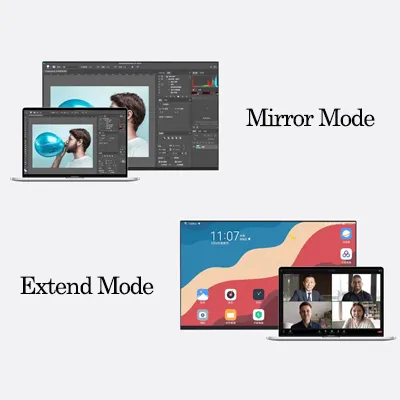
    Mirror Mode: Both screens display identical content, ideal for vibrant Full HD large-screen presentations (e.g., meetings, tutorials).Extend Mode: The portable monitor acts as a second display for your computer. Drag and drop applications onto the large screen for seamless multitasking (e.g., editing on the main screen while referencing data on the portable monitor).
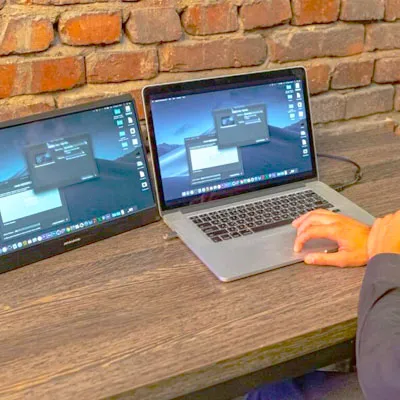
    Extreme Portability for Executive On-the-Go Productivity

    Ultra-light, IP54-rated for rain/dust, with Full-Function USB-C + HDMI for seamless switching between your MacBook, iPhone, and Switch
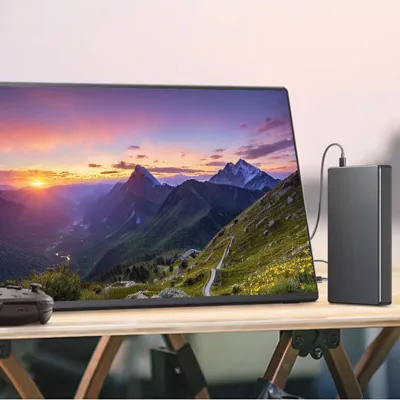
    No Battery Anxiety

    Powered by any USB-C PD power bank (even your phone charger).
    15.6" 2K Portable Monitor – Work from Everest Base Camp to Wall Street.

    AI-Powered Eye Care

    Your Eyes’ Best Friend – All-Day Comfort, Zero Compromise
    Blue Light Filter (75% reduction)/Adaptive Warm Light (2700 K-6500 K)/Flicker-Free Technology
    DS30052 FAQ

    Will DS30052 fit my setup with the cables and controls accessible?

    Use the 15.6-inch diagonal to shortlist monitors, then check the exact drawing for fit. Compare the case depth, mount or stand, cable bend and access to the controls against your setup. Test the actual cable exit before approving a tight installation.

    Can my laptop use both screens of DS30052 as separate desktops?

    Send us your source model and OS or firmware version so we can check the required interface, pinout and electrical limits against the exact product documentation. Check which port carries video and how power is supplied. The catalog lists 1920 × 1080 as its maximum resolution. Confirm the accepted source modes and native panel layout separately before choosing a scaling setting. For this dual-screen setup, check whether your source can address both screens independently and whether you need a second video connection.

    Should I choose DS30052 or a different monitor for this use?

    Get the native pixel layout first, then try your typical desktop, menu or signage layout at that layout before choosing a monitor. Compare readable text size at the intended distance, connector access and whether the installation needs a portable stand or fixed mounting. Compare the candidates with the same content, cover and lighting, then select against your minimum contrast and viewing-angle requirements.

    What should I test on a sample of DS30052 with my actual source?

    Check scaling, audio if needed, repeated wake and recovery after unplugging or power loss. Use the listed 60 Hz as a starting point and check which resolution and input actually support that mode. If touch is required, confirm the controller, host driver and cover stack for the exact configuration and test edge taps on the sample. With both screens connected, test independent desktops, wake and the combined power demand.

    What should I specify to get the same monitor and cable set when reordering DS30052?

    Send us the source device model, intended mounting or stand, required ports, power adapter and any touch needs. Ask for an itemized configuration and keep the approved sample reference, quantities and delivery date with the quote.

    Additional information

    Size:

    Resolution:

    Color Gamut

    45%NTSC

    Refresh Rate

    60Hz

    Custom Display Solutions

    Work with our engineering experts to create the perfect display for your application. 

    Copyright © 2025 Displaysell.com. All Rights Reserved.

    Site Map

    Privacy Policy

    Terms Conditions