

Description
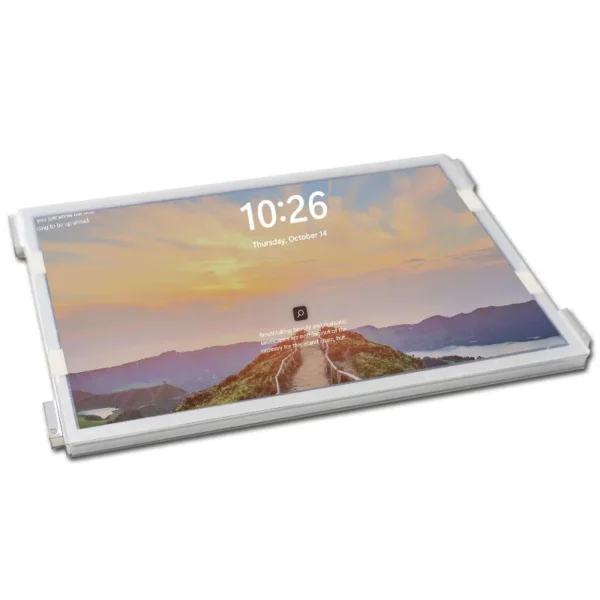
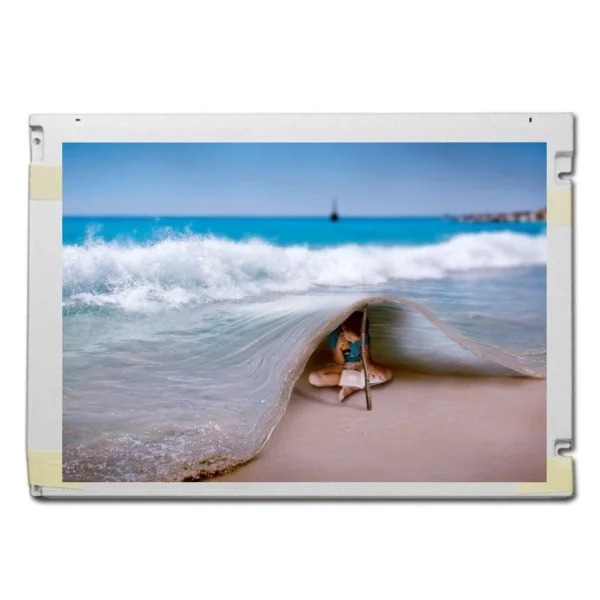
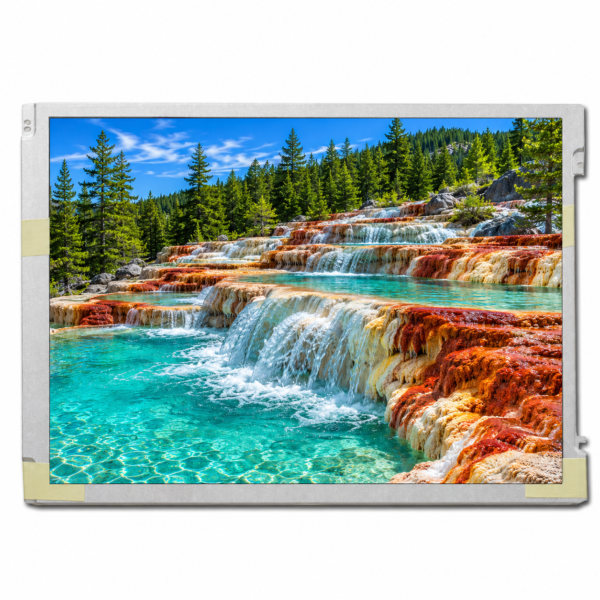
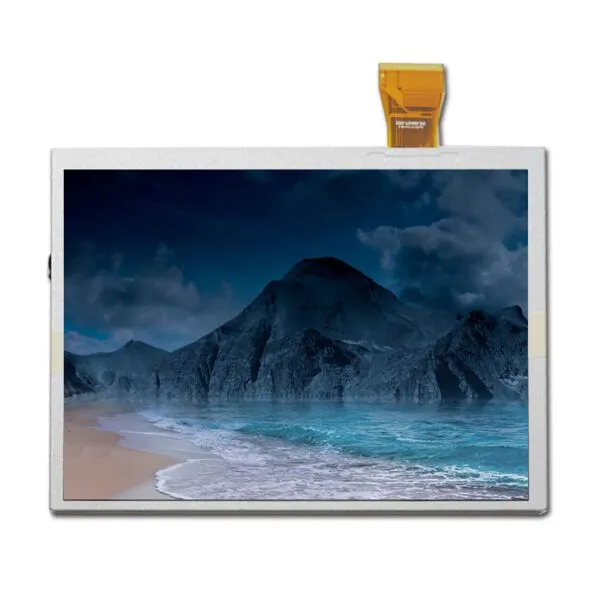
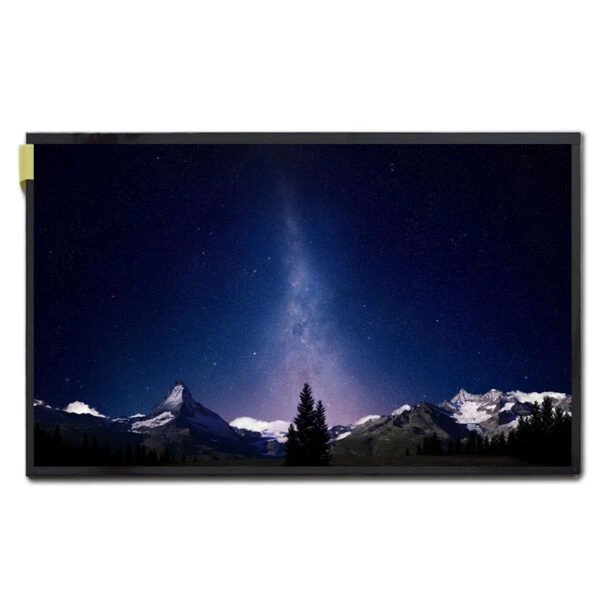
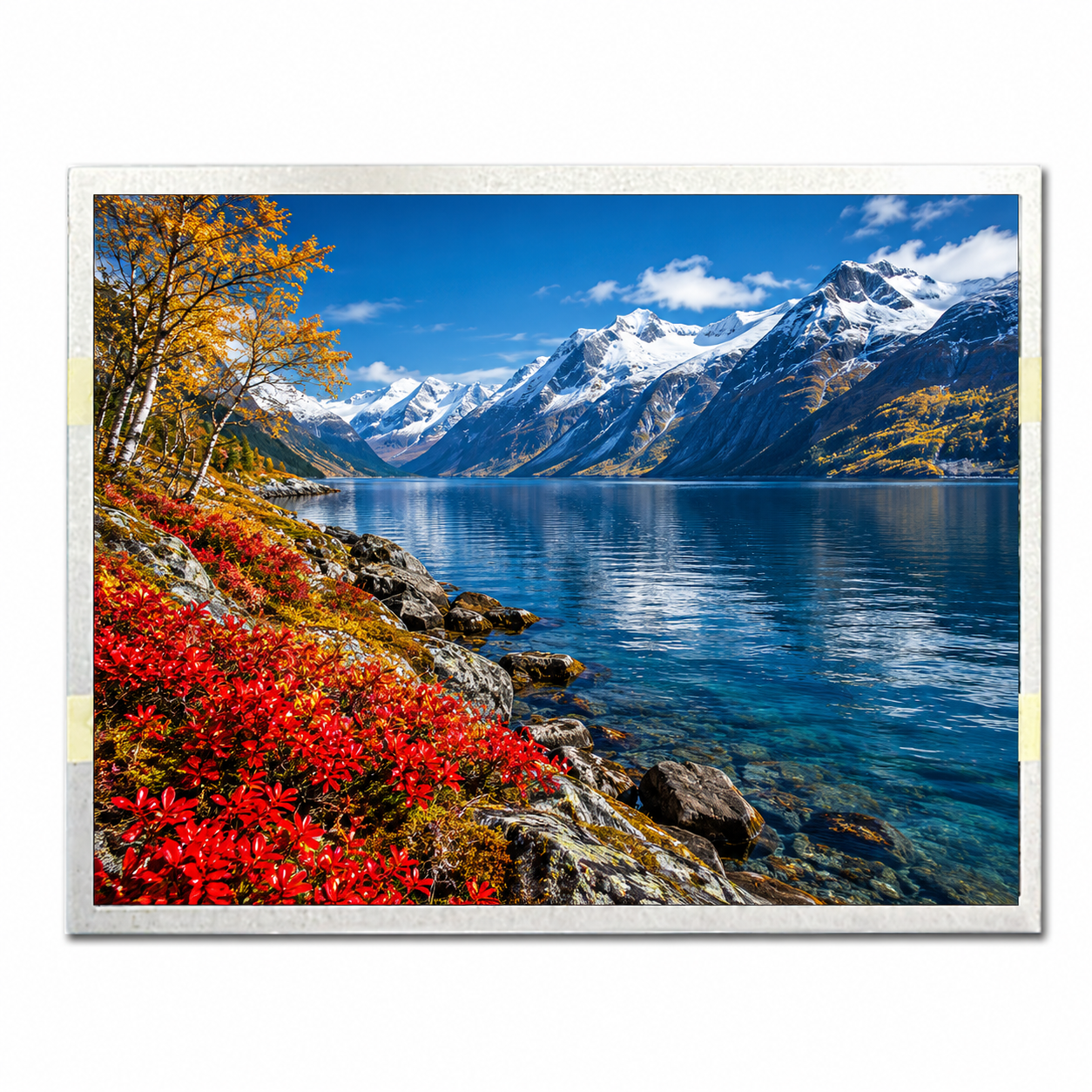
G121STN02.1 AU Optronics 12.1 inch LCD Display General Desription
The AUO G121STN02.1 is a 12.1-inch a-Si TFT-LCD LCM with 800×600 SVGA resolution (82 PPI) and RGB vertical stripe pixel format. It features a 246×184.5mm active area, 249×187.5mm bezel opening, and 261.65×203×9mm outline dimensions, with an antiglare 3H hard-coated surface for improved readability.
Boasting 1500 cd/m² (typ.) brightness and 800:1 (typ.) contrast ratio, it offers 80/80/65/75 (typ.) viewing angles (CR≥10, left/right/up/down) with best viewing at 6 o'clock, and 25/10ms (Tr/Td, typ.) response time in TN normally white transmissive mode.
Supporting 262K/16.7M colors (53% NTSC), it’s equipped with an 80K-hour WLED backlight (with driver), weighs up to 600g, and is designed for industrial applications (without a touch panel).
Operating at 60Hz, it uses a 20-pin LVDS interface (1 ch, 6/8-bit) with 3.3V input, and withstands -30°C to 85°C operating/storage temperatures for reliable performance in harsh environments.
Highlight G121STN02.1 Display’s Features
1- 1500 cd/m² (Typ.) high-brightness, sunlight readable, idea for industrial environments with intense ambient light, such as outdoor machinery, manufacturing floors, or direct-sunlight applications
2- -30°C to 85°C wide temperature tolerance, reliable performance in freezing warehouses, high-heat production zones, or mobile industrial equipment exposed to harsh weather, eliminating risks of thermal failure.
G121STN02.1 Product Specifications
| Diagonal Size | 12.1"(Diagonal) |
|---|---|
| Pixel Number | 800×600 Pixels |
| Luminance | 1500 |
| Module Size | 261.65(W)×203(H) ×9(D) |
| Active Area | 246(W)×184.5(H) |
| Viewing Direction | 6 O'CLOCK |
| View Angle(U/D/R/L) | 80/80/65/75 |
| Interface | LVDS |
| Contrast Ratio | 800 |
| Operating Temperature | -30~85℃ |
| Storage Temperature | -30~85℃ |
| LED Lifetime | 80K |
| Touchscreen Support | Without |
| Power Supply | 3.3v |
| Display Type | Color TFT |
AUO LCD Display Custom Solutions
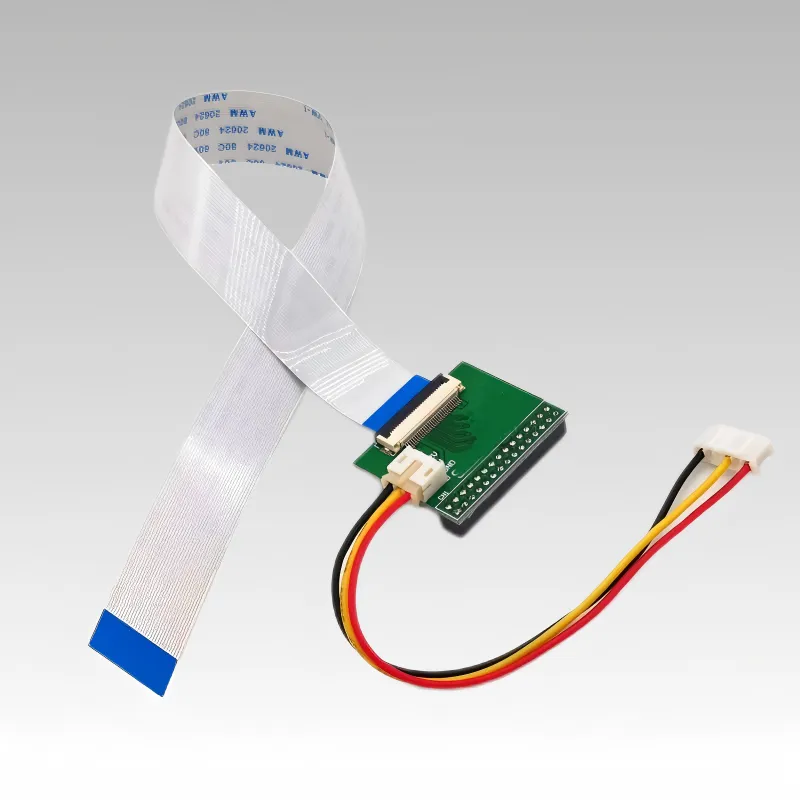
Optimize Your Cable Solutions
Adjust the length, position, and pinout of your cables, or add additional connectors to enhance functionality. Get a customized cable solution designed to streamline your connections and ensure secure, reliable performance.
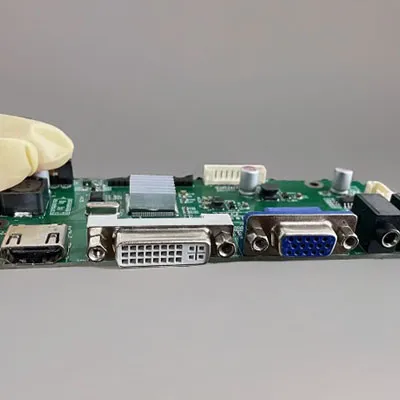
PCB Modifications
Choose from a variety of variations in PCB shape, size, pin and component layout to make it fully suitable for your application.
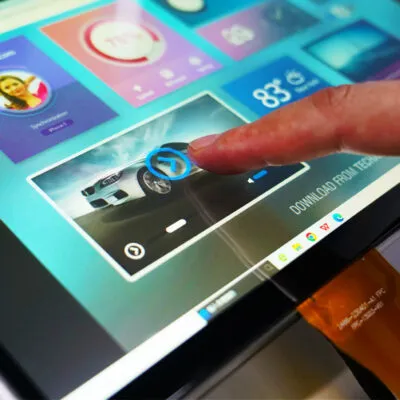
Elevate User Experience with Touch Screen Technology
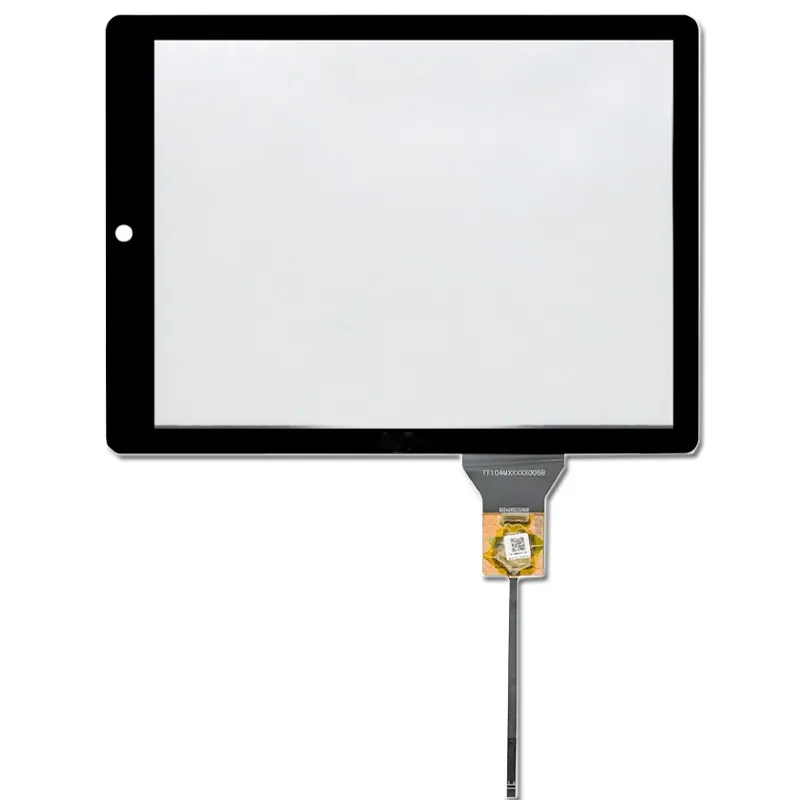
Enhance your user experience with either capacitive or resistive touch screen technology. We will customize the glass thickness and shape of the touch panel to ensure a perfect fit for your design requirements.
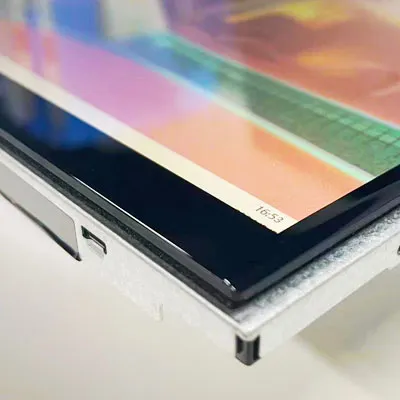
Custom Cover Glass
Equip your display with a custom-cut cover glass to boost durability and performance. Select from various thicknesses and opt for optical bonding to provide protection against moisture and debris, ensuring a long-lasting and reliable solution.
DS50173 FAQ
How do I identify the original LCD before ordering DS50173?
Use the full panel part number and revision from the unit label and the corresponding drawing. Send us photos of the old label and connector side. Compare the mounting holes, thickness, connector location and visible opening on both drawings before ordering.
Can I keep my existing LVDS cable and controller with DS50173?
For the listed LVDS interface, match the connector pinout, channel count, data mapping and panel supply before applying power. Check the existing backlight supply and enable/dim signals as well. Two connectors that look identical can carry different signals.
Will replacing my current panel with DS50173 require a change to the equipment software?
Try your service menus and startup graphics on a 800 × 600 canvas before approving the replacement. Compare the actual native timing and display orientation with the old module. Price any cable, firmware and mounting changes before committing to a substitute.
How do I check whether DS50173 will look right behind the original cover?
Use the listed 1500 cd/m² to shortlist the display, then judge the assembled product with its final cover and ambient lighting. Test cold boot, restart, brightness control and a full diagnostic image. Use the listed −30 °C to +85 °C operating range to plan cold starts and hot running tests, with temperature measured at the panel. Check that the cable clears the frame with the equipment closed.
What should I order if my equipment uses touch with the LCD that DS50173 would replace?
The listed configuration has no touch. If your design needs it, confirm the overlay, controller and cable as separate items in the quote. Give us the equipment model, approved panel and touch revisions where applicable, quantity and required date. Ask for the quoted revision and how a substitution would be handled.