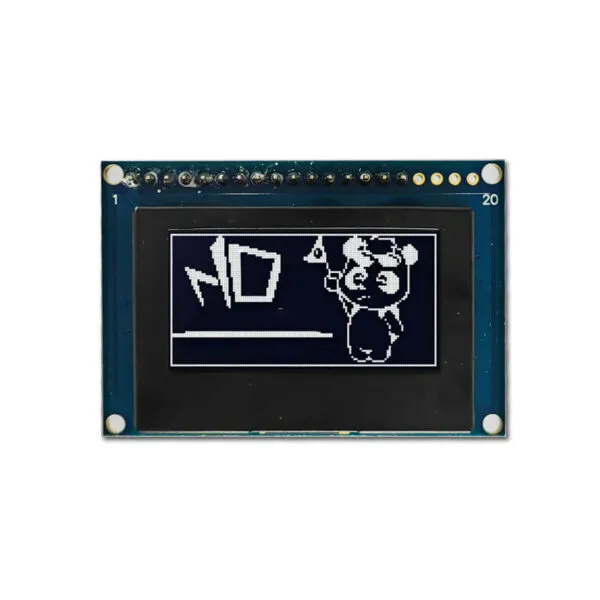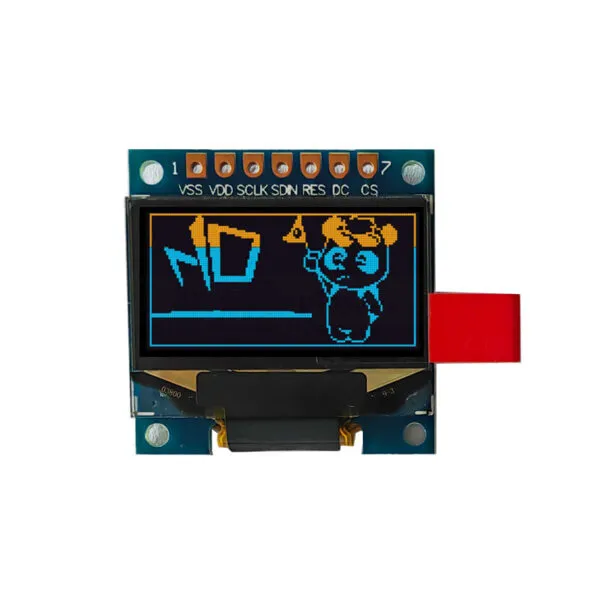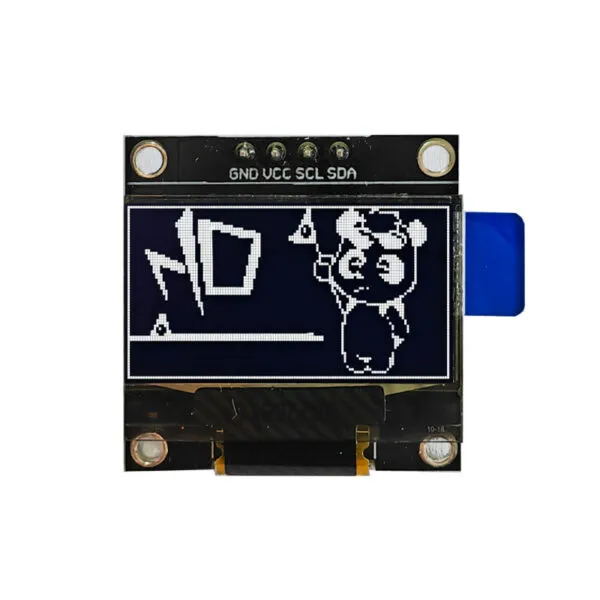

2.23 inch 128*32 Arduino LCD Screen SSD1305

SKU: DS10042
Size:

Resolution:

Interface:

,

Operating Temperature:

-0℃~40℃

Brightness(cd/m²):

200

Touchscreen Support:

Display Type:

Resources:

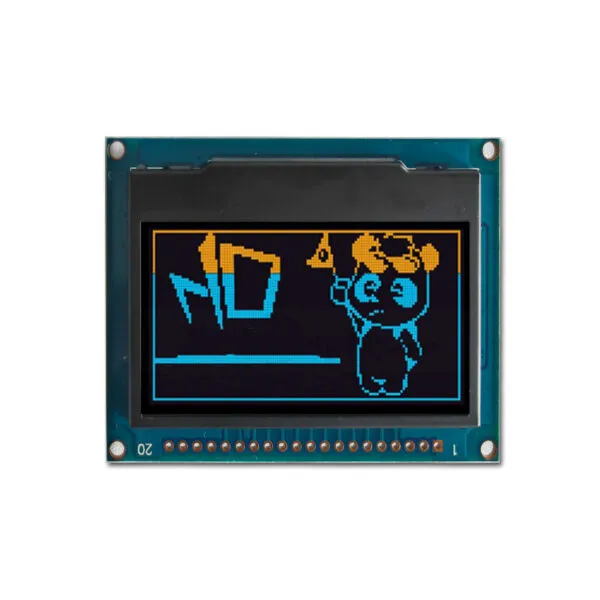
Arduino LCD Screen   Passive Matrix  Oled with  light color Blue  2.32 inch monochrome 128x32 oled display module with a PCB board    SSD1305 Controller  IC    8-BIT 68XX/80XX Parallel,4-wire SPI,I2C interface     Four screw holes are designed on the PCB

Request Volume Pricing


    Description

    2.23" Arduino Oled Display Features

    The 2.32 inch Arduino LCD Screen is a compact and efficient display solution designed for a variety of applications. This passive matrix OLED screen features a resolution of 128 x 32 pixels and displays vibrant visuals in a striking blue color, making it suitable for projects that require clear and engaging outputs.


    2.23" Arduino Oled Display Application

    The 2.32 inch Arduino LCD Screen is ideal for a variety of applications, making it a valuable component for Arduino projects, where hobbyists and makers can enhance their setups with a high-quality display. It is also well-suited for embedded systems, including IoT devices that require reliable visual outputs. Additionally, this display is perfect for DIY electronics, providing an effective means to showcase information and graphics in various projects. Furthermore, it can be integrated into consumer electronics like remote controls and portable gadgets, significantly enhancing user interfaces with clear and engaging visuals.

    2.23" Arduino Oled Display Product Specifications

    Panel Size(inch) 2.23(Diagonal)
    Display Mode Passive Matrix—OLED&Blue
    Interface 8-Bit 68XX/80XX Parallel ,4-Wire SPI ,I2C
    Drive Duty 1/32
    Driver IC SSD1305
    Shell 0.5T
    Outline Drawing 66.5(W)x35(H)x8.5Max(T)
    View Area 57.0(W)x15.1(H)
    Active Area 55.02(W)x13.1(H)
    Lattice 128dots x 32dots
    Pixel Pitch 0.43(W)x0.41(H)
    Pixel Size 0.41(W)x0.39(H)
    - -
    - -
    - -

    2.23" Arduino Oled Display Custom Solutions
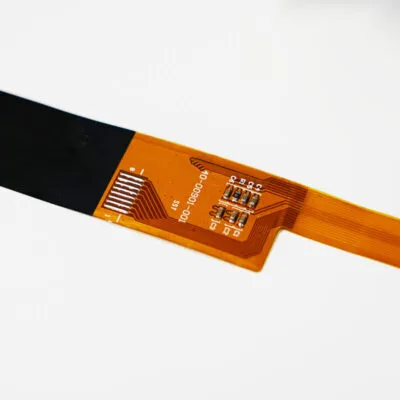
    Optimize Your Cable Solutions

    Adjust the length, position, and pinout of your cables, or add additional connectors to enhance functionality. Get a customized cable solution designed to streamline your connections and ensure secure, reliable performance.
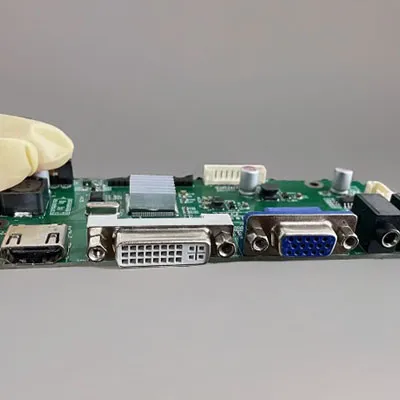
    LCD Interface Customization

    Select from a diverse range of interface options or consult our experts to find the ideal fit for your project. We can integrate HDMI, USB, SPI, VGA, and more into your display, helping you meet your design objectives efficiently.
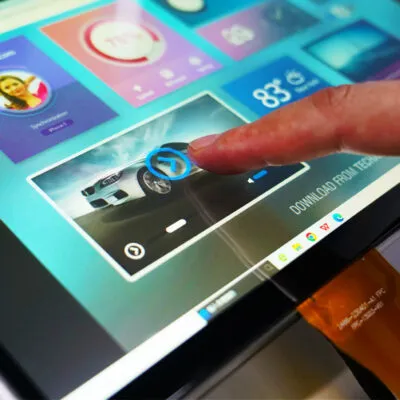
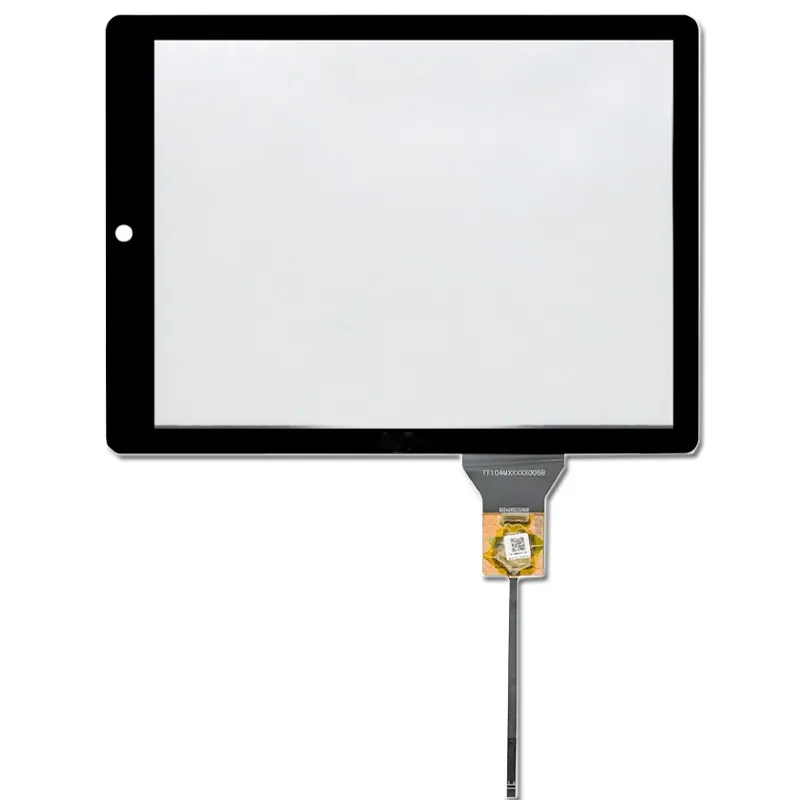
    Elevate User Experience with Touch Screen Technology

    Enhance your user experience with either capacitive or resistive touch screen technology. We will customize the glass thickness and shape of the touch panel to ensure a perfect fit for your design requirements.
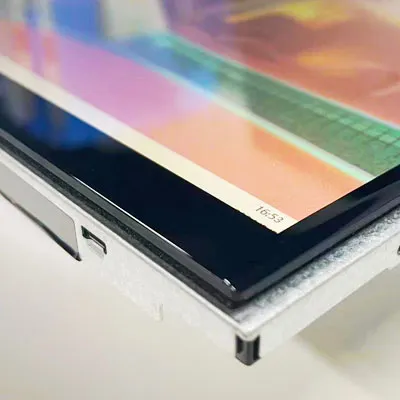
    custom touch

    Custom Cover Glass

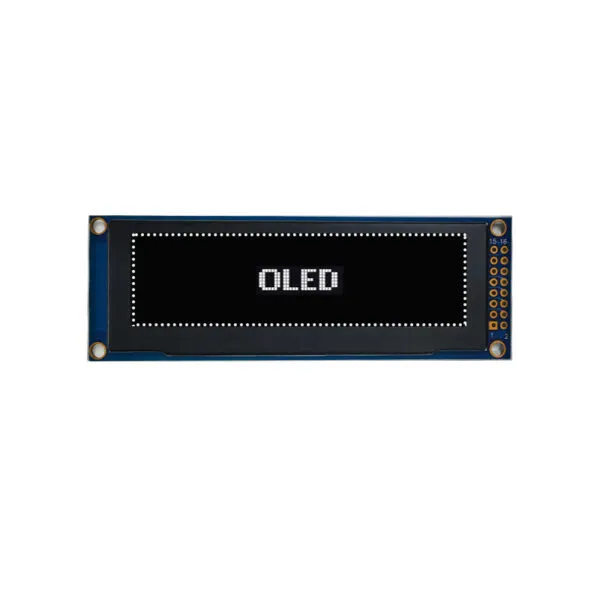
    Equip your display with a custom-cut cover glass to boost durability and performance. Select from various thicknesses and opt for optical bonding to provide protection against moisture and debris, ensuring a long-lasting and reliable solution.
    DS10042 FAQ

    Can I show my intended UI on DS10042 without clipping or running out of memory?

    Try your smallest text, longest labels and icons on a 128 × 32 canvas before committing to the enclosure. Calculate framebuffer memory for your selected pixel format and buffering strategy, then measure the update time with the intended microcontroller.

    How do I tell whether my existing library can drive DS10042?

    The catalog mentions SPI and I²C. Send us your host model and ask us to confirm the role and wiring of each connection on the configuration you plan to order. Check that the library names the exact display controller and supports its initialization, addressing and orientation. Test a full-screen pattern before porting the UI.

    Should I choose DS10042 or a module that uses a different display bus?

    Compare pin availability, logic levels, code support and measured full-screen update time with your existing host. Compare the candidates with the same content, cover and lighting, then select against your minimum contrast and viewing-angle requirements. Include the space needed for the connector and any adapter.

    What should I run on a sample of DS10042 before freezing my firmware?

    Test a power cycle, repeated wake, display rotation and the longest update with the other peripherals running. Use the exact drawing to decide whether the modules fits. Check the mounted connector and cable for strain.

    What should a repeat order of DS10042 match to keep my firmware working?

    Use the full module part number and revision from the unit label and the corresponding drawing. Include the controller identifier, bus variant, connector, approved initialization settings and sample revision on the purchase specification.

    Additional information

    Size:

    Resolution:

    Interface:

    ,

    Operating Temperature:

    -0℃~40℃

    Brightness(cd/m²):

    200

    Touchscreen Support:

    Display Type:

    Custom Display Solutions

    Work with our engineering experts to create the perfect display for your application. 

    Copyright © 2025 Displaysell.com. All Rights Reserved.

    Site Map

    Privacy Policy

    Terms Conditions