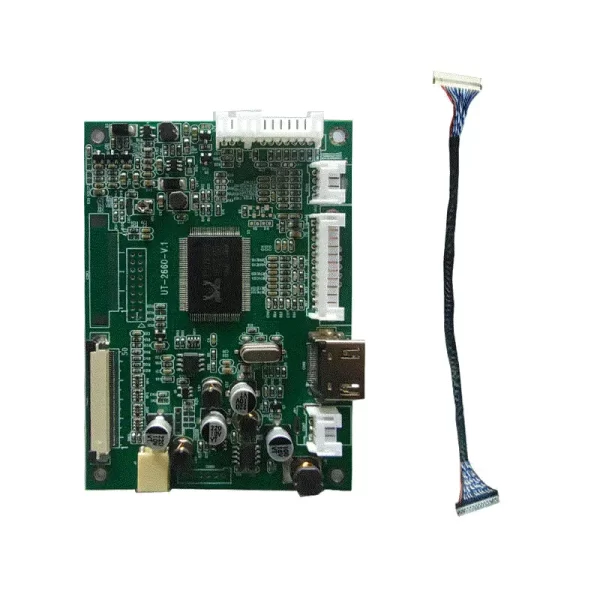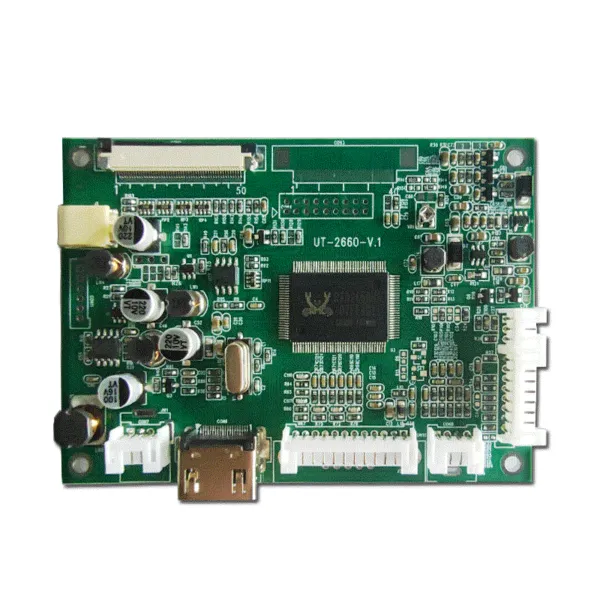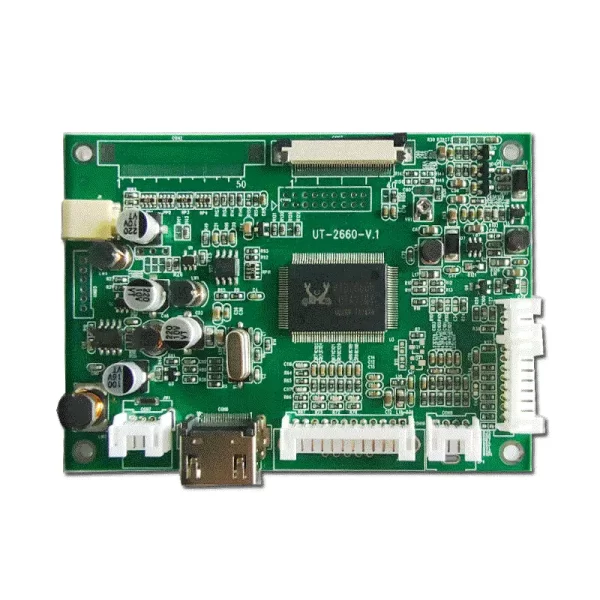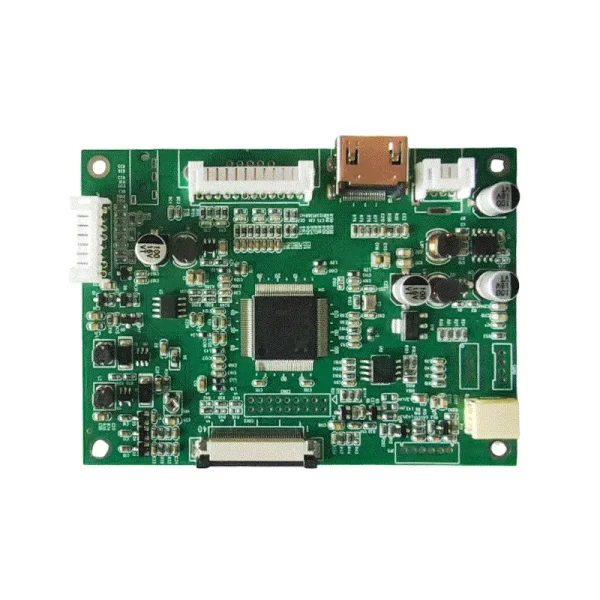




Description
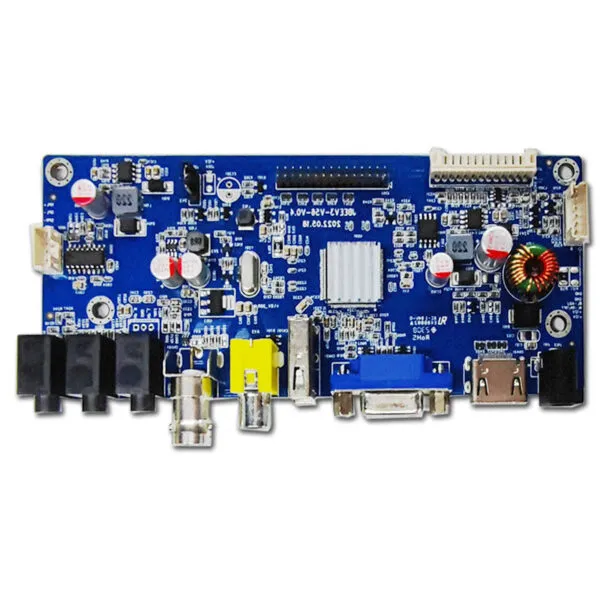
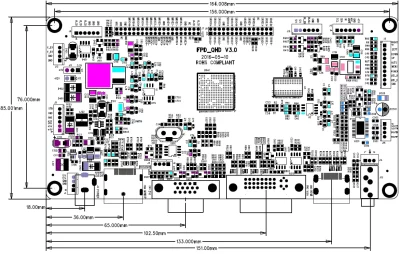
FPD-QHD TFT Driver Board:
|
✅ Optional automatic light sensor control ✅Built-in 2x8W audio amplifier ✅Supports HDMI 1.3, compatible with DisplayPort V1.2 |
 |
| Main Features | |||||||
| Display Output | Maximum Resolution | Max. 2560x1600 | |||||
| Output Interface | Single/Dual LVDS | ||||||
| Supported Signals | Analog RGB | Horizontal Freq: 30-120KHz Vertical Freq: 50-75Hz 0.7Vp-p@75ohm Separate/Composite/SOG sync support | |||||
| Digital DVI | Horizontal Freq: 30-120KHz Vertical Freq: 50-75Hz 0.7Vp-p@75ohm Separate/Composite/SOG sync support | ||||||
| DisplayPort Input | Supports 2.7Gbps and 1.62Gbps per lane 10.8Gbps bandwidth over 4 lanes | ||||||
| Buttons | Power, Menu, Exit, Plus, Minus | ||||||
| Menu Type | Graphical OSD | ||||||
| Language Support | Chinese, English, and 6 other languages | ||||||
| Function Operations | Picture | Mode/Brightness/Contrast/Saturation/Sharpness/Hue | |||||
| Function | Language/Reset/Color Temp. | ||||||
| PC | Clock/Phase/H position/V position/Auto configure | ||||||
| Input | <1W 12Vstb/200mA | ||||||
| Interface Definition | |||||||
| LVDS Output (40-pin) | |||||||
| Pin No. | Function | Pin No. | Function | Pin No. | Function | Pin No. | Function |
| 1 | Reserve | 11 | MRX00- | 21 | MRX03+ | 31 | MRXEC+ |
| 2 | HDP | 12 | MRX00+ | 22 | MRXE0- | 32 | MRXE3- |
| 3 | NC | 13 | MRX01- | 23 | MRXE0+ | 33 | MRXE3+ |
| 4 | GND | 14 | MRX01+ | 24 | GND | 34 | GND |
| 5 | GND | 15 | MRX02- | 25 | MRXE1- | 35 | NC |
| 6 | GND | 16 | MRX02+ | 26 | MRXE1+ | 36 | NC |
| 7 | MRX04- | 17 | GND | 27 | GND | 37 | NC |
| 8 | MRX04+ | 18 | MRX0C- | 28 | MRXE2- | 38 | VCC |
| 9 | MRXE4- | 19 | MRX0C+ | 29 | MRXE2+ | 39 | VCC |
| 10 | MRXE4+ | 20 | MRX03- | 30 | MRXEC- | 40 | VCC |
| LVDS Output (30-pin) | |||||||
| Pin No. | Function | Pin No. | Function | Pin No. | Function | ||
| 1 | SRXO0- | 11 | SRXO3- | 21 | SRXE2- | ||
| 2 | SRXO0+ | 12 | SRXO3+ | 22 | SRXE2+ | ||
| 3 | SRXO1- | 13 | SRXO4- | 23 | NC | ||
| 4 | SRXO1+ | 14 | SRXO4+ | 24 | NC | ||
| 5 | SRXO2- | 15 | GND | 25 | SRXEC- | ||
| 6 | SRXO2+ | 16 | GND | 26 | SRXEC+ | ||
| 7 | GND | 17 | SRXE0- | 27 | SRXE3- | ||
| 8 | GND | 18 | SRXE0+ | 28 | SRXE3+ | ||
| 9 | SRXOC- | 19 | SRXE1- | 29 | SRXE4- | ||
| 10 | SRXOC+ | 20 | SRXE1+ | 30 | SRXE4+ | ||
| Backlight Board Port | |||||||
| Pin No. | Function | Pin No. | Function | Pin No. | Function | ||
| 1 | 12V | 3 | INV-ON | 5 | GND | ||
| 2 | 12V | 4 | BRIGHT | 6 | GND | ||
| Panel Voltage Selection Port | |||||||
| Pin No. | Function | Pin No. | Function | ||||
| 1 | 3.3 V | 3 | 5V | ||||
| 2 | GND | ||||||