



Many customers come to us with the same question:
“Why does the black screen look grey instead of true black?”
At first, this may seem like a display quality issue.
But in most cases, it is not a defect — it is related to the type of LCD panel being used.
In this article, we’ll explain:
Why black looks grey on some TFT displays
The real differences between TN and IPS panels
How to choose the right display for your application
The “grey black” effect is most commonly seen on TN (Twisted Nematic) panels.
To understand why, let’s simplify how it works:
In a TN panel, liquid crystals twist to control light
This structure is fast and cost-effective
But it cannot fully block backlight evenly
Result:
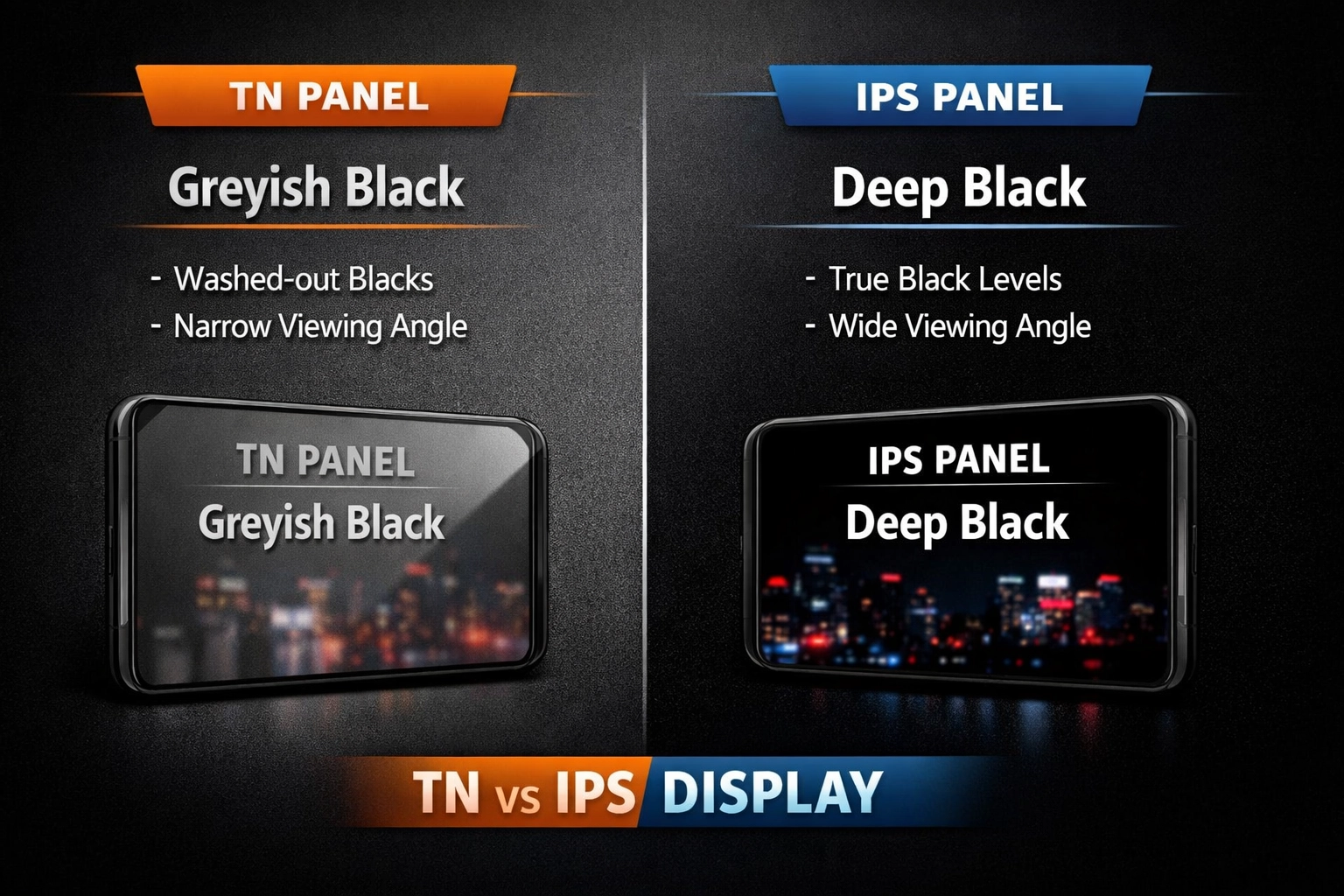
Some light leaks through, so black appears more like dark grey, especially at different viewing angles.
Important:
This is a technology limitation, not a quality issue.
TN vs IPS(differences and comparisons on display
)
Black & Contrast
- · TN: Black may look grey, contrast is less stable
· IPS: Deeper blacks, more consistent contrast
Viewing Angle
· TN: Colors shift or invert when viewed from different angles
· IPS: Stable image up to wide viewing angles
This is why IPS is preferred for multi-user environments
Color Accuracy
· TN: Limited color depth, less accurate
· IPS: Richer and more accurate colors
Important for UI, medical, and high-end applications
Response Time
· TN: Faster response, ideal for dynamic data
· IPS: Slightly slower, but visually smoother
User Experience
· TN: Functional and cost-efficient
· IPS: More premium and visually consistent
In many projects, customers expect:
Deep black
High contrast
No color shift
But if a TN panel is selected:
These expectations may not be fully met
This often leads to:
Misunderstanding of product quality
Unnecessary complaints or returns
Require better color accuracy
Need wide viewing angles
Care about visual experience
Typical applications:
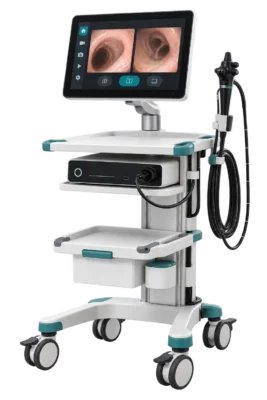
Medical devices, automotive displays, smart interfaces
Example:
When selecting a display, don’t just look at specifications like resolution or brightness.
The most important factor is:
How the display will actually be used
Understanding TN and IPS differences helps:
Set correct expectations
Reduce project risk
Improve long-term performance
If you're not sure which panel is right for your project,
feel free to contact us — we’re happy to provide suggestions based on your application
TN vs IPS Black Level FAQs
How can I tell normal viewing-angle shift from a fault in a grey-looking black image?
Use the same backlight setting and compare a full-black field from straight on and from your intended viewing positions. Uniform changes with angle are consistent with panel viewing behavior. A persistent localized patch calls for checking cover pressure, the backlight assembly or the panel against your acceptance criteria.
Does moving from TN to IPS always fix washed-out blacks in a control panel?
IPS can improve consistency as the operator moves. Check straight-on black level, reflections through the final cover and the lowest practical backlight setting with the actual interface. Compare both samples under the same lighting before choosing.
What should we specify for equipment normally viewed from below the screen?
Share the mounting angle and the operator's eye positions with us. Compare up, down, left and right separately using black, dark-grey and text patterns. Use the installed orientation to define the angle range and minimum legibility for acceptance.

