
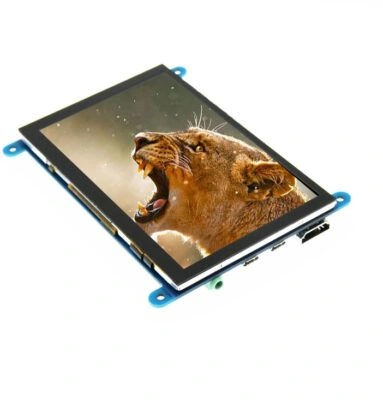
5 inch TFT Display for Raspberry PI with HDMI Capacitive Touch

SKU: DS20195
Size:

Resolution:

Interface:

Board Support

Raspberry Pi

Touchscreen Support:

abc

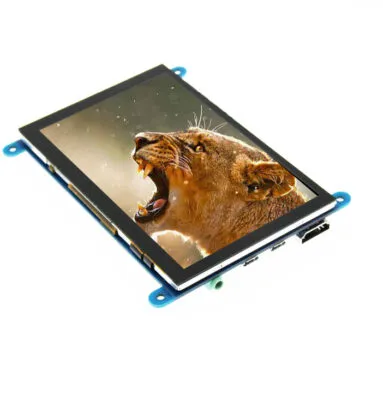
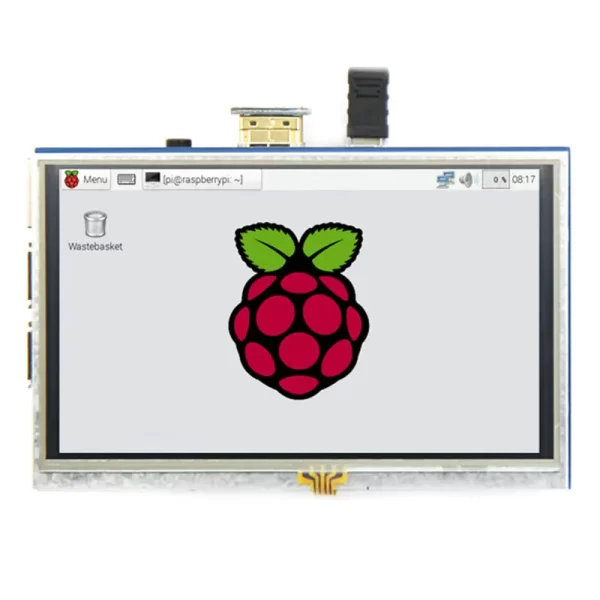
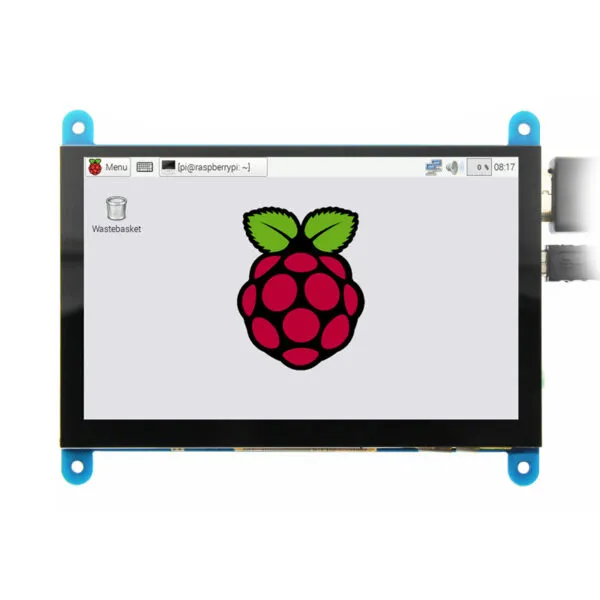
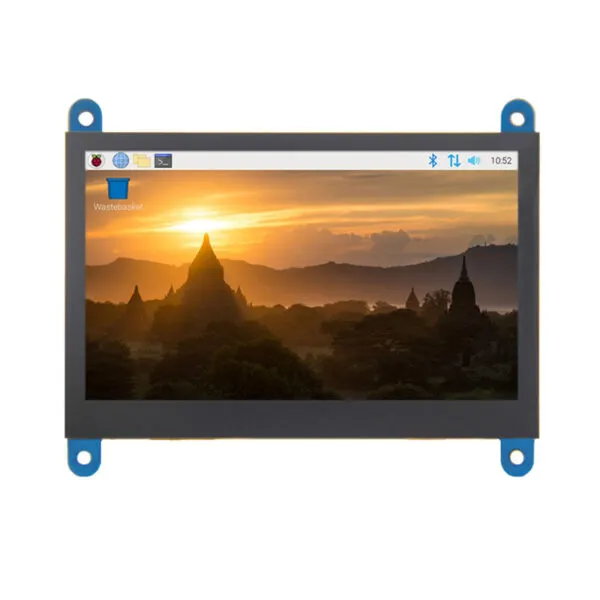
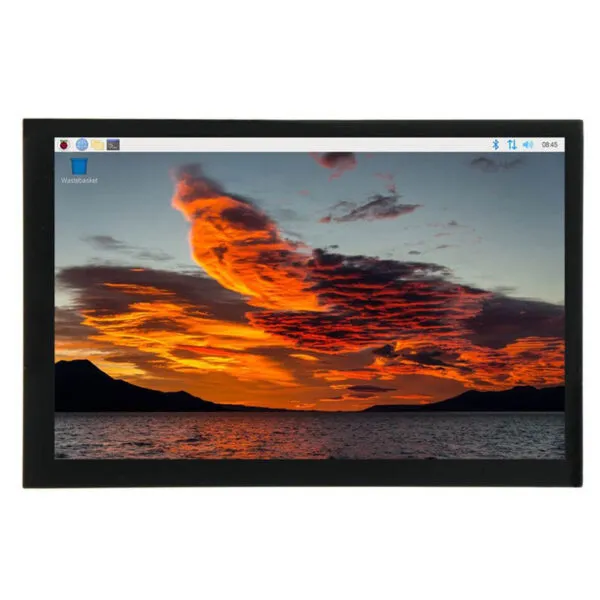
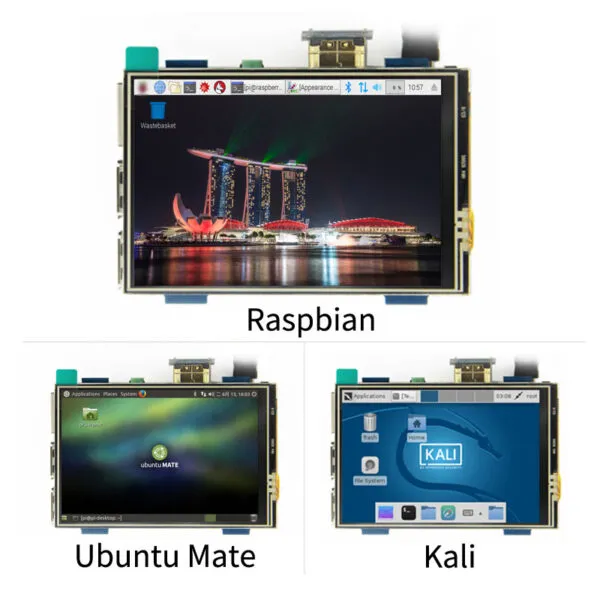
5 inch TFT Display for Raspberry PI, with HDMI interface , 800*480 high resolution, resistive touch, Compatible withRaspbian、Ubuntu、WIN10 IOT and so on

Request Volume Pricing


    Description

    5 inch TFT Display for Raspberry PI main features:

    • 5"standard display, 800x480 resolution,maximum HDMI resolution 1920X1080 is supported
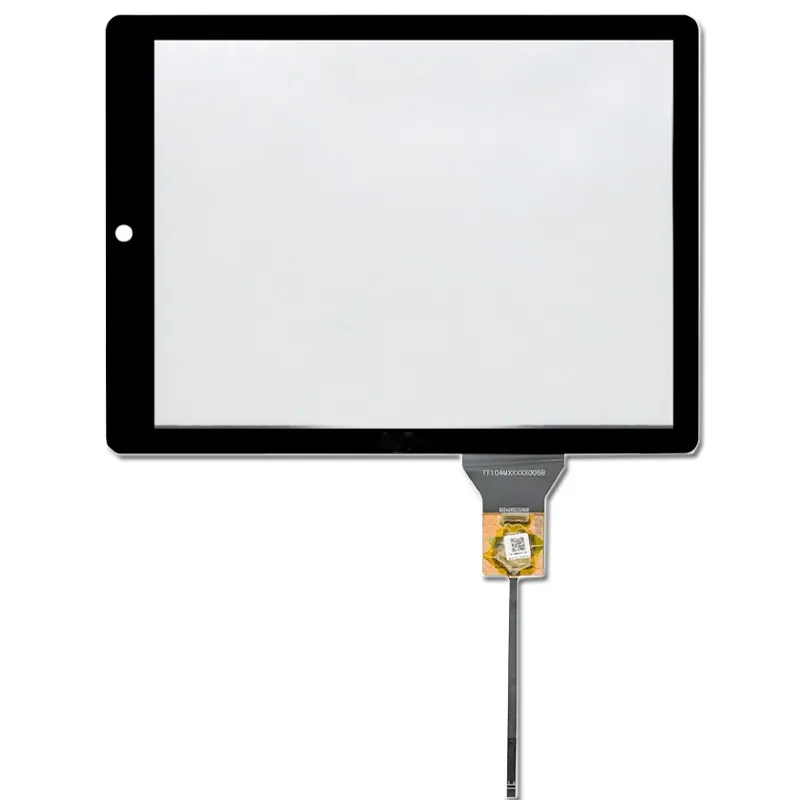
    • Capacitive touch screen, support 5 point touch maximum
    • Built-in OSD menu adjustment function (adjustable Contrast/ Brightness/Saturation, etc.)
    • It is compatible with mainstream mini PC such as Raspberry Pi, BB Black, Banana Pi
    • It can also be used as a general-purpose HDMI display, connecting computers, TV boxes, Microsoft Xbox360, SONY PS4, Nintendo Switch and so on
    • Used as a Raspberry Pi display that supports Raspbian, Ubuntu, Kodi, Win10 IOT, single-touch, free drive
    • Work as a PC monitor, support Win7, Win8, Win10 system 5 point touch (XP and older version system: single-point touch), free drive
    • Support HDMI audio output
    • CE, RoHS certification
    raspberry pi tft lcd


    Key Parameters Size 5.0(inch)
    SKU DS20195
    Physical resolution 800 × 480(dots)
    Software adjustable resolution 800 × 480~1920×1080(dots)
    Touch 5 point capacitive touch
    Audio output support
    Active Area 108.00*64.80 (mm)
    Dimensions 121.11*95.24 (mm)
    Packaging size 153*135*51 (mm)
    Weight (including packaging) 259 (g)
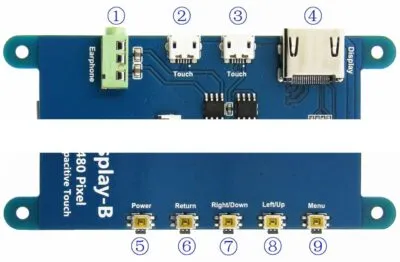
    Hardware Description 5 inch raspberry tft hardware
    ①Earphone 3.5mm Audio output interface
    ②&③ Touch USB connector ( For power supply and touch output, the functions of the both are the same, can just use one of them)
    ④ Display HDMI interface ( For connecting motherboard and LCD monitor)
    ⑤Power Turn on or off display and backlight to save power consumption
    ⑥ Return Return (Only valid in the OSD Settings menu)
    ⑦ Right/Down Direction Right/Down (Backlight shortcut key)
    ⑧ Left/Up Direction Left/Up (Backlight shortcut key)
    ⑨ Menu Open the OSD / Select key (Only valid in the OSD Settings menu)

    Download

    DS20195 FAQ

    Can I mount DS20195 with my Raspberry Pi and still reach the connectors?

    Use the 5-inch diagonal to shortlist display assemblies, then check the exact drawing for fit. Check the mounting stack, cable exit, port access and clearance for the actual Pi model and enclosure. Test fit with power and data cables plugged in.

    How can I check whether DS20195 works with my Pi and OS image?

    For the listed HDMI interface, confirm the source can output a mode accepted by the supplied controller and check separately how the display is powered. Send us the Pi model, OS image and kernel version. Confirm the display mode and any touch driver on that exact setup before committing to the hardware.

    Should I choose DS20195 or another Pi screen for my interface?

    Try your your application in its intended orientation on a 800 × 480 canvas before committing to the enclosure. Compare boot reliability, usable screen area, power budget and the OS setup each option needs. Judge readability on the assembled product with its final cover and ambient lighting.

    What should I test on DS20195 before building more units?

    Start from a clean copy of the production OS, then test reboot, resume and reconnect with the production cables and power supply. If touch is required, confirm the controller, host driver and cover stack for the exact configuration and test edge taps on the sample. Check that touch and graphics remain aligned after rotation.

    What should I record so later orders of DS20195 behave like the approved build?

    Record the Pi model, OS image version, approved display and controller revision, cable and power configuration. Include your accepted boot and touch test results when requesting the production quote.

    Additional information

    Size:

    Resolution:

    Interface:

    Board Support

    Raspberry Pi

    Touchscreen Support:

    Custom Display Solutions

    Work with our engineering experts to create the perfect display for your application. 

    Copyright © 2025 Displaysell.com. All Rights Reserved.

    Site Map

    Privacy Policy

    Terms Conditions