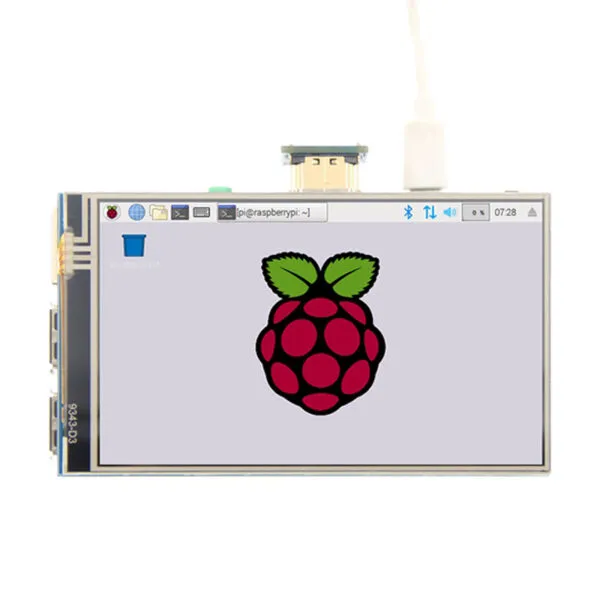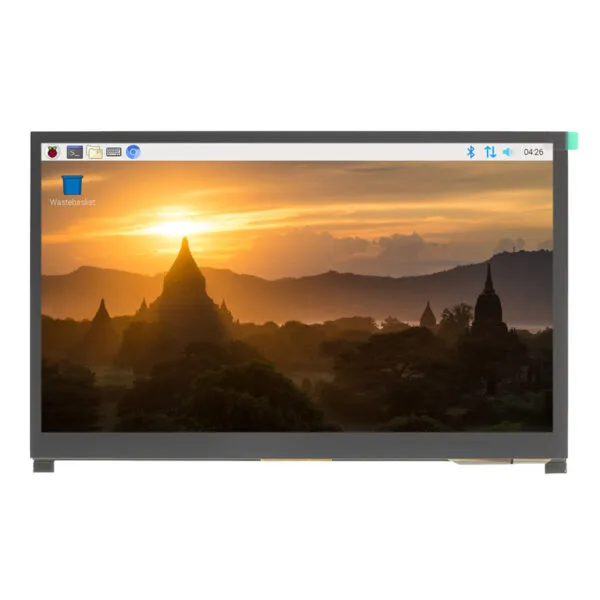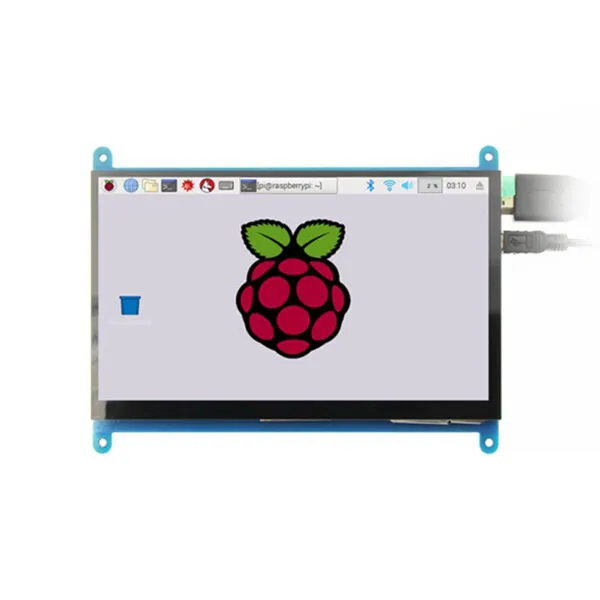

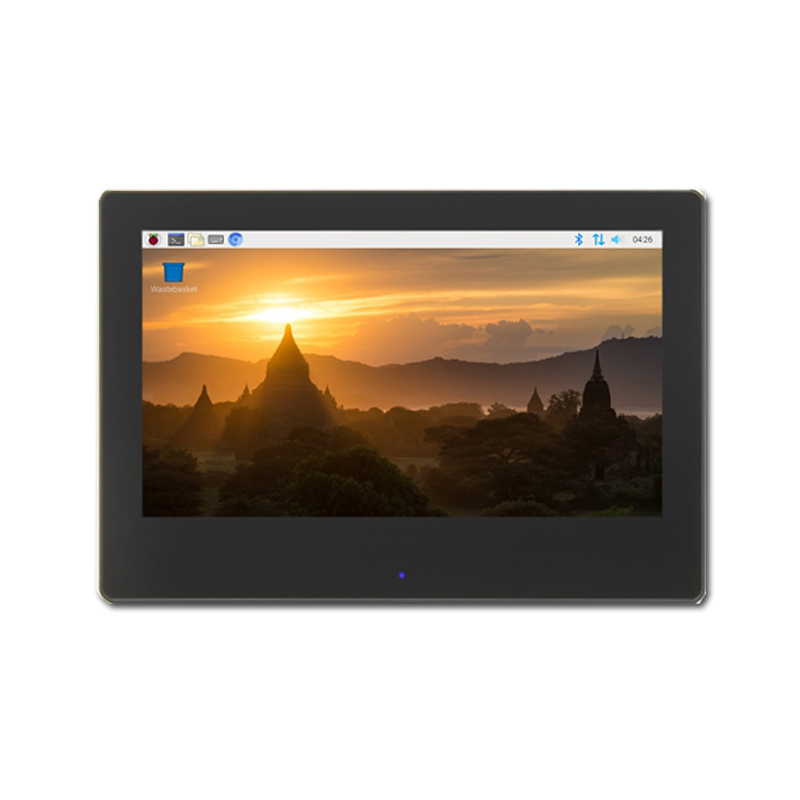
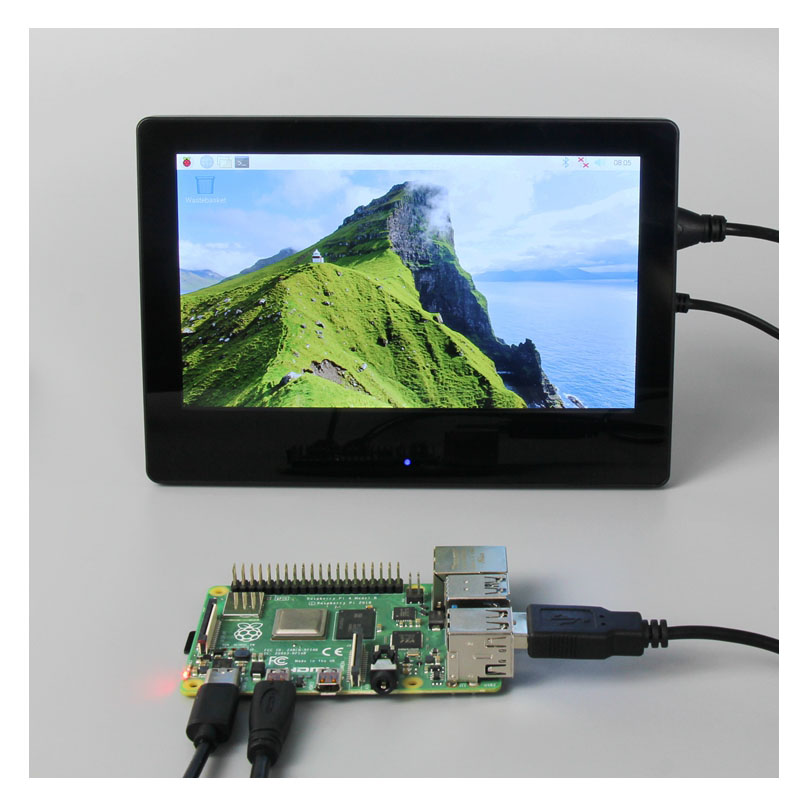
Raspberry pi with touch screen monitor 7 inch, HDMI

SKU: DS20233
Size:

Resolution:

Interface:

Touchscreen Support:

Board Support

Raspberry Pi, BB Black, Banana Pi

Resources:

Raspberry pi with touch screen monitor,7 inch, Compatible with Raspberry Pi, BB Black, Banana Pi and other mainstream mini PC, Can as screen extender for laptop

Request Volume Pricing


    Description

    Portable HDMI Screen 7 inch:

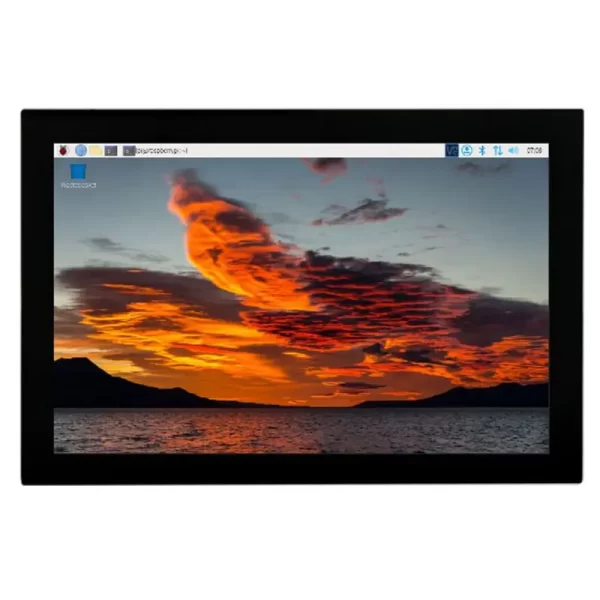
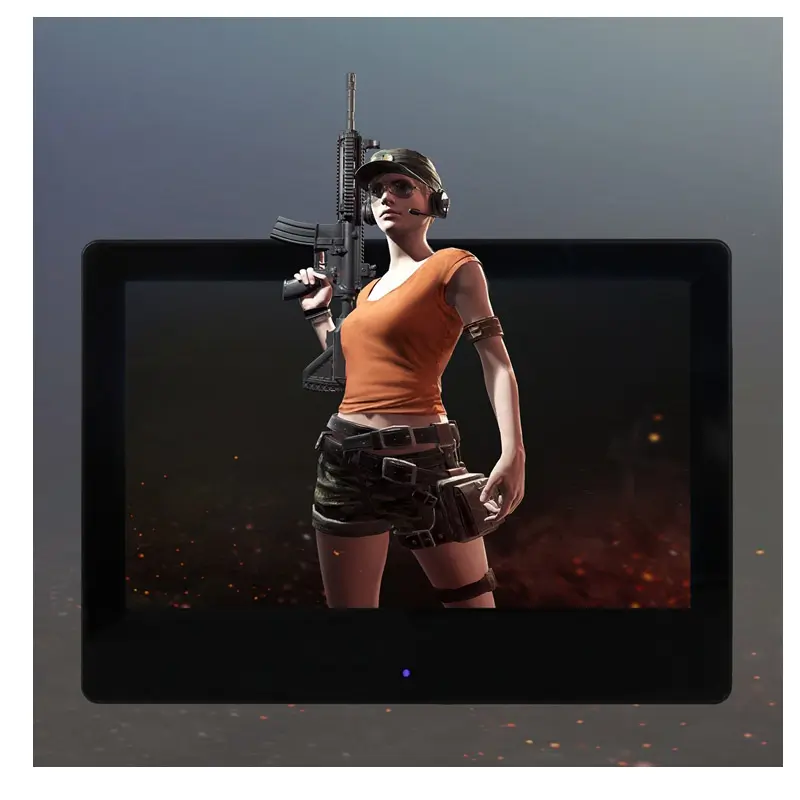
    IPS Full-View Display/Wide viewing angle/Excellent dynamic image quality/High-definition 1024×600 dot matrix resolution
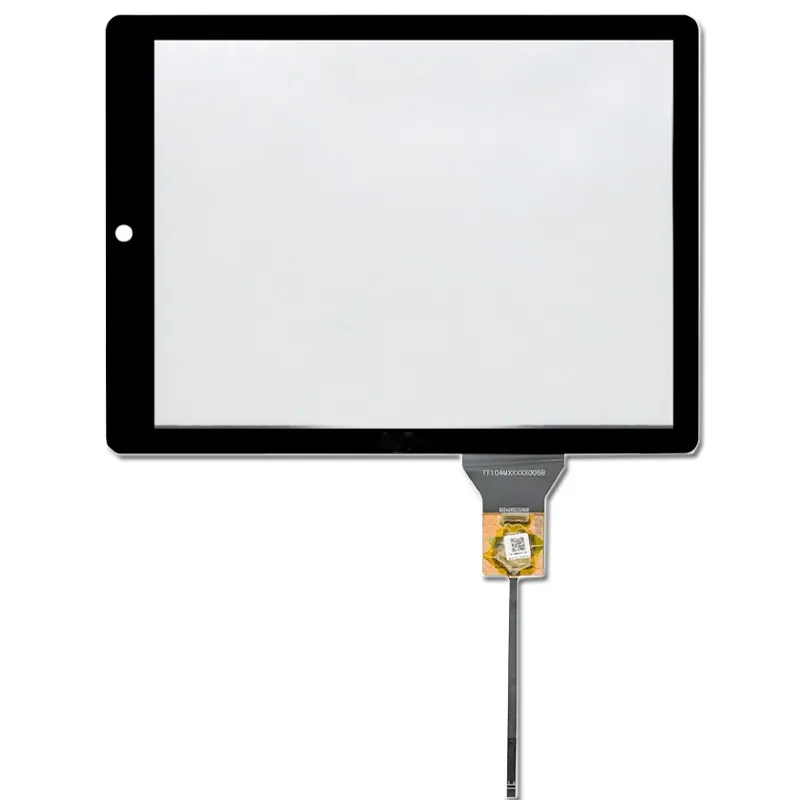
    Tempered Glass Touch Panel
    6H hardness for durability and scratch resistance
    Built-in Sound System
    Integrated amplifier circuit
    Stereo dual-speaker system that syncs with music during use
    Front Panel Dimmer & Breathing Light
    Hidden touch buttons on the front panel for one-key backlight adjustment
    Built-in breathing light to indicate working status
    For Mini PC Displays
    Compatible with popular development boards: Raspberry Pi, Banana Pi, BB Black, etc.
    Works with Raspberry Pi: supports systems like Raspbian, Kali Linux, Ubuntu; plug-and-play multi-touch, no drivers needed.
    For Computer Displays
    Supports Windows 10/8/7; plug-and-play 5-point touch, no drivers needed.


    Product Pictures
    hdmi-tft-display
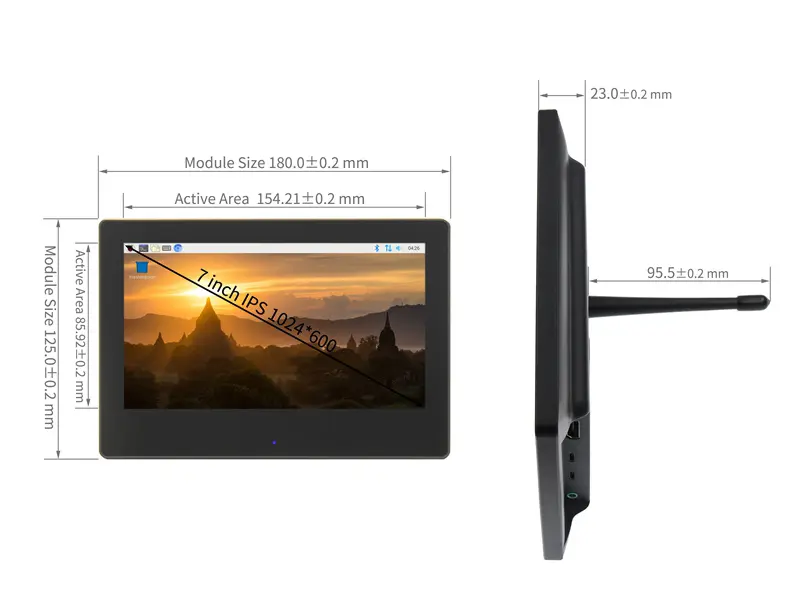
    size


    Interface Function:
    Interface Introduction
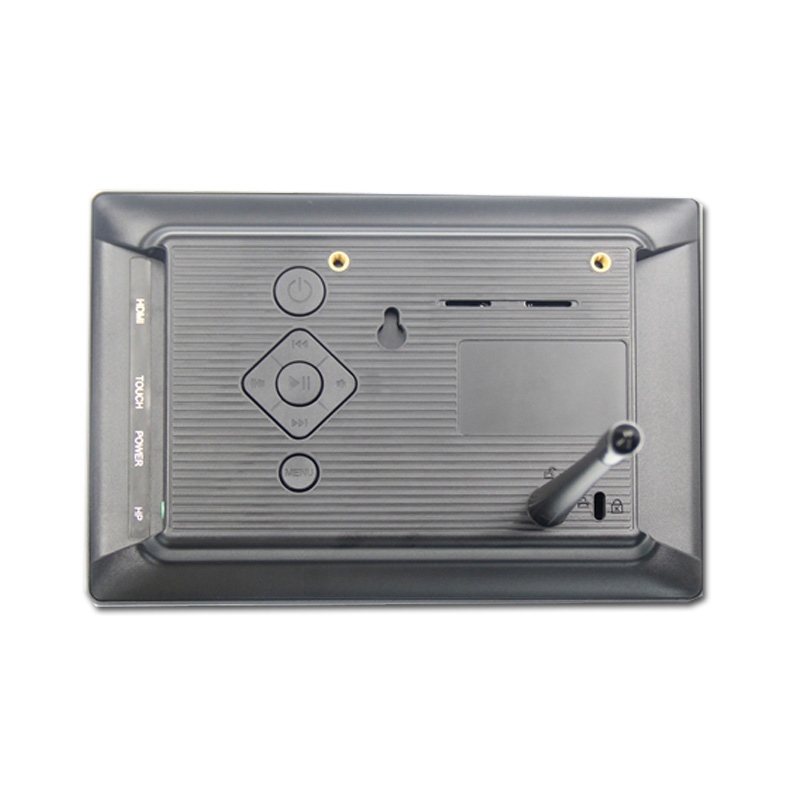
    Button& Interface Note
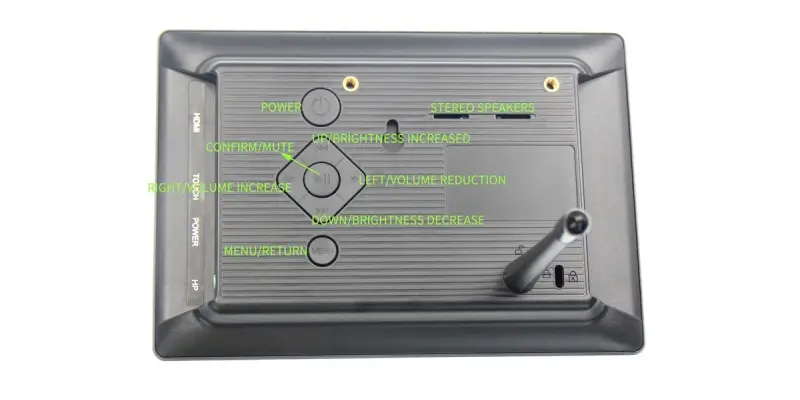
    Breathing Light Touch Sensing Short press once: Increase backlight brightness by 10%, cycles back to 10% after reaching 100%.
    Long press for 3 seconds: Turn off backlight; short press to restore previous brightness.
    Power Button Single press: Power on system, breathing light turns blue (slow flash for working state).
    Single
    press again: Power off system, breathing light turns red (slow flash for standby state).
    MENU Button Toggle system settings menu; return function.
    Confirm Button Shortcut: Mute; confirm selections in system settings menu.
    Directional Keys Up: Shortcut: Backlight brightness +; navigate up in settings menu.
    Down: Shortcut: Backlight brightness -; navigate down in settings menu.
    Left: Shortcut: Volume -; navigate left in settings menu.
    Right: Shortcut: Volume +; navigate right in settings menu.


    7" Raspberry Pi Screen Key Parameters :

    Size(inch) 7
    Resolution(pixels) 1024 x 600(RGB)
    Display area(mm) 154.21(W) x 85.92(H)
    Outline dimension 180(W) x 125(H)
    Viewing angle ALL 0’ CLOCK
    Touch screen type 5 point capacitive touch
    Weight 510g

    Download

    DS20233 FAQ

    Can I mount DS20233 with my Raspberry Pi and still reach the connectors?

    Use the 7-inch diagonal to shortlist display assemblies, then check the exact drawing for fit. Check the mounting stack, cable exit, port access and clearance for the actual Pi model and enclosure. Test fit with power and data cables plugged in.

    How can I check whether DS20233 works with my Pi and OS image?

    For the listed HDMI interface, confirm the source can output a mode accepted by the supplied controller and check separately how the display is powered. Send us the Pi model, OS image and kernel version. Confirm the display mode and any touch driver on that exact setup before committing to the hardware.

    Should I choose DS20233 or another Pi screen for my interface?

    Try your your application in its intended orientation on a 1024 × 600 canvas before committing to the enclosure. Compare boot reliability, usable screen area, power budget and the OS setup each option needs. Judge readability on the assembled product with its final cover and ambient lighting.

    What should I test on DS20233 before building more units?

    Start from a clean copy of the production OS, then test reboot, resume and reconnect with the production cables and power supply. For the listed capacitive touch, verify the host driver and test edge taps with the final cover and the way operators will actually use it. Check that touch and graphics remain aligned after rotation.

    What should I record so later orders of DS20233 behave like the approved build?

    Record the Pi model, OS image version, approved display and controller revision, cable and power configuration. Include your accepted boot and touch test results when requesting the production quote.

    Additional information

    Size:

    Resolution:

    Interface:

    Touchscreen Support:

    Board Support

    Raspberry Pi, BB Black, Banana Pi

    Custom Display Solutions

    Work with our engineering experts to create the perfect display for your application. 

    Copyright © 2025 Displaysell.com. All Rights Reserved.

    Site Map

    Privacy Policy

    Terms Conditions